Configuring User Redirection in WooCommerce
Redirect After Registration, Login, and Logout Settings
After Login:
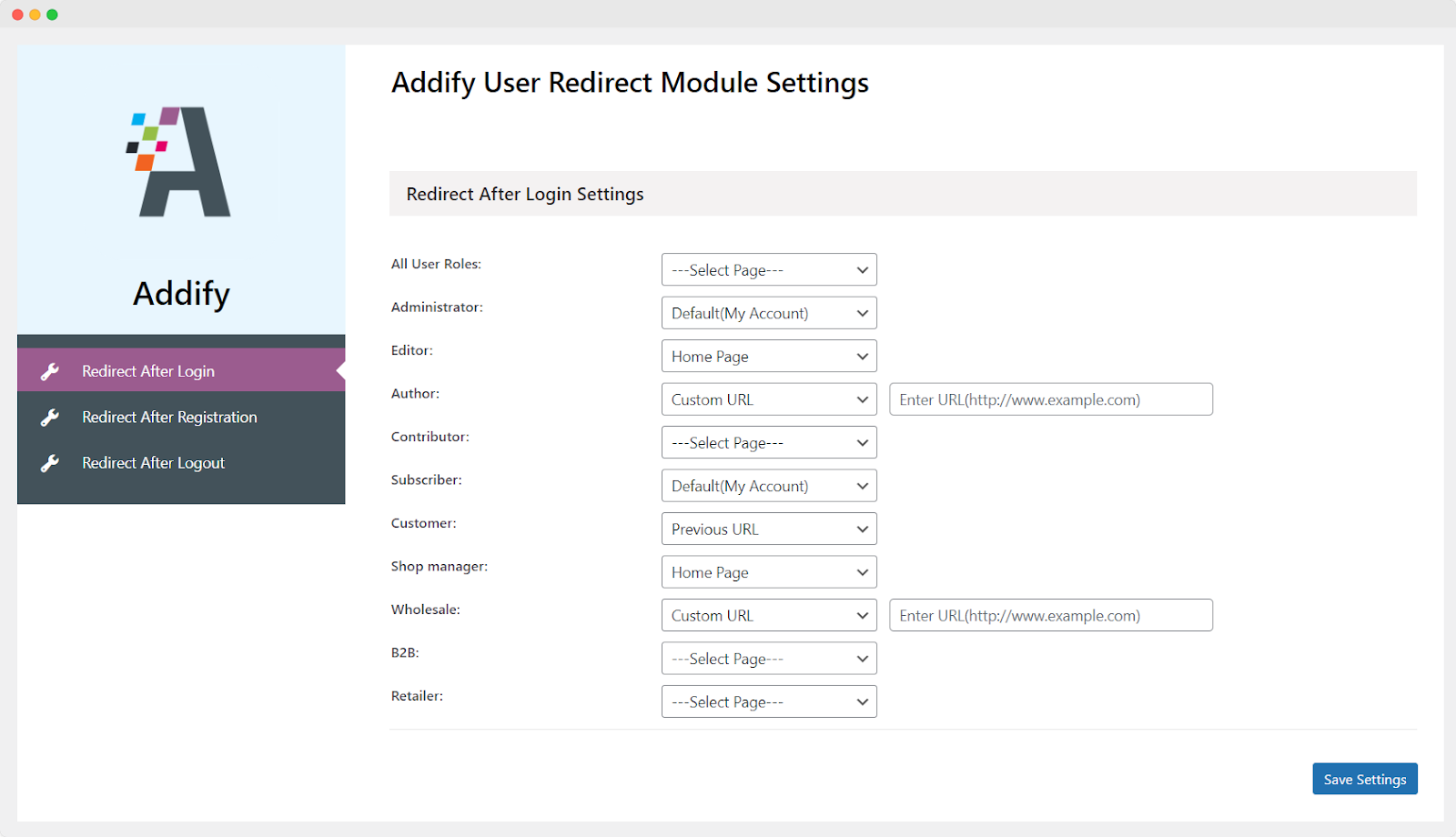
Go to WooCommerce > User Redirect > Redirect After Login Settings. Here, you can configure the redirection settings for the following user roles:
- Administrator
- Editor
- Author
- Contributor
- Subscriber
- Customer
- Shop Manager
- Wholesale
- B2B
- Retailer
The redirection page dropdown gives you the following options:
- Default (My account)
- Previous URL
- Homepage
- Custom URL
Just as you’ve set up Login Redirection, you can also configure redirection of users after user registration and upon logout. However, note that the option to redirect to the previous page is not available for “logout” due to technological limitations.