


Smart AI Image Enhancer For WooCommerce
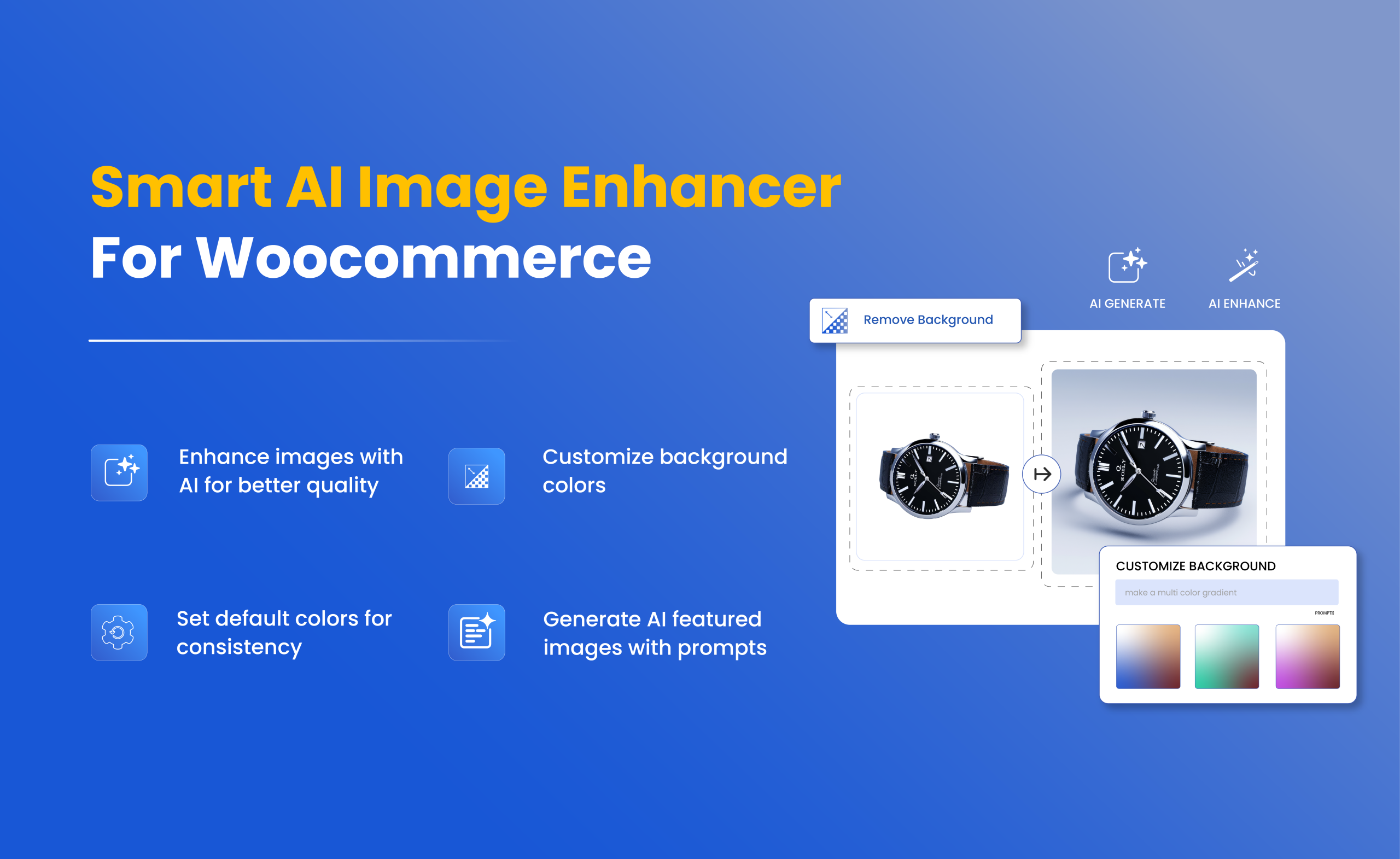
Enhance your store visuals with a smarter, more efficient image management solution. Use Addify Smart AI image enhancer to improve product and gallery images, customize backgrounds, and generate high-quality visuals based on your needs.
With support for advanced AI models like Gemini and OpenAI, you can easily control how your images look while maintaining consistent quality across your store. The plugin offers to set default image quality, apply background preferences, and generate featured images using a single prompt. Additionally, this plugin lets you enhance images directly from your woocommerce dashboard and track all actions through detailed logs.
Key Features
- Enhance images with AI for high-quality visuals.
- Customize backgrounds for a professional look.
- Set default colors to maintain consistency across the store.
- Generate AI-powered featured images automatically with a prompt.
-

Extension Partner
$4.92/month
Billed annually at $59 / month
- 1 year free support
- 1 year extension updates
30 DAYS MONEY BACK GUARANTEE
Your money is secure with our buyer protection. Claim a full refund for any reason.
Detailed Features of AI Image Enhancer For WooCommerce
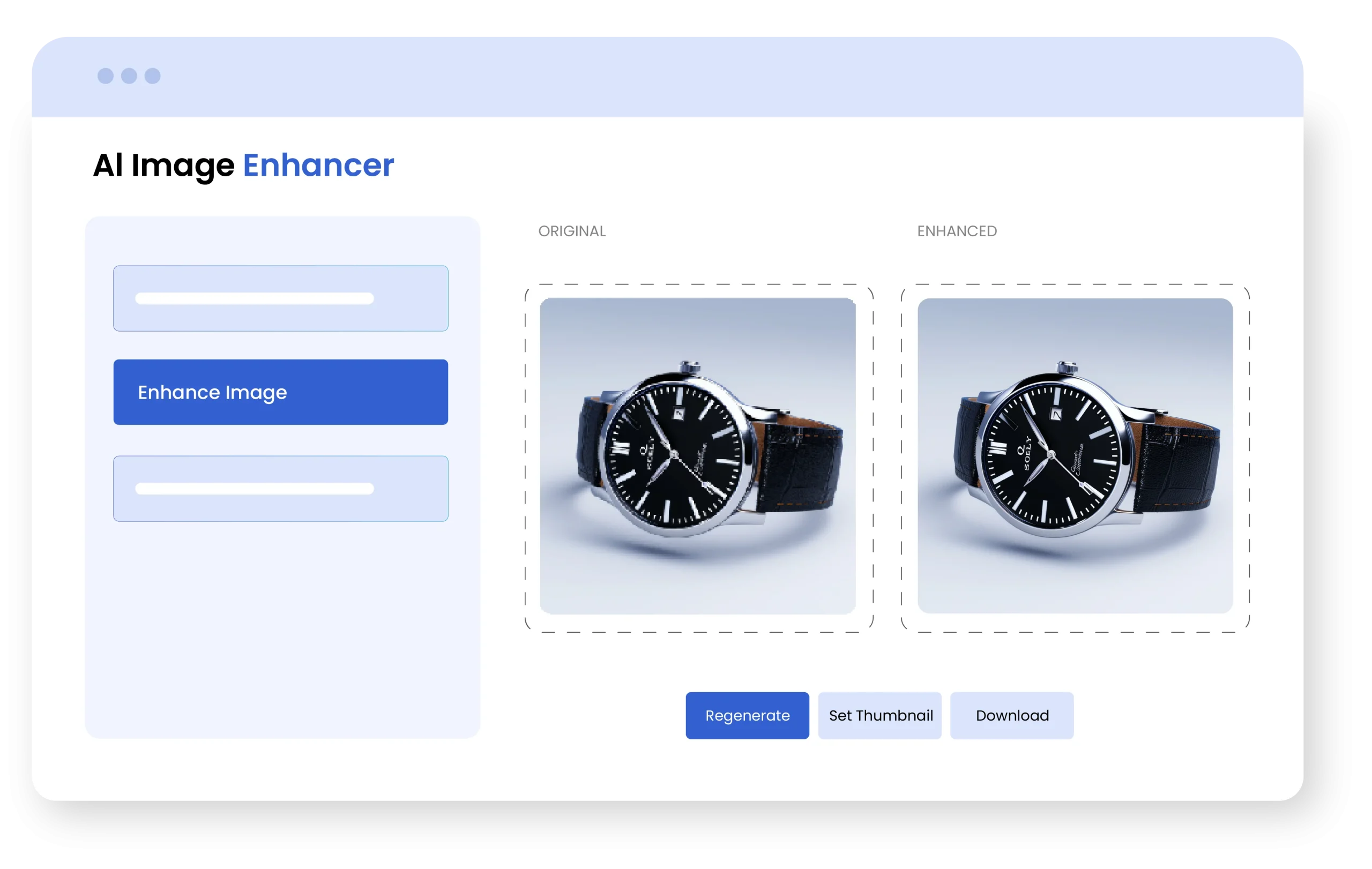
Instantly Enhance WooCommerce Product & Gallery Images
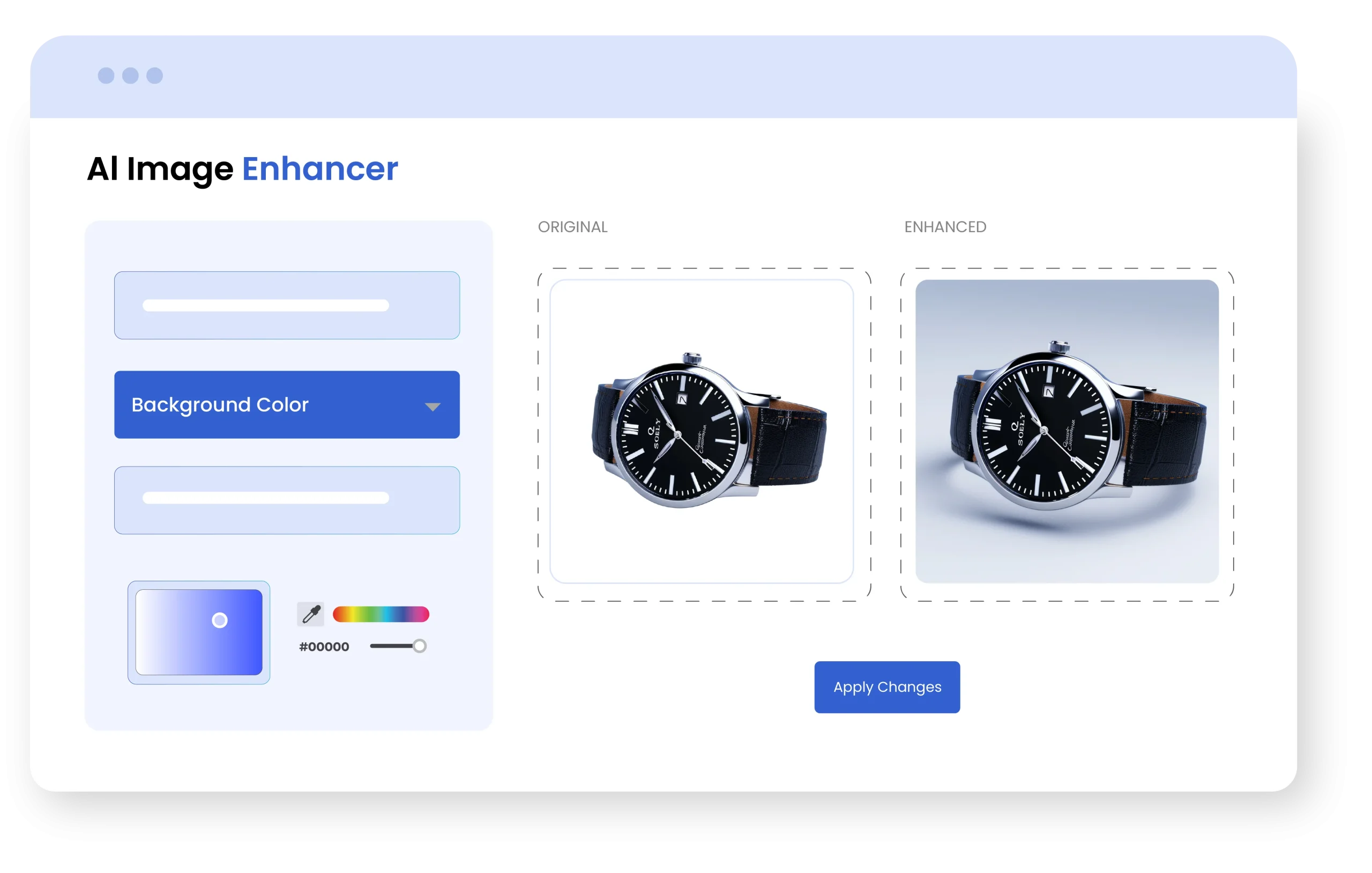
The plugin can make the quality of product and gallery images better within seconds inside your woocommerce store. It uses AI tools (Gemini and OpenAI) to make images look sharper, improve the visuals, and make them stand out by balancing colors. Even low-quality images can be improved with just a few clicks, making them look professional and attractive.
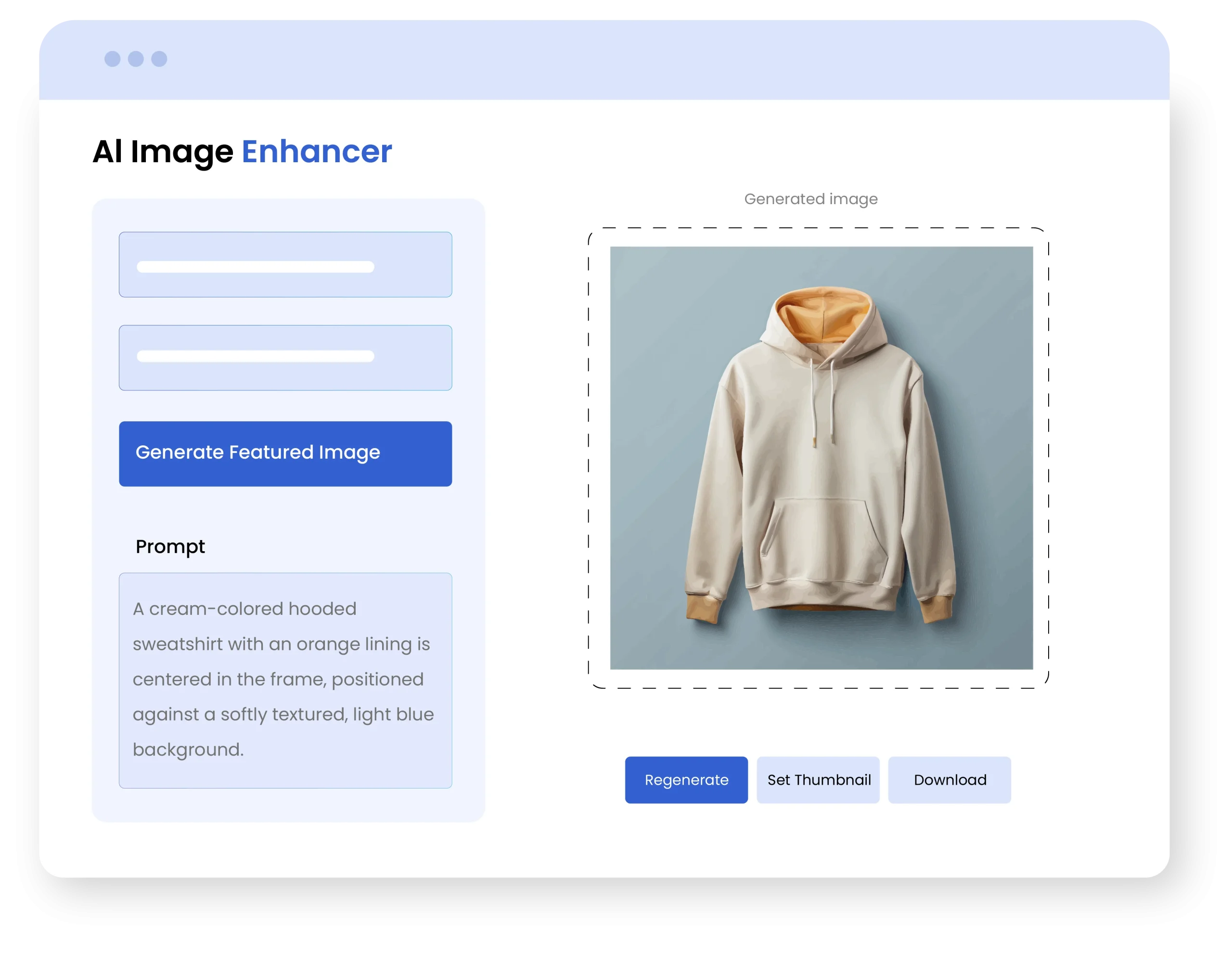
Generate Product Images with AI
With an AI product image generator, you can easily generate featured images by giving a clear prompt, explaining the background, environment, angles, or mood you want for the image. Make sure to exclude any brand names or copyrighted terms. This helps in getting you achieve the image that you require or need.
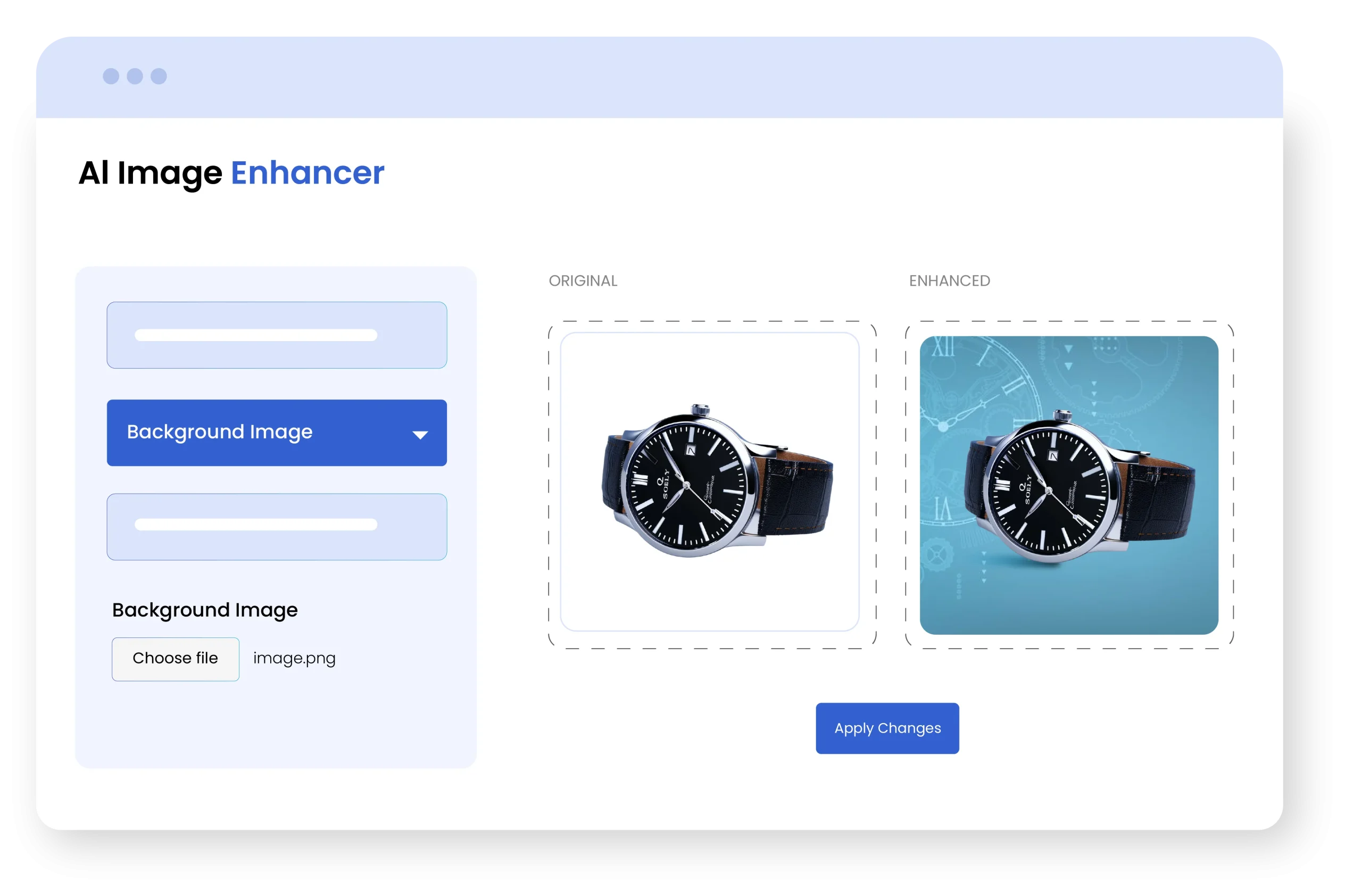
Remove or Customize Image Backgrounds Using AI
The AI image enhancer allows you to add or change the background of your product image. Either replace the original background with a new one or set a background color for the entire store. The AI for woocommerce makes the product look attractive and removes the need for manual adjustments, giving a professional look across your store.
Monitor Image Enhancements with Detailed Activity Logs
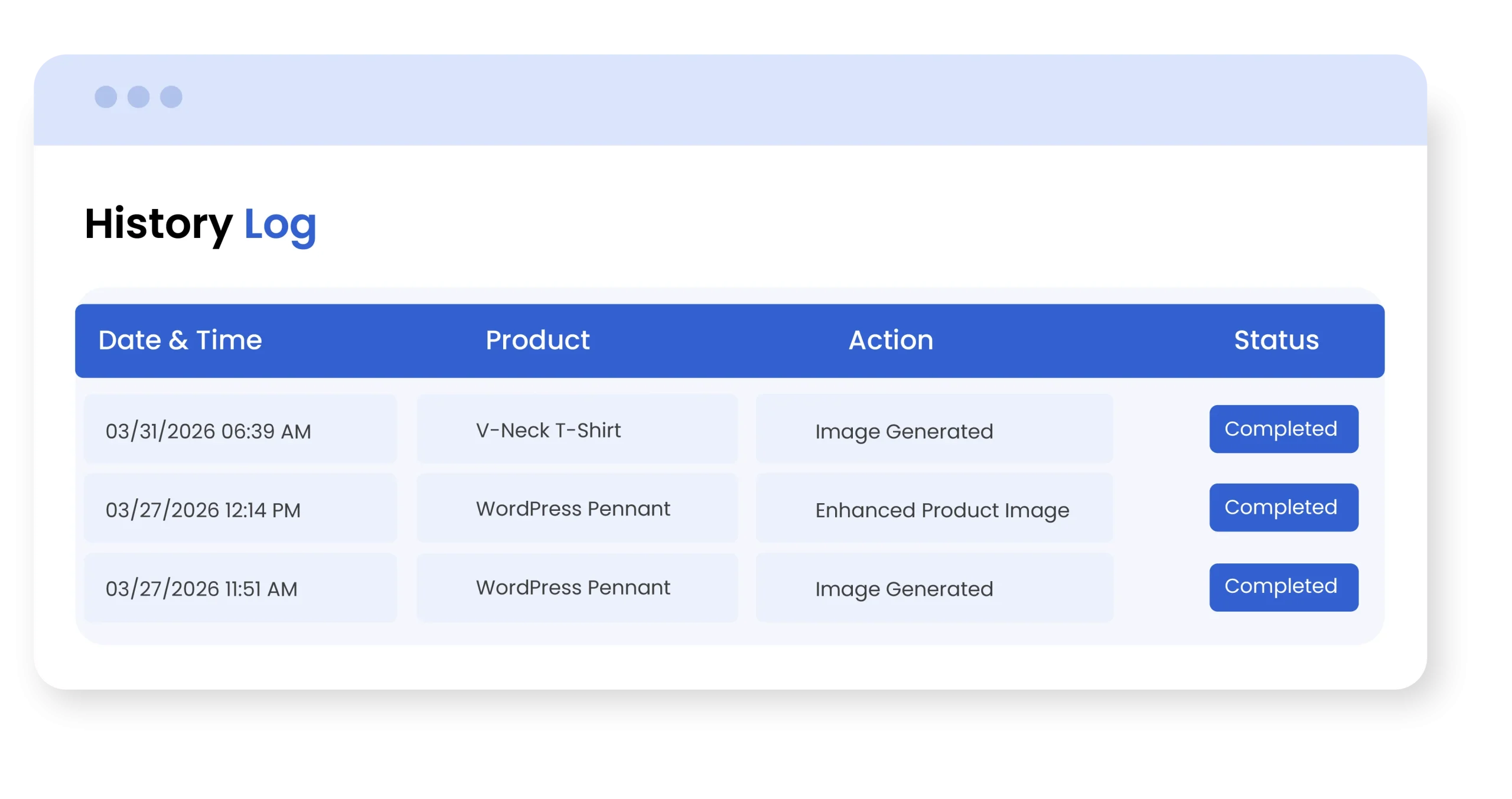
This plugin provides a detailed log where you can track all actions in one place. The log includes the date and time of each action, the specific product involved, the type of action performed (such as generating new images, enhancing images, or customizing backgrounds), and the current status of each action. This helps you monitor product changes and maintain full transparency.
Set Default Image Quality and Background Preferences
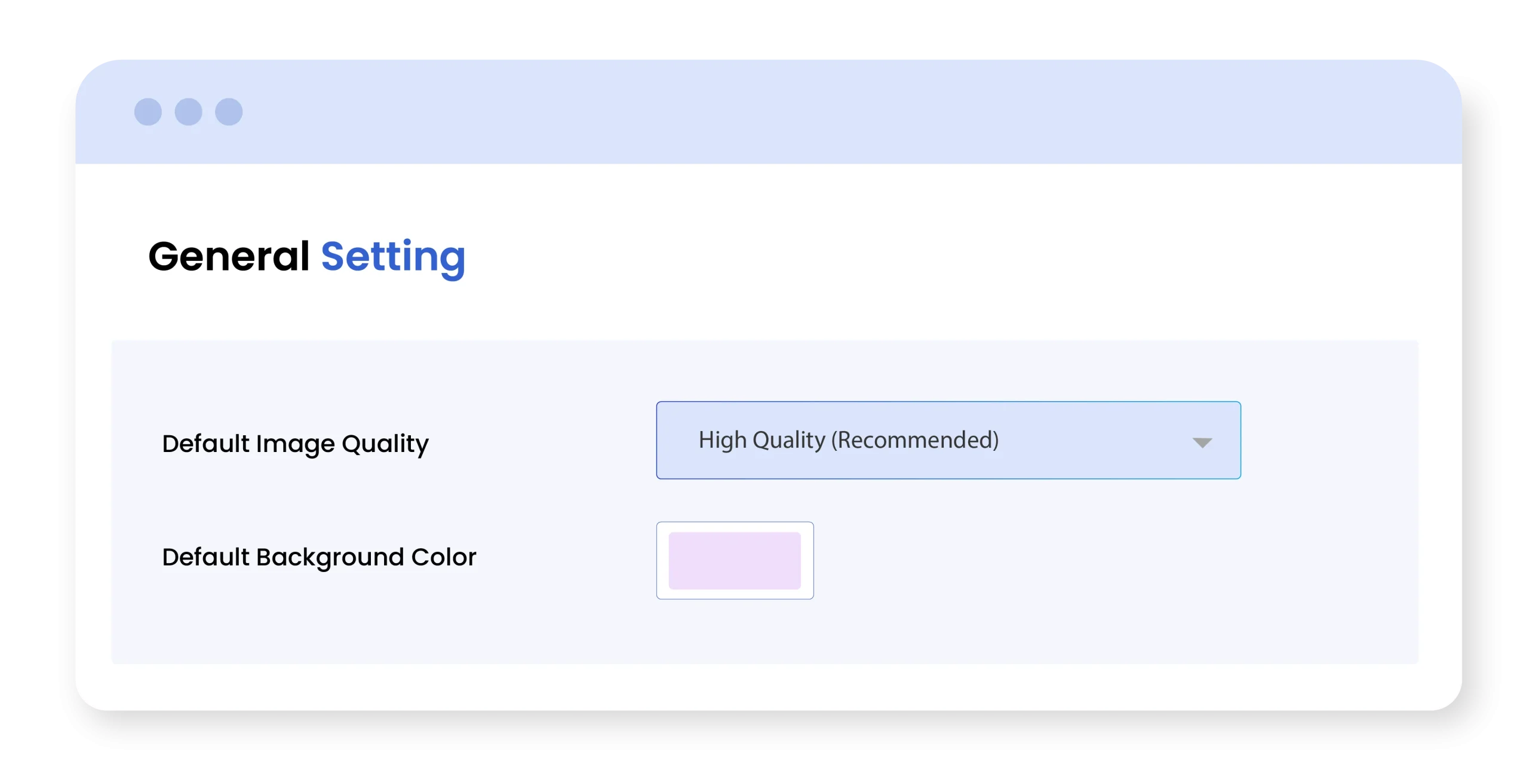
With this feature, you can set default settings for the appearance of images across your store. By default, it gives two options for image quality: high or low. You can choose the preferred quality, and it applies to each product in your store. This helps in keeping consistency and saves a lot of your time.
Technical Compatibility
- Version1.0.0View changelog
- WooCommerce Version Required3.5.0 or higher
- WordPress version required4.6 or higher
- Multi-Site SupportYes
- LanguagesEnglish
- WPML CompatiblityWPML Supported
- TranslatableYes, Translation Ready
- CountriesWorldwide
Complete More Features List
- Enhance image with AI
- Customize image background
- Change color
- Change Image
- Remove background
- Choose AI model
- OpenAI
- Gemini
- Set default image quality
- High image quality
- Low image quality
- Generate a new image using AI
- Set default background color
- Manage generated images by:
- Regenerated
- Set as Thumbnail
- Download
- View history log
- Date & Time
- Product
- Action
- Status