


PrestaShop Countdown Timer for Special Price
Create a sense of urgency by displaying a countdown timer alongside products with a special price. Use the Countdown Timer for Special Prices module to induce FOMO by informing customers of the limited time they have before the special prices are removed.
The module lets you create multiple rules to automate countdown timers and display them in desired conditions. You can choose to display timers on the product and listing pages or both. To make the timers more appealing, you can choose from 4 styles and customize the timer text, colors, and background.
Prefer buying from the Official PrestaShop Addons Marketplace? Check out our module Here
Key Features:
- Create multiple rules to auto-display timers on products with special prices
- Choose to display timers on product and listing pages
- Select from 4 attractive timer designs
- Easily customize timer color, text, size, and background
- Show a custom timer heading with the countdown timer
- Quickly preview the timer style on the Product and Listing pages

V1.7.0.0 to V9.0.0
-
Marketplace Verified
-
Extension Partner
-
$79$69 Now
then billed annually at $20 / year and a $49 sign-up fee
- 1 year free support
- 1 year extension updates
30 DAYS MONEY BACK GUARANTEE
Your money is secure with our buyer protection. Claim a full refund for any reason.
Details Features of Prestashop Countdown Timer Module
Why Display a Countdown Timer?
- Trigger FOMO by highlighting the limited time left before special prices are removed.
- Boost Impulse Purchases by encouraging customers to act quickly
- Maximize Sales on Discounts by showcasing limited-time offers
- Drive More Sales by capturing customer attention through eye-catching timers

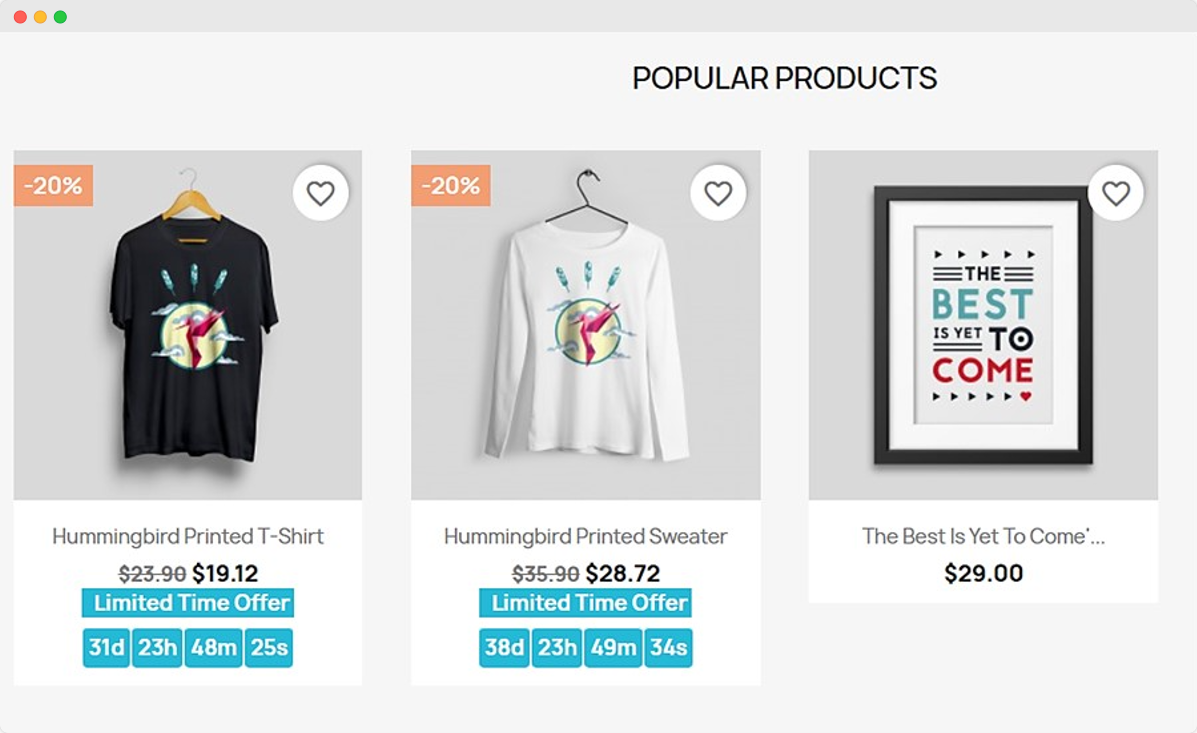
Induce FOMO by Showing Timers With Special Price Products
Make the most of your holiday sales, end-of-season sales, and other discount campaigns by showing a countdown timer with discounted products. Through timers, you can make the customer feel like he is missing out on a great deal and thus encourage them to make an immediate purchase.
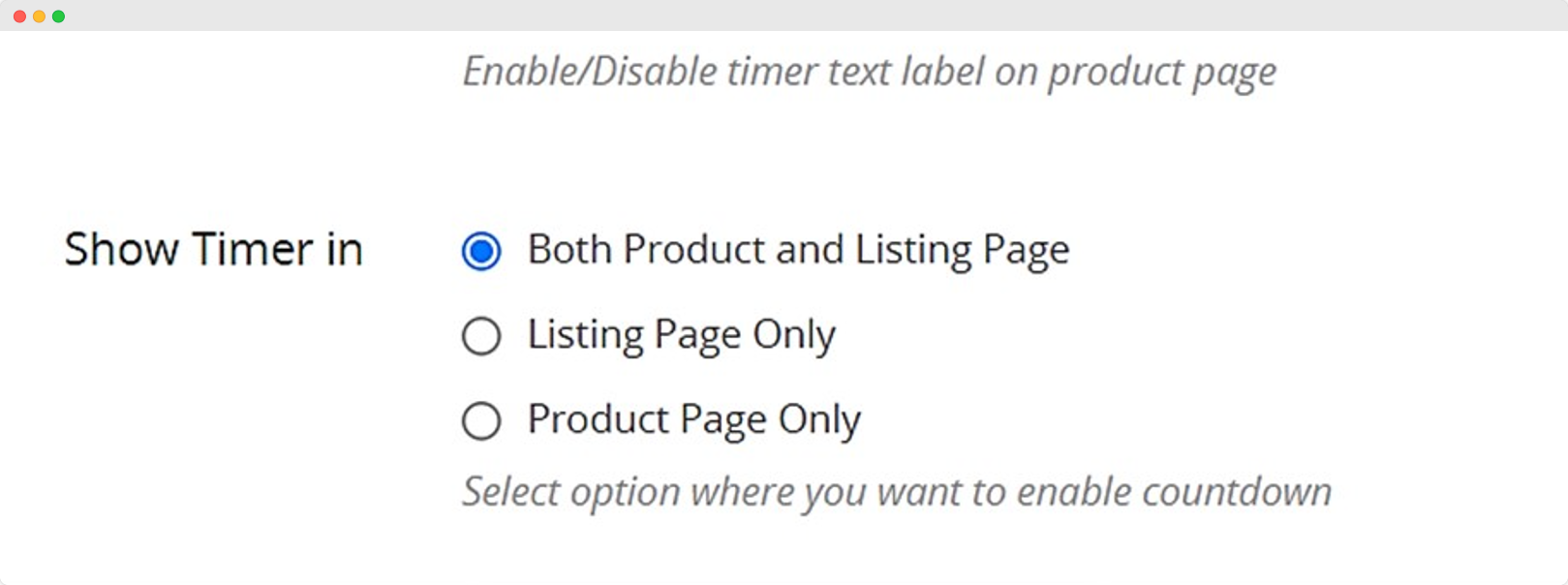
With the module, you can fully customize the timer and show engaging headings to attract user attention. You can also choose where the timer is displayed: Product Page, Listing Page, or Both.
Automatically Activate Timers Wherever You Want!
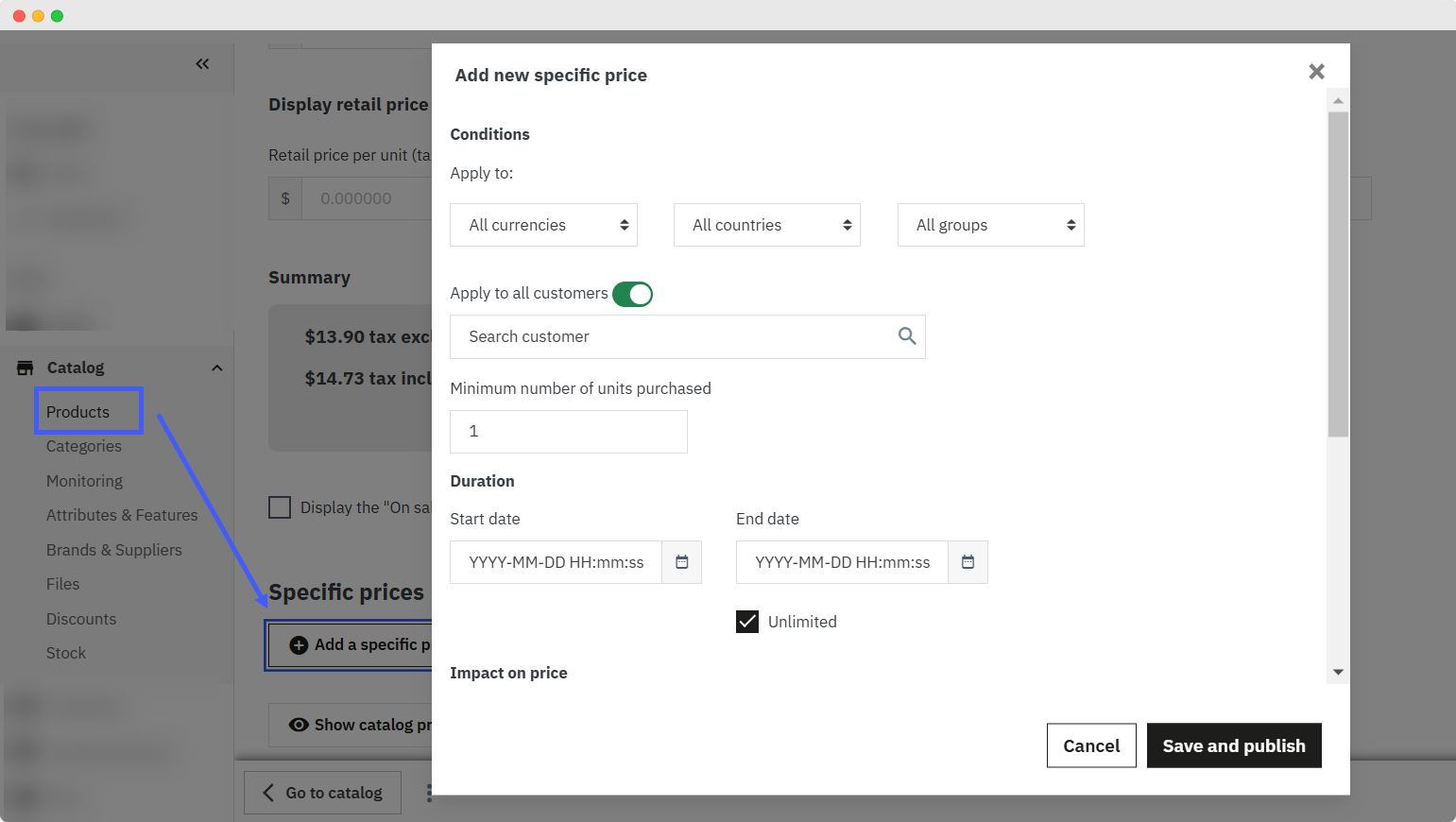
Highlight time-sensitive offers by setting up multiple rules to control where the timer appears. Automatically display timers with discounted products and easily activate or deactivate rules as needed. Customize each rule to showcase unique and visually appealing timers for every scenario.
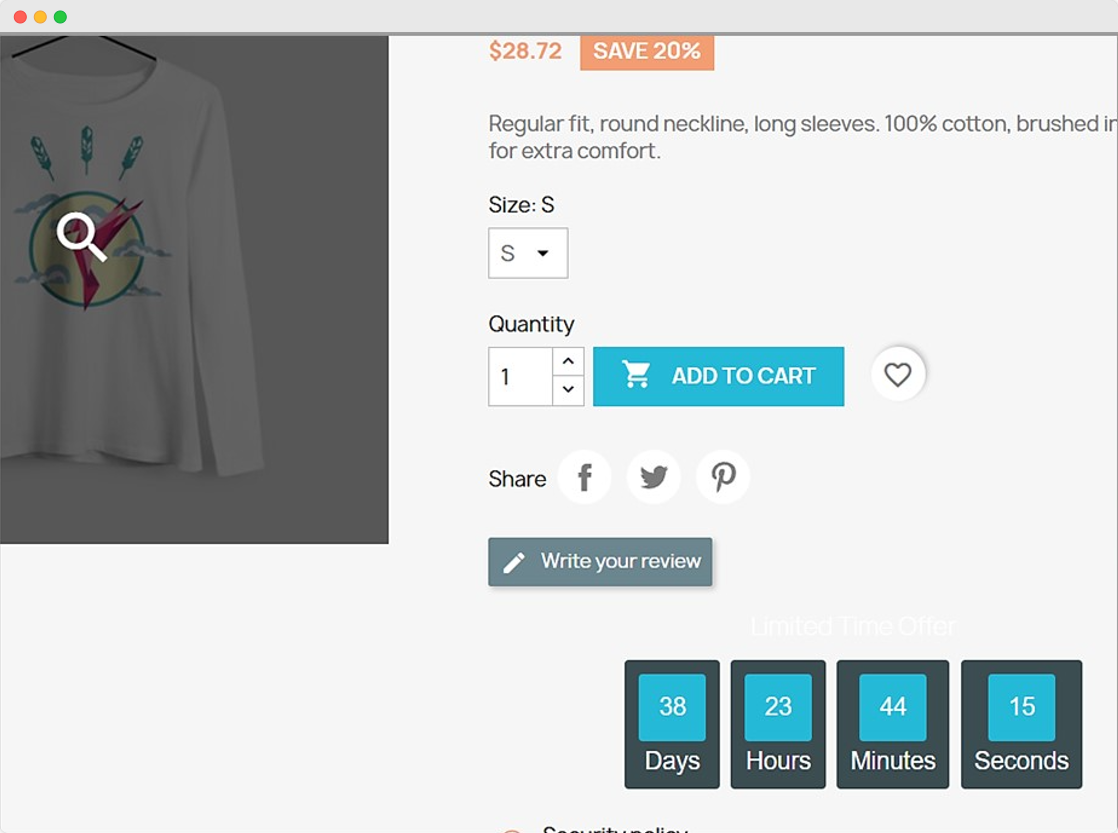
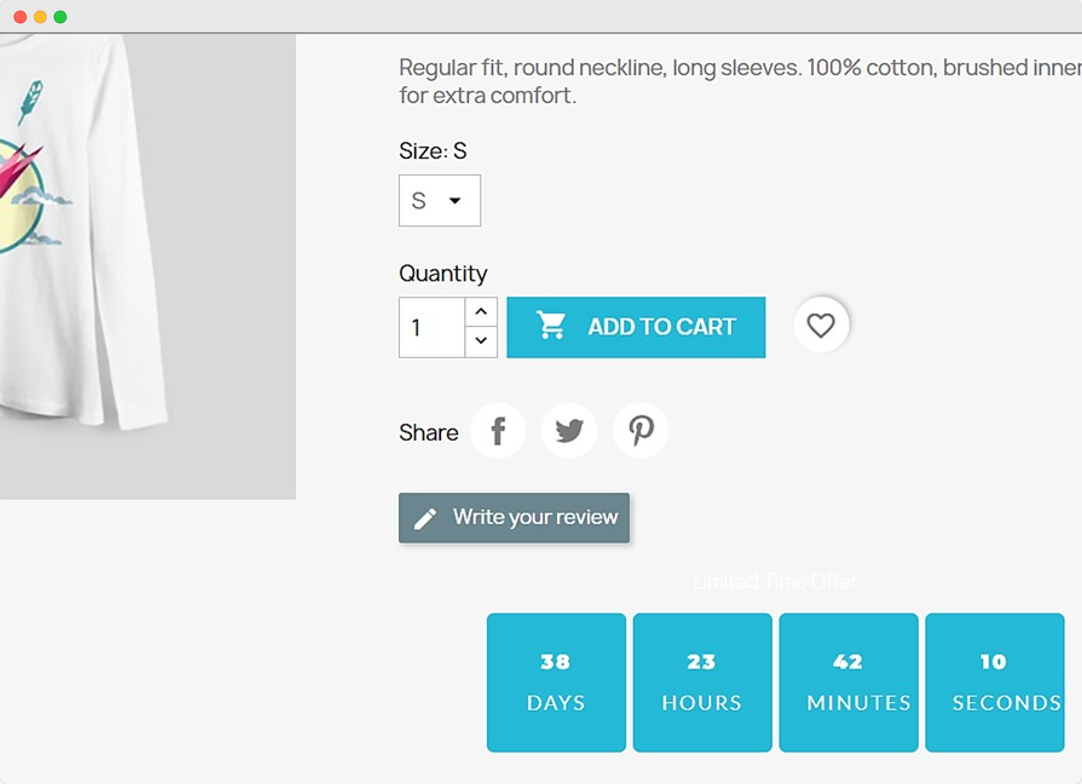
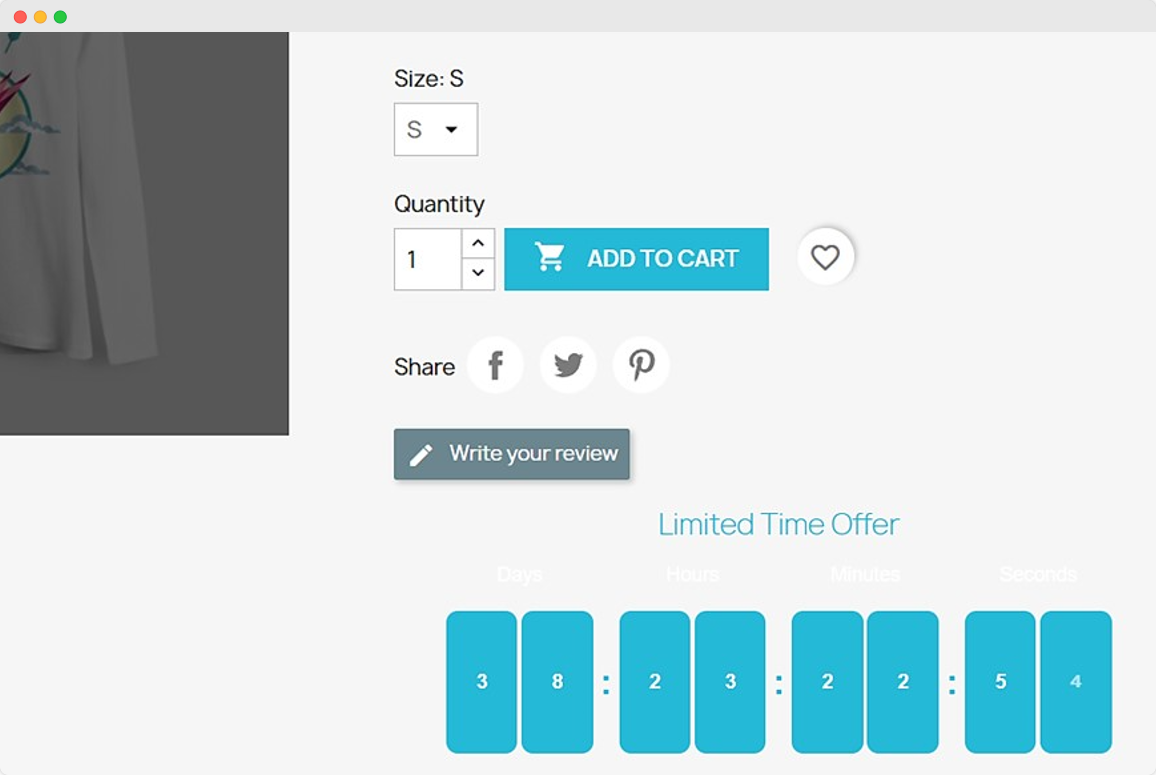
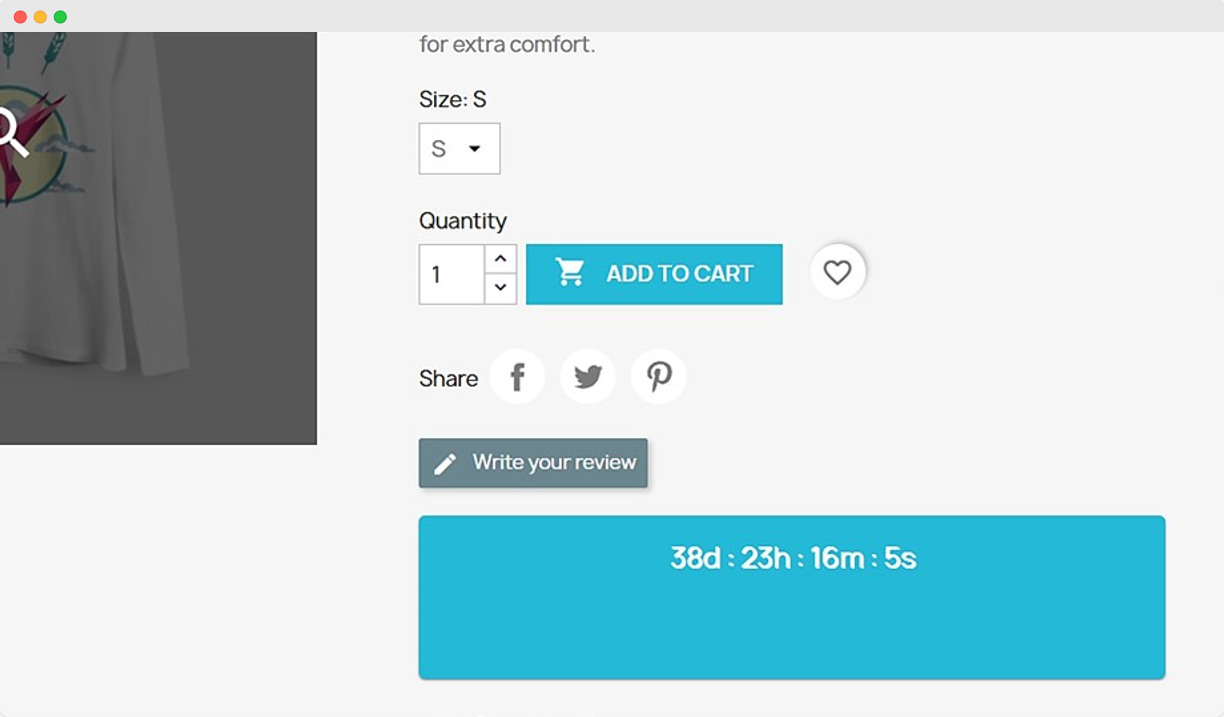
Fully Customize Timers & Choose From 4 Style Templates
The module allows you to choose from 4 styles and further customize the colors and font sizes for each. Save time by choosing from existing templates and then customizing them as you like to make the timers stand out in your store.
Technical Compatibility
- PrestaShop Compatibilityv1.7.0 - v9.0.0
- Current Version1.2.0
- Compatibility MultiShopYes
- LanguagesEnglish, German, Italian, French, Spanish, Dutch, Polish & Portuguese
Complete Features List
- Create multiple timer rules and bulk edit them from a log
- Choose to enable/disable rules anytime
- Select where you want to enable the countdown timer:
- Product and Listing Page
- Listing Page Only
- Product Page Only
- Select timer design from 4 options
- Enable/disable the timer heading and customize the following:
- Timer heading text
- Timer heading background color
- Timer heading text color
- Adjust the following elements of the countdown timer:
- Timer heading on Product page
- Timer heading on the Listing page
- Timer numbers font size for Listing Page
- Timer numbers font size for Product page
- Timer text font size for product page
- Timer text color on Product & Listing Page
- Timer background color on Product & Listing Page
- Background block color on the Product Page
- Enter a rule name and specify the rule priority
- Add a text label for the timer on the product page
FAQs
Can we set UpComing-Sale and End-Sale Alerts on our eCommerce store through this module?
Can we add custom Sale Countdown Timer design on the website through this module?
Once enabled, will the countdown timer be displayed on the entire category automatically?
How many timer designs does this Prestashop Countdown Timer Module have?
This module is compatible with which version of Prestashop?
Customer reviews
- The best thing about prestashop countdown timer for special price is the different countdown styles you can choose from, loved it.
- Countdown really hypes customers up for the discounted prices and it has been made possible due to prestashop countdown timer for special price.
- Have been using prestashop countdown timer for special price since two and a half of months now, runs smoothly, Addify really nailed this one.
- I use the prestashop countdown timer for special price to show the remaining time of the ongoing discount and it runs great, highly recommended
- The problem I encountered with the simmilar module was it only showed the countdown on the product page but with prestashop countdown timer for special price I can display the countdown on shop page as well.
Ryan Davidson –
The problem I encountered with the simmilar module was it only showed the countdown on the product page but with prestashop countdown timer for special price I can display the countdown on shop page as well.
Matt Crossman –
I use the prestashop countdown timer for special price to show the remaining time of the ongoing discount and it runs great, highly recommended
John Matthews –
Have been using prestashop countdown timer for special price since two and a half of months now, runs smoothly, Addify really nailed this one.
Richard Hawkins –
Countdown really hypes customers up for the discounted prices and it has been made possible due to prestashop countdown timer for special price.
Jose Antonio –
The best thing about prestashop countdown timer for special price is the different countdown styles you can choose from, loved it.