


Shopify Mix and Match Product
Allow your customers to create personalized product packs and customize their orders effortlessly—an option not natively offered in Shopify. With the Shopify Mix and Match Product app, offer customizable bundles during the holiday season or during slow sales periods to achieve high-profit spikes. The app lets users pick and choose items, creating personalized bundles with ease.
With the app, you can adjust bundle prices, set minimum and maximum limits, manage stock, and choose attractive layouts. The app is perfect for businesses related to food, fashion, and gadgets looking to boost sales and increase their average order value.
Key Features:
- Create Build Your Own Box, Mix, and Match Product kits
- Allow users to choose products to make their desired discounted packs
- Choose bundle products and apply discounts
- Charge for the whole box or box price + product price
- Adjust stock levels and select from multiple layout options
-

Marketplace Verified
-
Extension Partner
- 1 year free support
- 1 year extension updates
30 DAYS MONEY BACK GUARANTEE
Your money is secure with our buyer protection. Claim a full refund for any reason.
Detailed Features of the Shopify Mix and Match
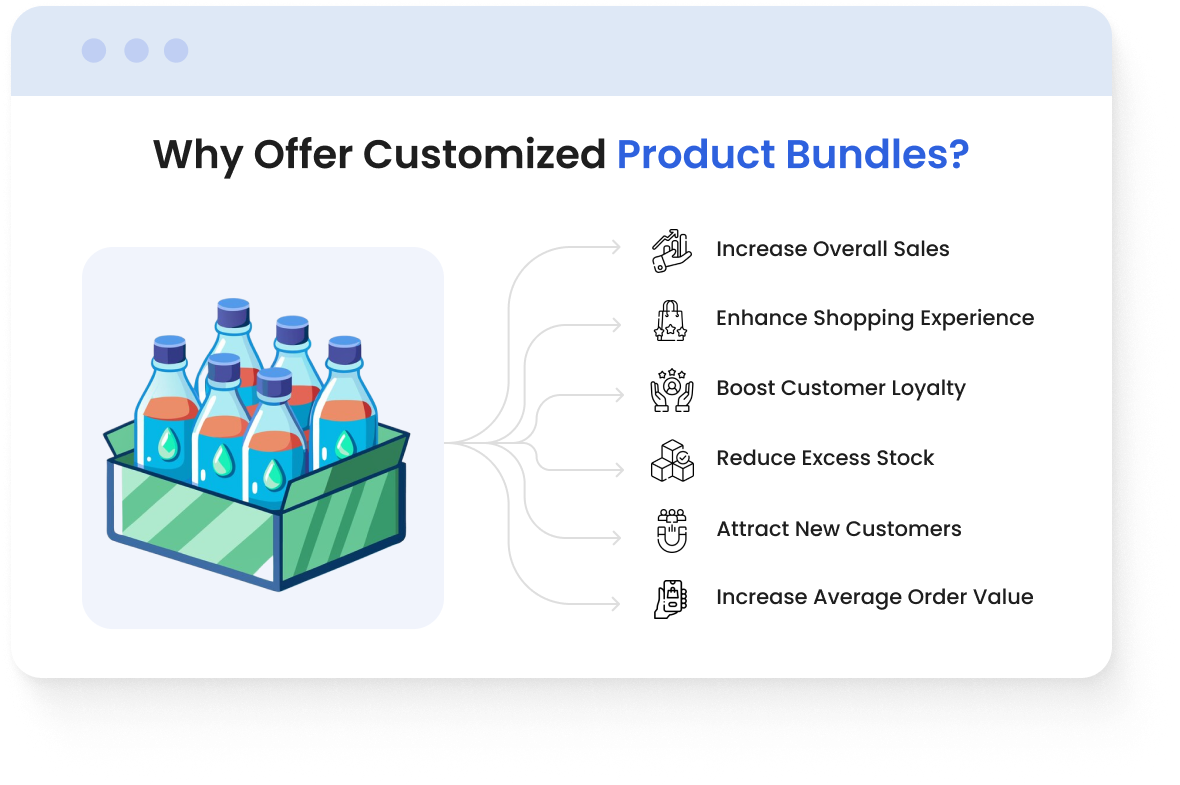
Why Offer Customized Product Bundles?
- Increase Overall Sales: Customers love discounts, and when you offer them lower prices, they are more likely to buy from you.
- Increase Perceived Value: Allow users to mix and match, making the purchase seem more valuable.
- Enhance Shopping Experience: Letting customers pick and choose items offers flexibility and thus enhances shopping experience.
- Boost Customer Loyalty: Discounts are a great way to increase purchase frequency and bring in loyal customers.
- Reduce Excess Stock: Bundles are a great way to clear out excess stock and make room for new inventory.
- Attract New Customers: Create special promotions and offers and run targeted sales campaigns to attract new customers.
- Increase Average Order Value: Bundling products encourages larger purchases and increases your average order value.
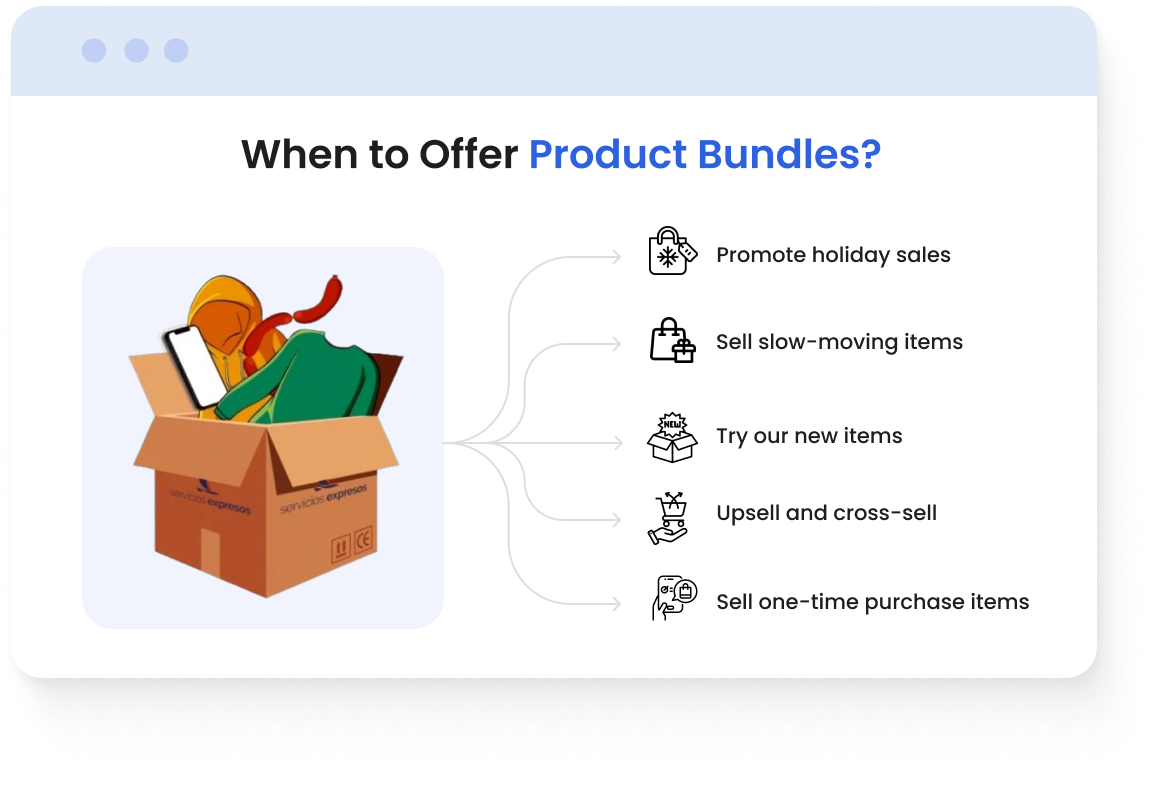
When to Offer Product Bundles?
- Promote holiday sales by offering product bundles
- Sell slow-moving items by creating attractive low-cost product packs
- Encourage customers to try out new items by selling discounted kits
- Upsell and cross-sell relevant products in bundles
- Sell one-time purchase items with complementary products to increase their sales
Create and Sell Irresistible Product Packs
Attract customers with appealing Shopify
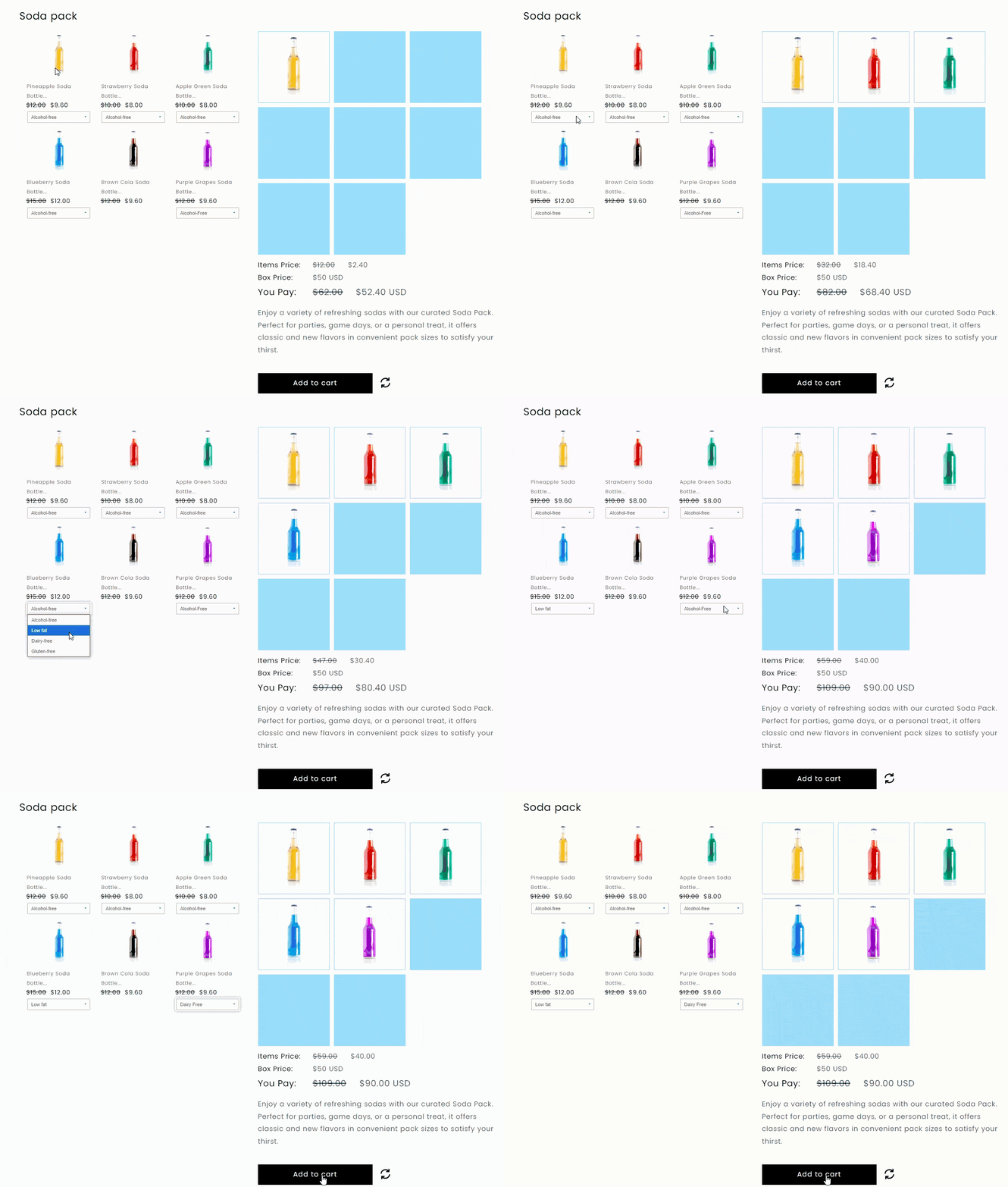
product bundles at great prices. With the bundle builder app let shoppers mix and match products to create their perfect pack. Show a variety of options for customers to choose from, and set minimum and maximum quantity limits to efficiently manage inventory. You can pick items for each pack and apply your desired discounts.
Additionally, you can customize the look of your bundles by choosing the layout and color schemes. Once a user selects a bundle, they can pick products and even choose variants from the dropdown, making their shopping experience super smooth.
Choose Bundle Products and Apply Desired Discounts
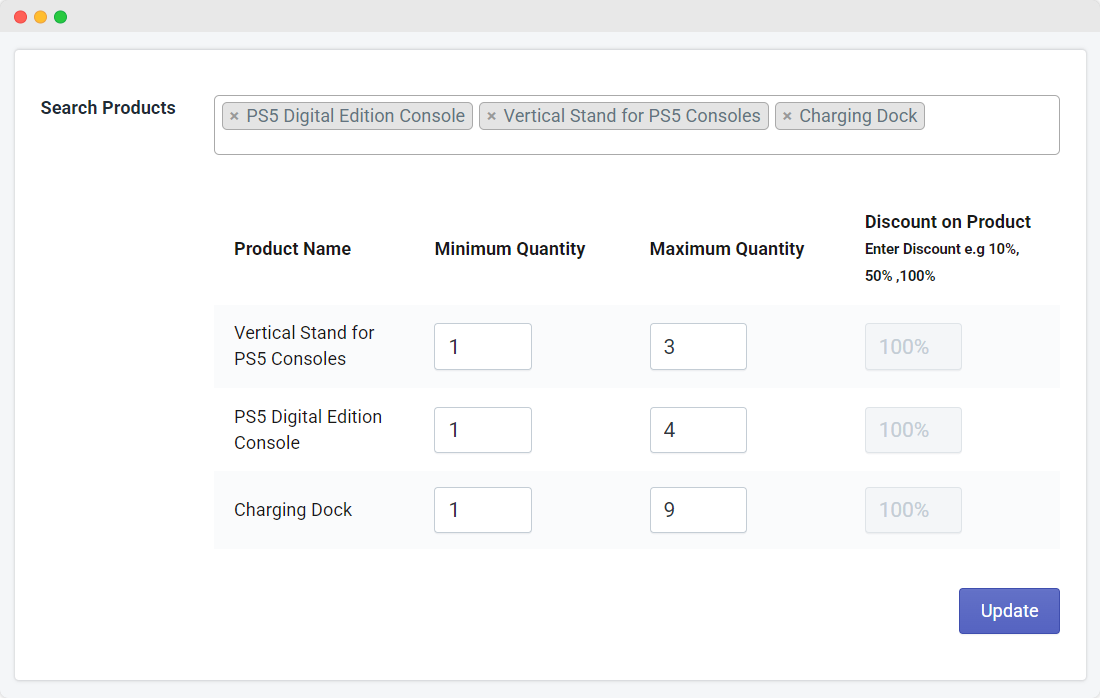
The Shopify bundle builder lets you create multiple bundles through a rule-based system. You can create bundles by creating multiple rules and choosing products to showcase in each. With the app, you can specify a minimum and maximum quantity of products and adjust discounts for each item.
All the bundles you create can be accessed from a log, all in one place. You can view all active bundles and edit and delete them with a few clicks.
Apply Fixed Prices or Charge Per Product
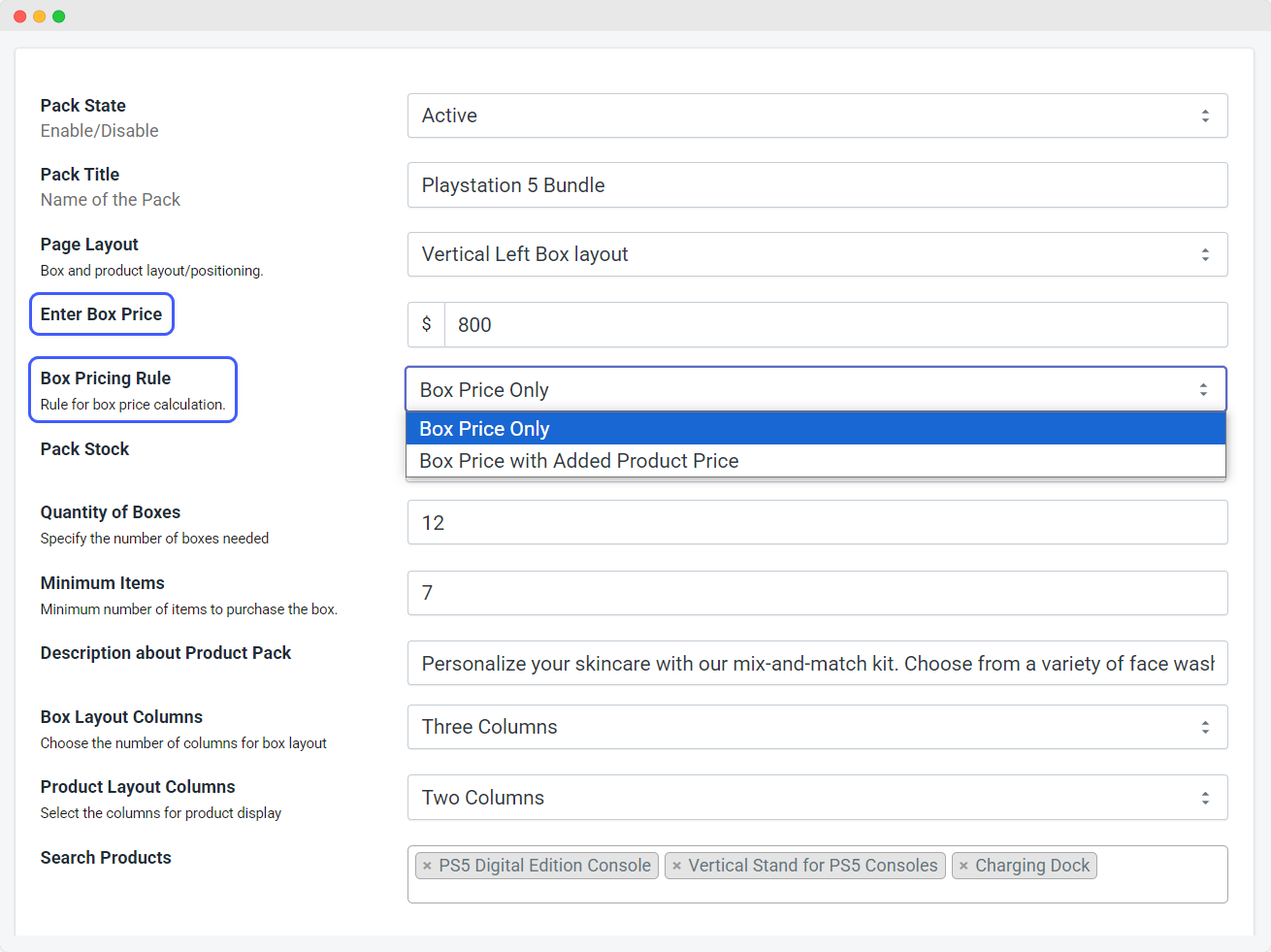
With the Bundle Builder app, you can choose to charge a fixed price for the entire pack or charge the customer for the box + individual product prices. This flexibility helps you manage pricing effectively while ensuring customers feel they’re getting great value.
Limit Min and Max Quantity of Products in a Pack
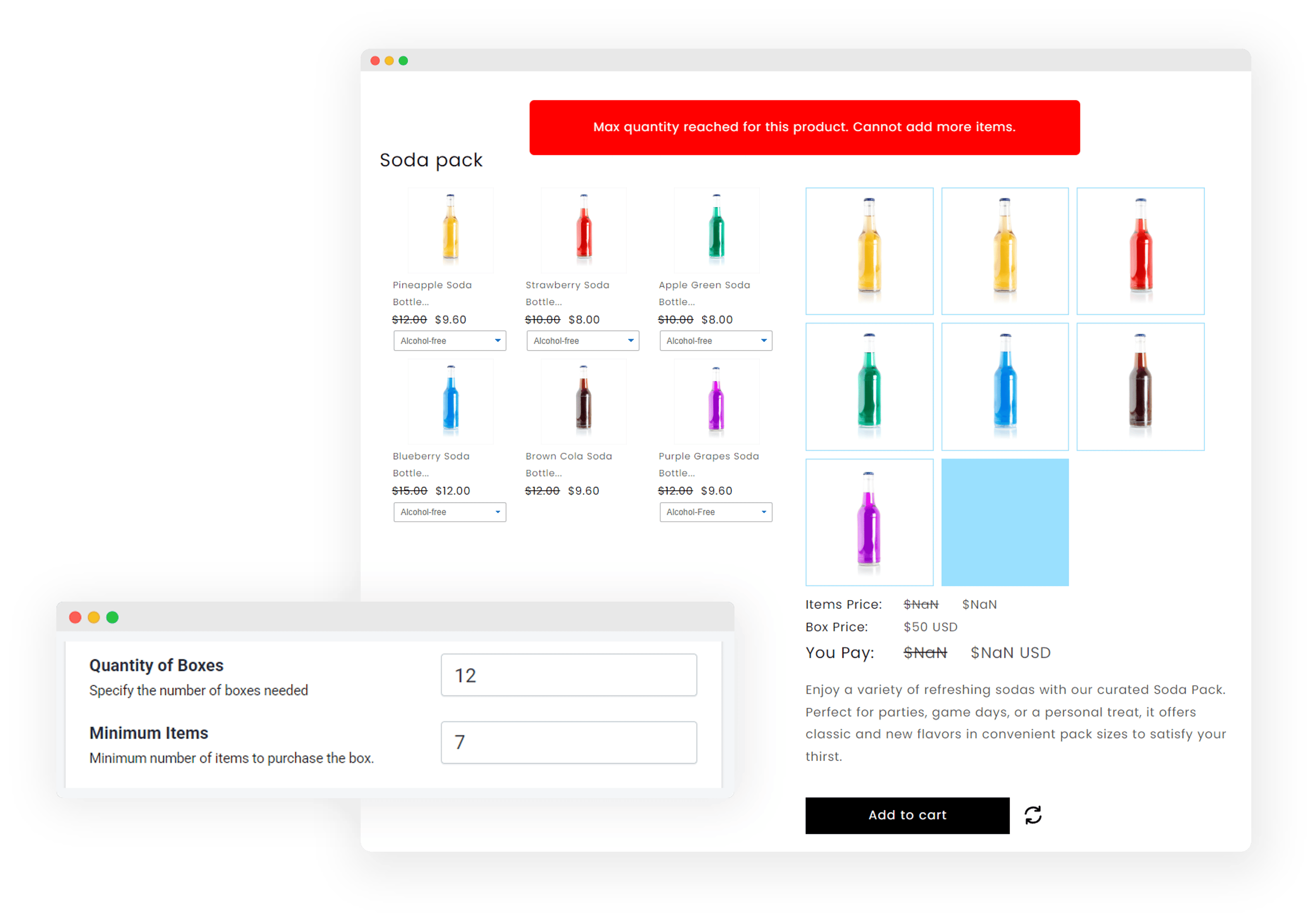
For each pack, you can specify the maximum and minimum number of items the users can choose and even apply stock limits on the whole pack. This allows you to prevent over or under-selling and efficiently manage inventory. To make the Shopify product bundles more intuitive, you can display a custom message with each pack to convey key information.
Fully Customize Bundles and Layouts
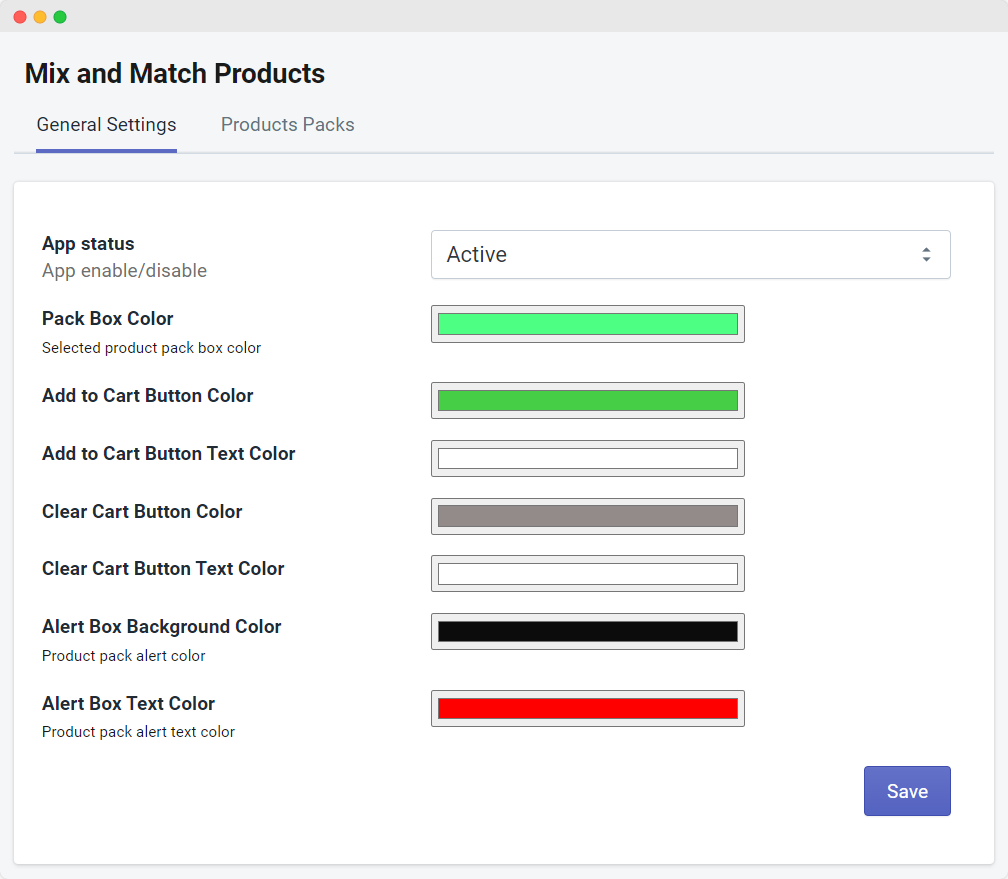
With the Shopify Build Your Own Bundle app, you can customize product packs to match your store’s aesthetics. Choose colors for the pack, add-to-cart button, and alert box to enhance the design. You can also select vertical or horizontal layouts and display products in 2 or 3 columns, ensuring a visually appealing and user-friendly experience.
More Features
- Build and personalize multiple product packs for your store.
- Add a custom title for each pack to make it unique.
- Choose your preferred pack layout:
- Vertical (left or right box)
- Horizontal (top or bottom box)
- Set a specific price for each pack or box.
- Enable box pricing options:
- Box price only
- Box price + product price
- Define the stock quantity for each pack.
- Set minimum and maximum item limits per box.
- Create multiple rules and manage them easily in a central log.
- Add a custom description for each product pack.
- Choose your layout column style:
- 2-column
- 3-column
- Add your desired products and specify for each:
- Product name
- Minimum quantity
- Maximum quantity
- Discount amount
- View key details in the log, including:
- Name
- Price
- Stock
- Status
- Actions
- Customize your design by selecting colors for:
- Product pack box
- Add-to-cart button
- Add-to-cart button text
- Alert box background
- Alert box text
Frequently Asked Questions
Is It Possible to Link Two Products into One Bundle on Shopify?
How to Create a Mix and Match Bundle in Shopify?
Can I offer discounts on bundles?
Be the first to get an exclusive offer and the latest news.