


Variation Images Gallery for WooCommerce – Free
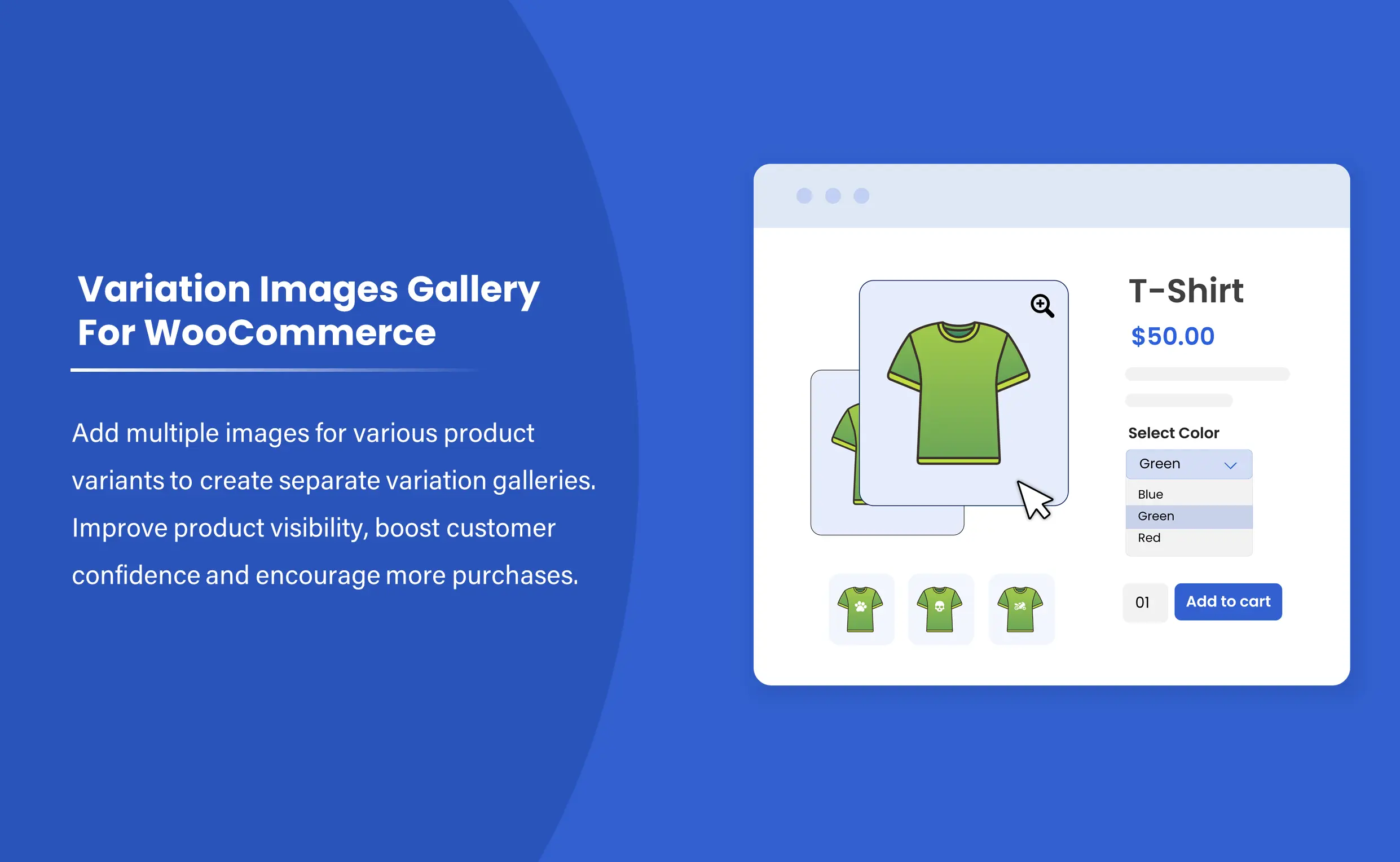
Add multiple attractive and appealing images for each product variant using the Additional Variation Images for WooCommerce plugin. By default, WooCommerce does not allow you to insert multiple images for a variant, but this plugin adds the feature to your store.
Choose a product, pick a variant, and add multiple images to form a separate image gallery for each variant. Enhance the visual appeal of your products and raise the visibility of each variant.
Key Features:
- Add multiple images for each product variant in a click
- Create attractive image galleries for multiple product variants
- Choose variants for a product and insert separate images for each
- Show images in a slider for easy scrolling
- Allow customers to zoom in on images for better viewing
Compatible with WooCommerce Version 3.5.0 or Higher | WordPress Version 4.0.0 or Higher
-

Extension Partner
Get this free plugin along with free support and upgrades.
30 DAYS MONEY BACK GUARANTEE
Your money is secure with our buyer protection. Claim a full refund for any reason.
Detailed Features of Variation Images Gallery for WooCommerce
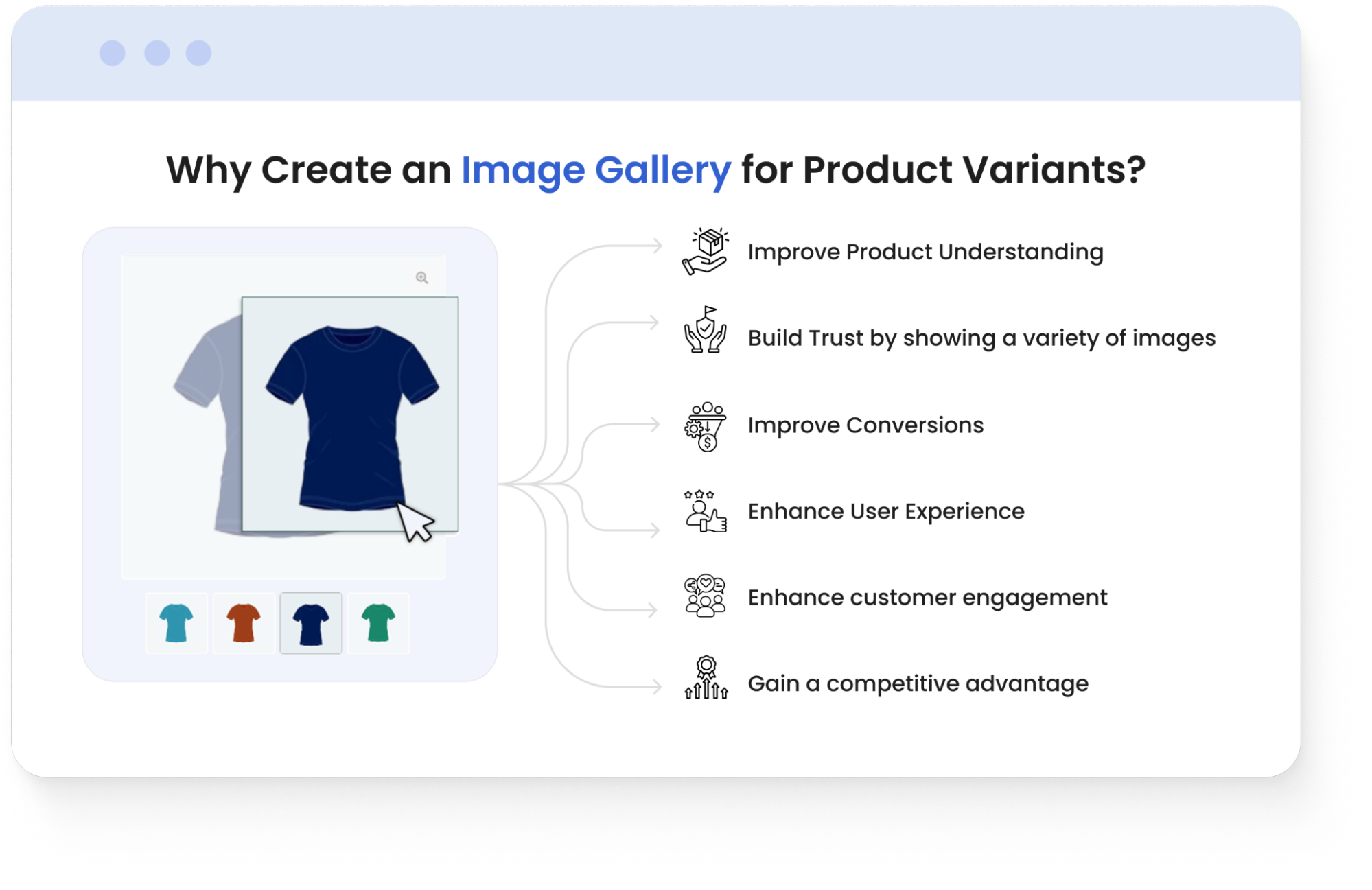
Why Create an Image Gallery for Product Variants?
- Improve Product Understanding by showing multiple images from different angles
- Build Trust by showing a variety of images that enhance credibility
- Improve Conversions by showing relevant images for faster decision-making
- Enhance User Experience by providing detailed images to minimize uncertainty
- Enhance customer engagement with attractive product images
- Gain a Competitive advantage by displaying multiple variant images instead of one
Create Separate Image Variation Galleries
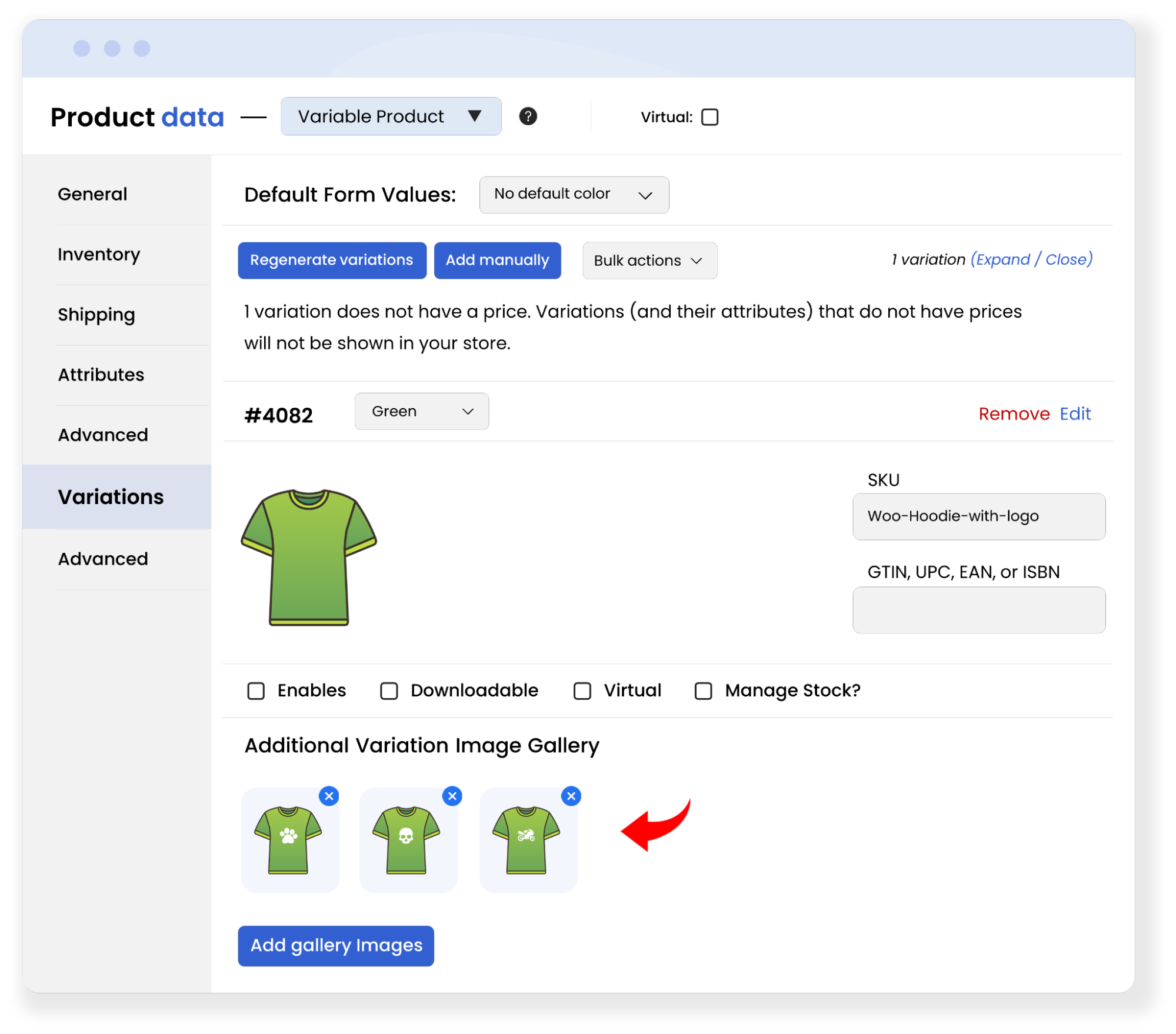
Instead of displaying a single image for each variant in a product gallery, you can take your product marketing to the next level. Create multiple variation image galleries by adding multiple images for each product variant. E.g.,. If you sell a shirt in 3 colors: red, blue, and green, you can add multiple images for each color. The images will help users easily compare your products in different colors and make a quick purchase decision.
Add Multiple Images Without Any Coding
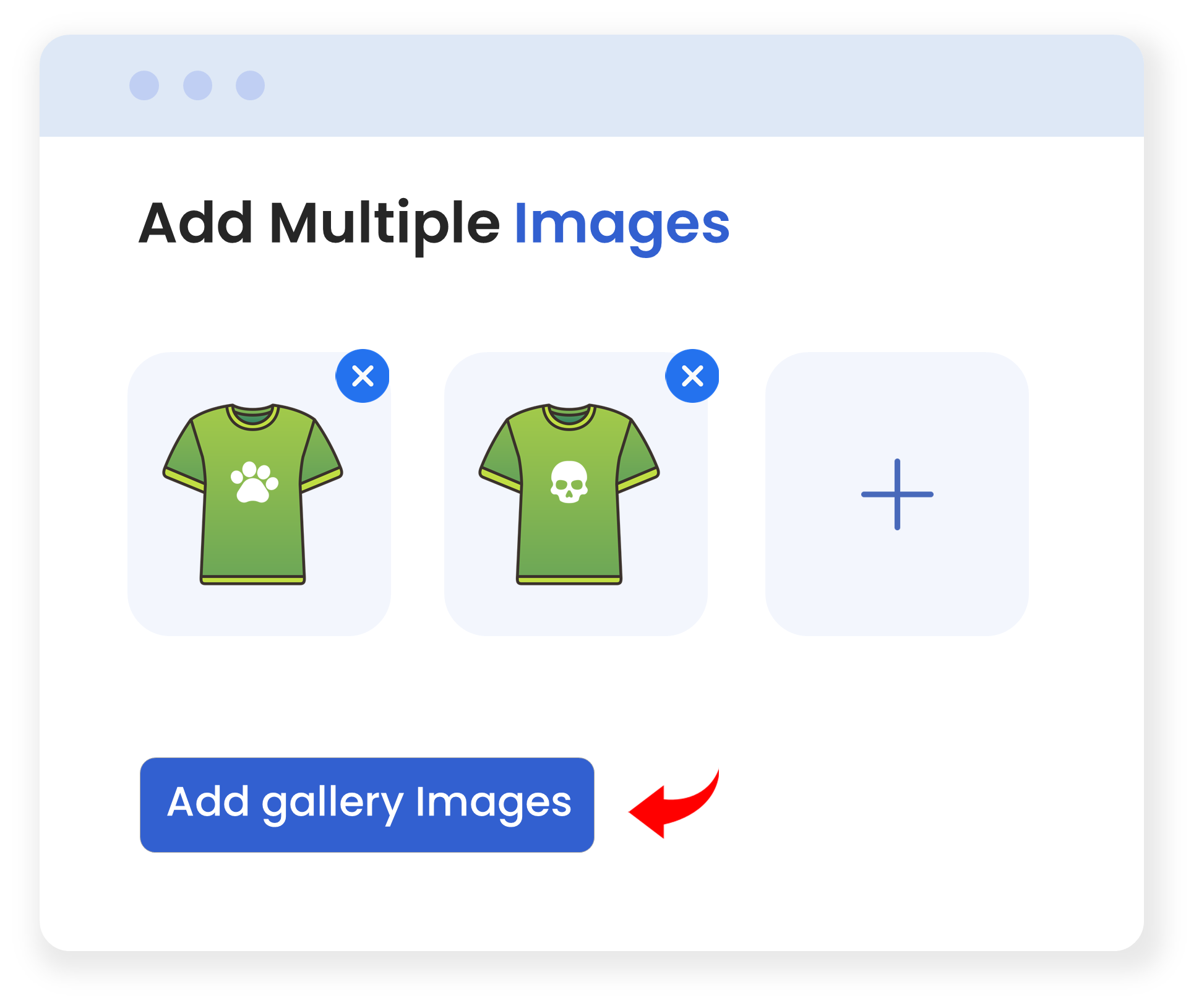
Adding new features to your store requires coding, but using the plugin, you can skip the coding and add multiple product variation images without a single line of code. With a click, you can add, delete, and update images to keep your catalog fresh.
Show Images in a Slider for Easy Scrolling
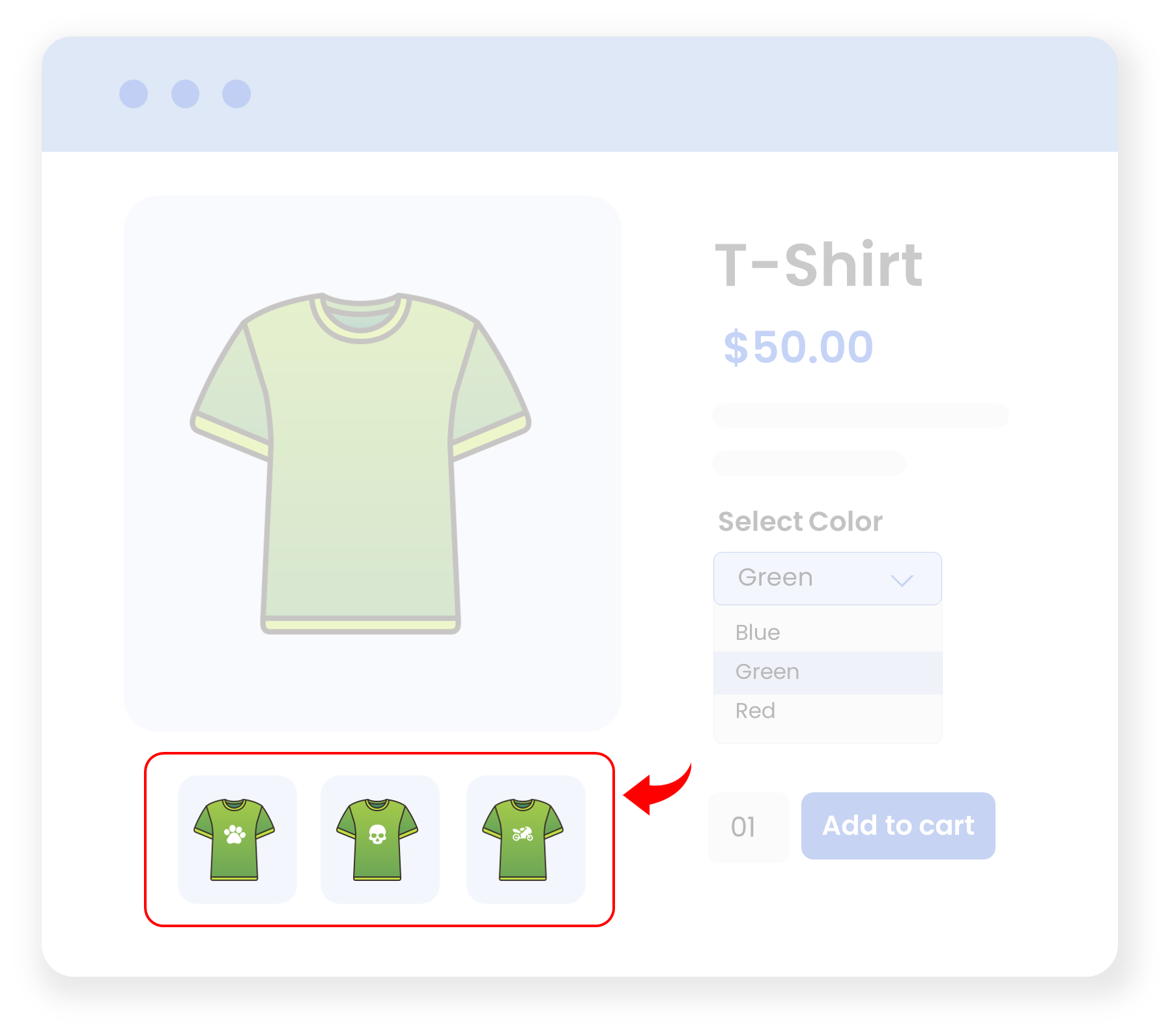
As you insert multiple images for a product variant, the pictures will be shown in a slider format to your customers. From there, customers can easily scroll and move from one image to another.
Allow Users to Zoom In on Each Image
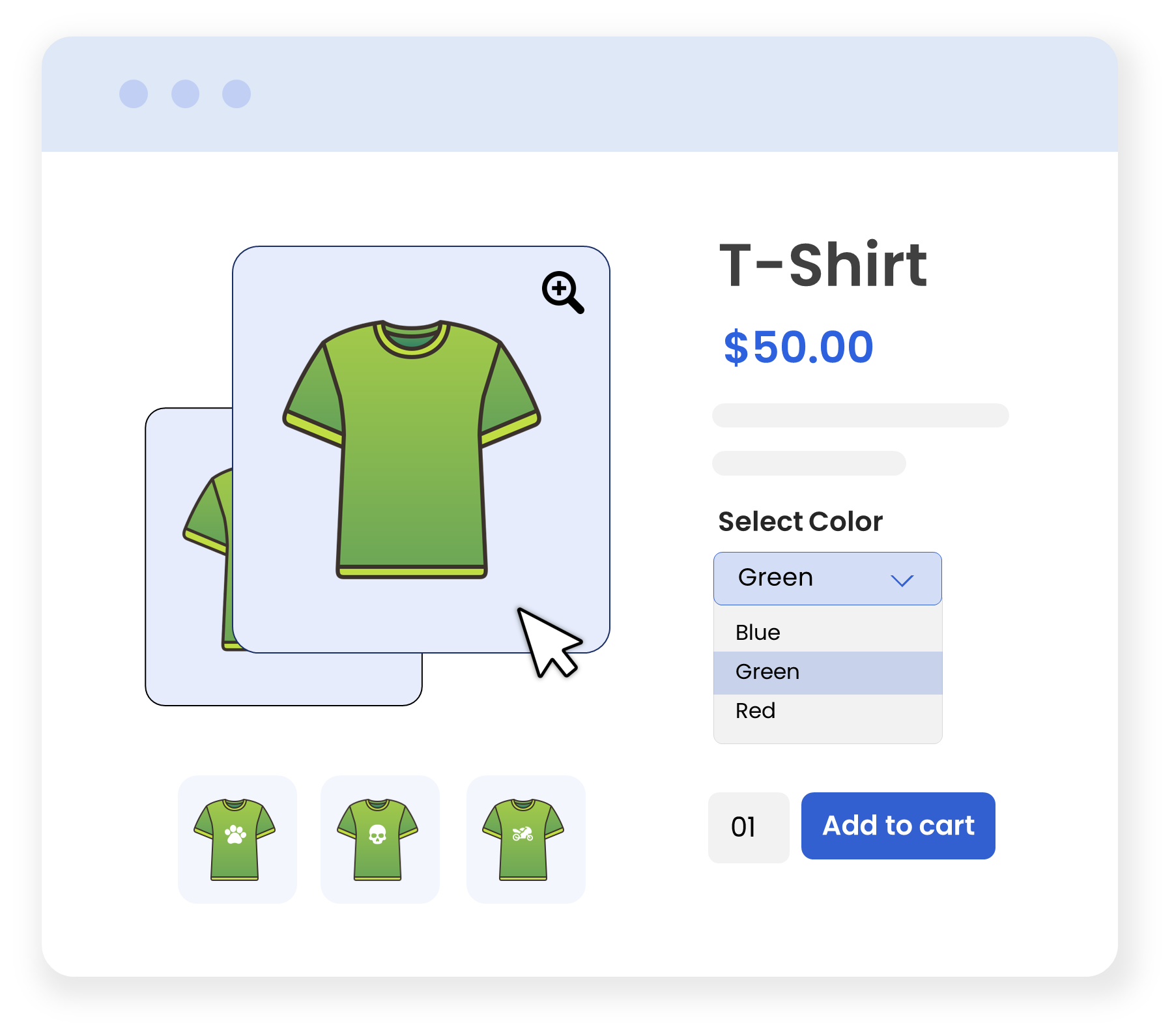
Once a user chooses an image, they can zoom in to view the image more closely, improving the user experience.
Technical Compatibility
- Version1.0.0View changelog
- WordPress Version Required4.0.0 or Higher
- WooCommerce Version Required3.5.0 or Higher
- Multi-Site SupportYes
- LanguagesEnglish
- WPML CompatibilityWPML Supported
- TranslatableYes, Translation Ready
- CountriesWorldwide
Customer reviews
Be the first to get an exclusive offer and the latest news.
Reviews
There are no reviews yet.