


Smart Instagram Feed for WooCommerce
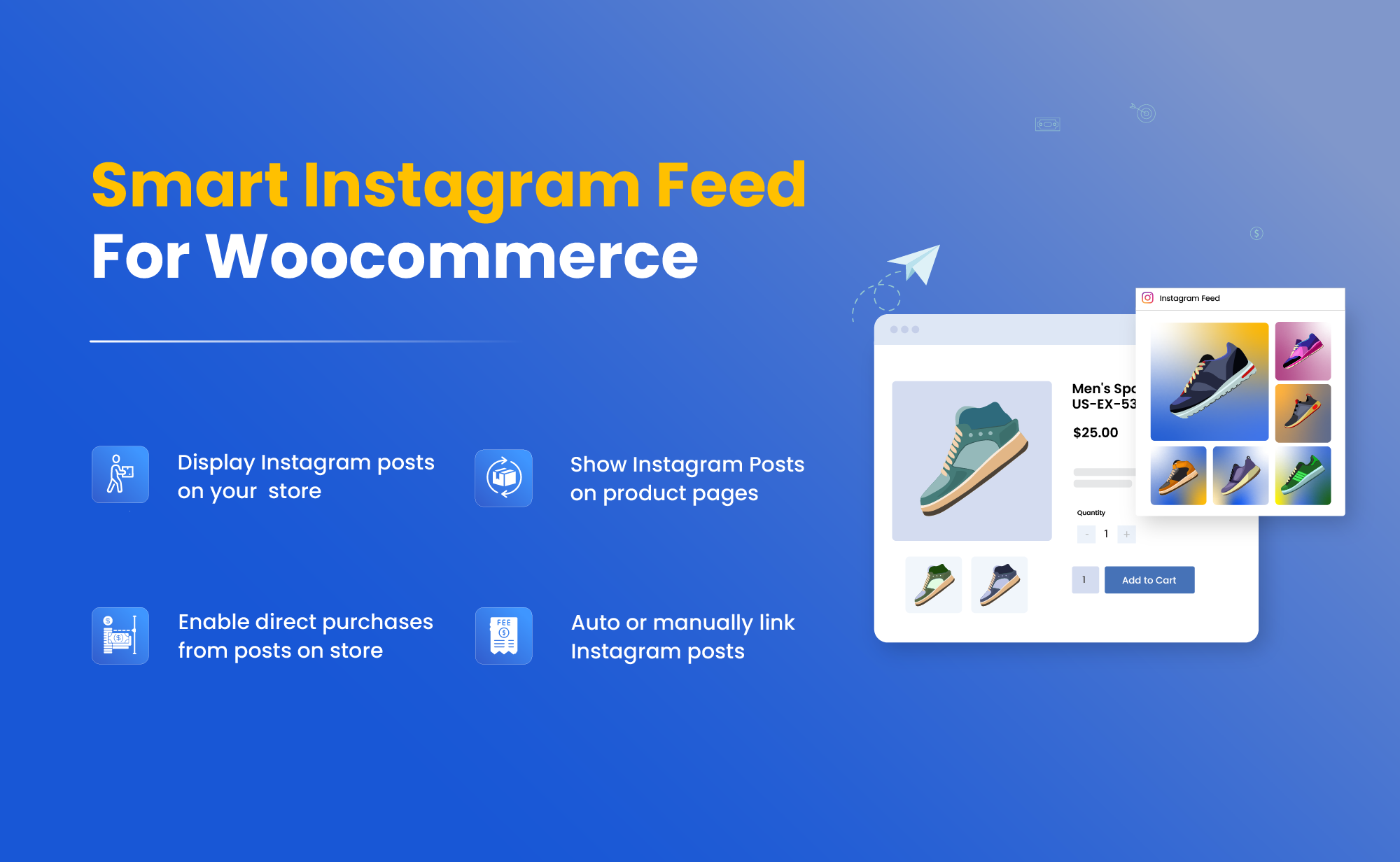
Online buyers love to shop from Instagram as its interface is irresistible. Instagram Feed for WooCommerce extension brings that experience directly to your store and helps you to display your latest posts, reels, and videos in a dedicated feed. Customers can view a new “Instagram Feed” section on your store and shop instantly by clicking on any post.
The plugin automatically detects your Instagram tags and connects posts to the relevant products. In this way, users can view real-life content and get a better sense of products before making a purchase. You can restrict the feed by country, add attractive layouts, customize buttons, and offer a unique shopping experience that keeps customers engaged and drives more sales.
Key Features
- Display Instagram reels and posts directly on your store
- Create a new Instagram Feed section for users
- Link posts automatically via hashtags or manually assign tags
- Allow customers to purchase products directly from an Instagram post
- Choose to show or hide Instagram likes and captions for users
- Show instagram feed only to specific countries
-

Extension Partner
$4.08/month
Billed annually at $49 / year
- 1 year free support
- 1 year extension updates
30 DAYS MONEY BACK GUARANTEE
Your money is secure with our buyer protection. Claim a full refund for any reason.
Features of WooCommerce Instagram Feed
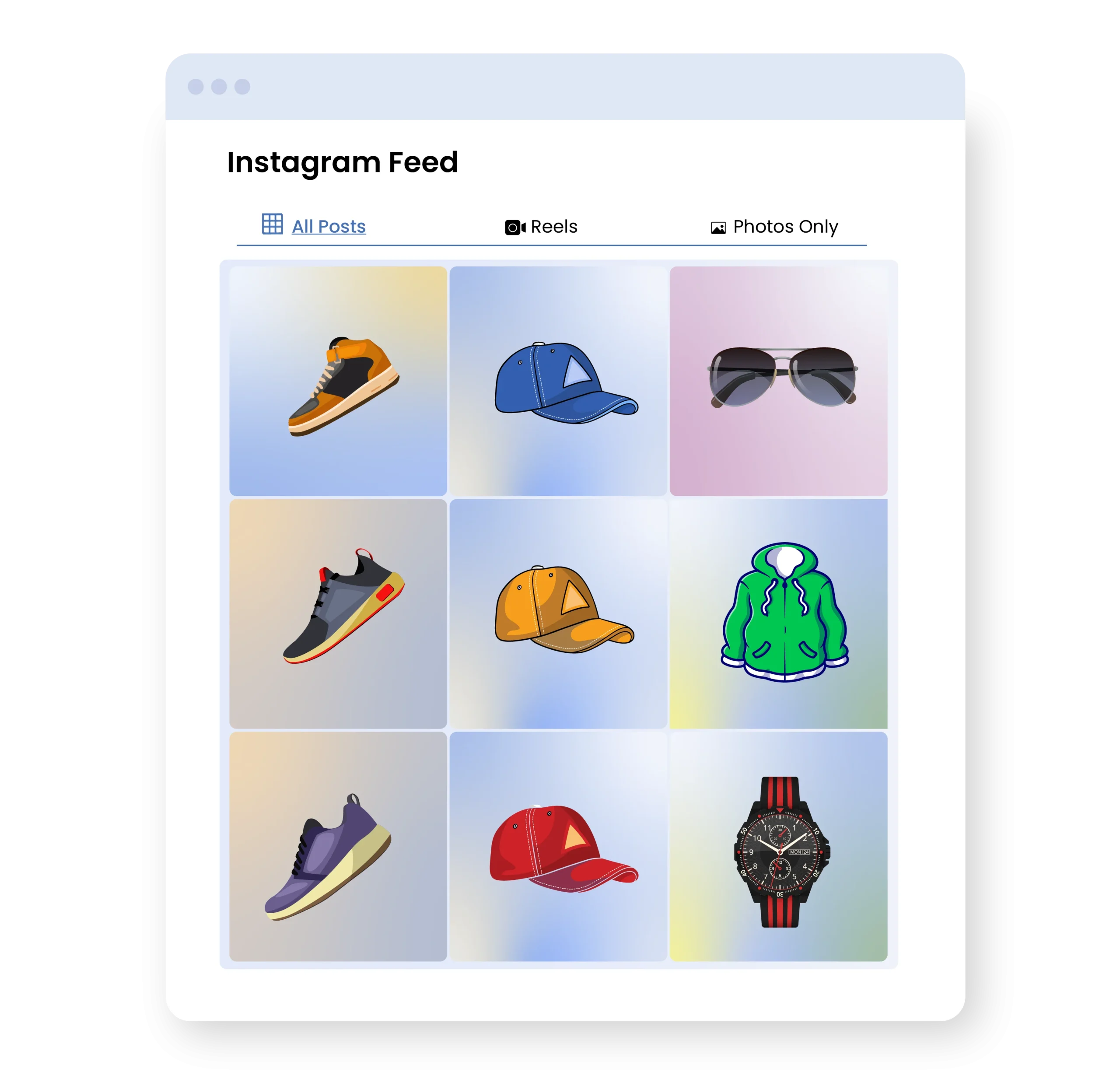
Display Your Instagram Videos and Posts
WooCommerce Instagram Feed extension syncs your latest Instagram content with your store. It helps you connect your posts directly to the products and shows the entire feed on a dedicated page. Customers can simply explore your reels, videos and posts from the page and purchase featured products instantly. Whenever new content is uploaded, the feed updates in real time, keeping your store engaging while providing attractive visuals.
Display Instagram Posts on Product Page
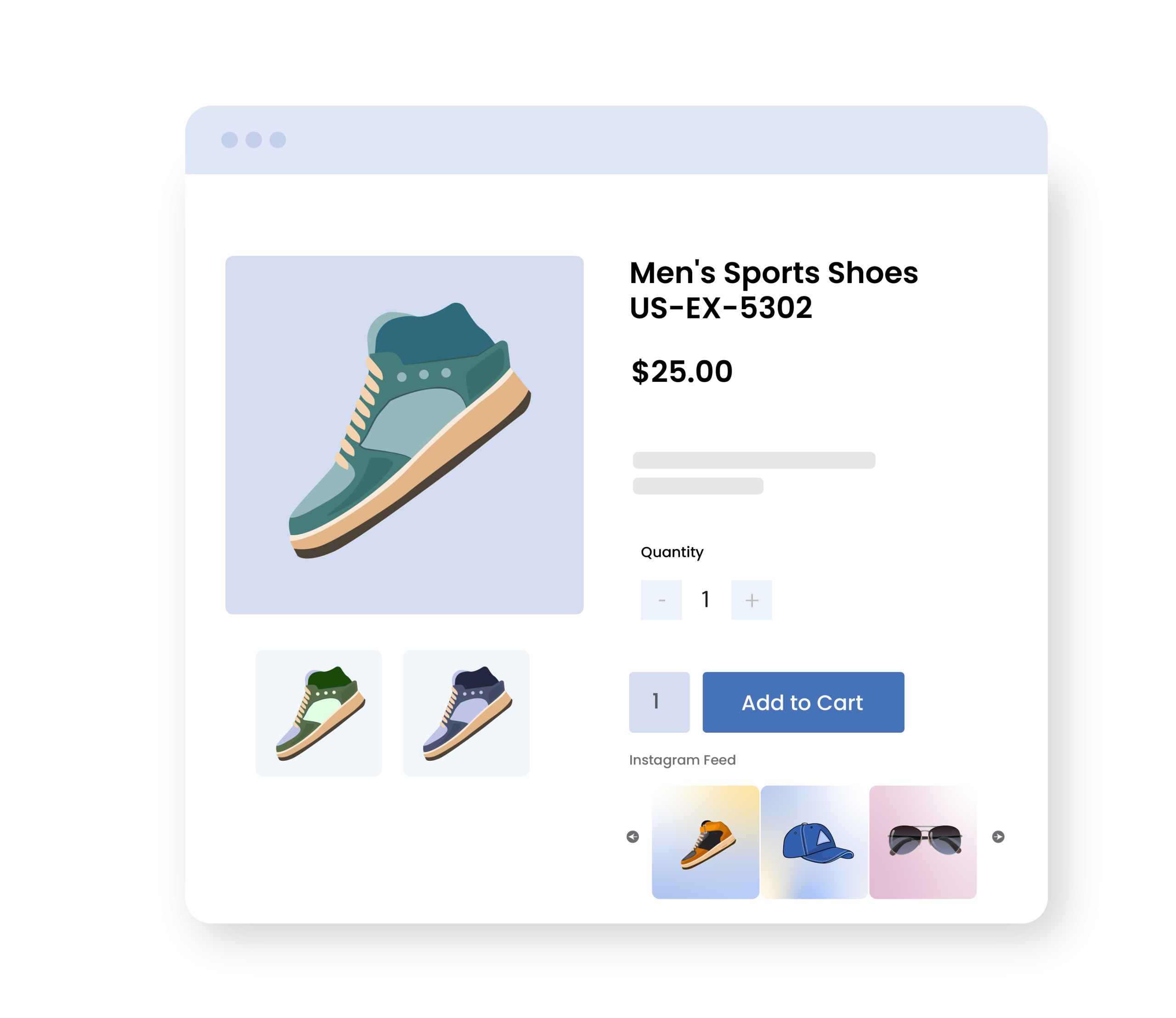
Connect your Instagram to WooCommerce and display your feed on product pages. You can show Insta reels, photos, and video testimonials to add real-life visuals and help customers feel more confident about the purchase. This keeps your product pages engaging, builds customer trust, and increases overall conversions for your store.
Auto and Manual Linked Instagram Posts via Hashtags
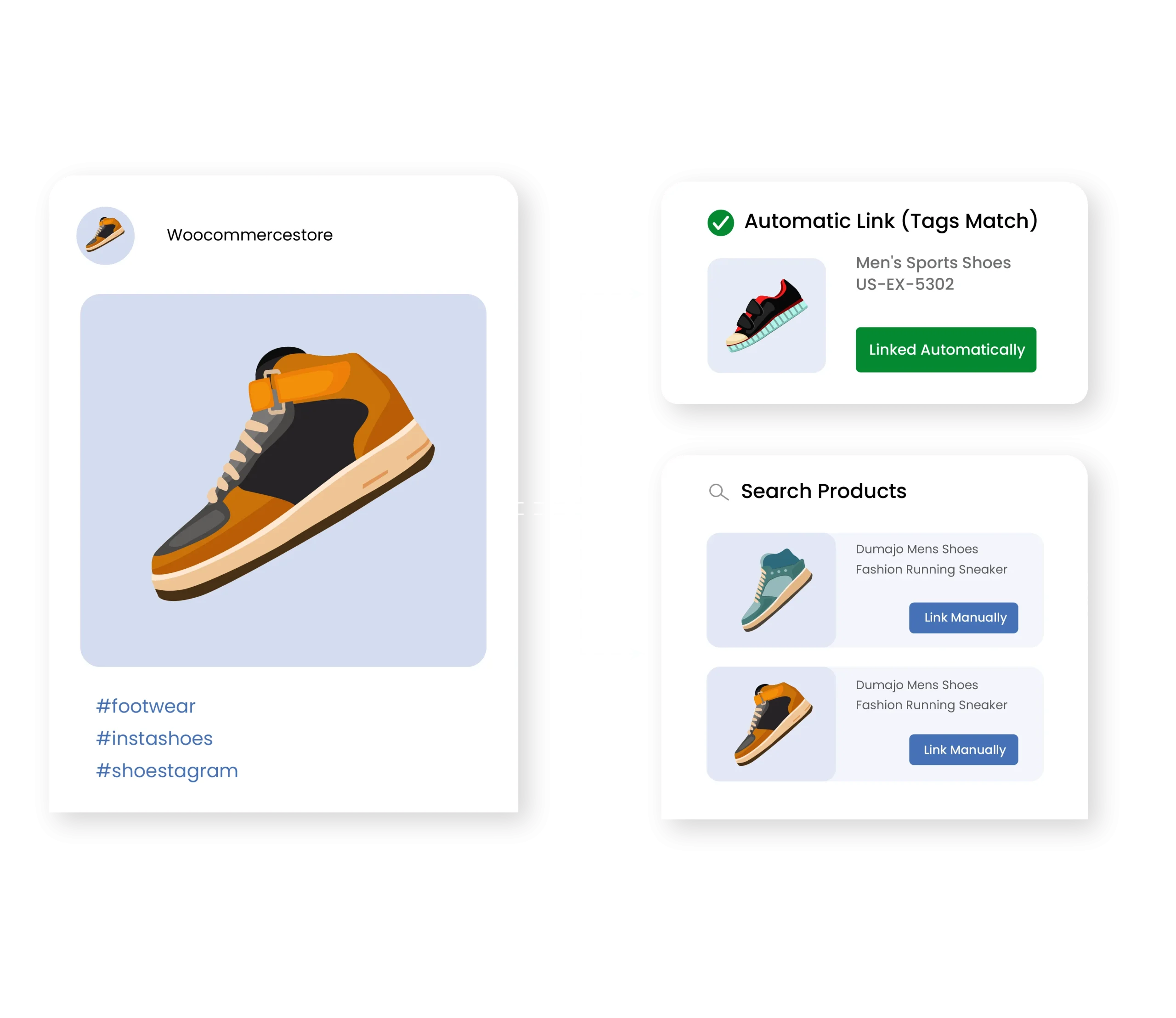
The extension automatically links Instagram posts to the relevant product pages. This means that your existing hashtags can help you display accurate images on the matching items and provide customers with real social proof. In case you have missed tags for specific items on instagram then admins can add them manually and link posts to the products in just a few clicks. Simply increase engagement, build customer trust, and turn your Instagram content into a unique shopping experience that drives more sales.
WooCommerce Instagram Feed with Buy Now Button
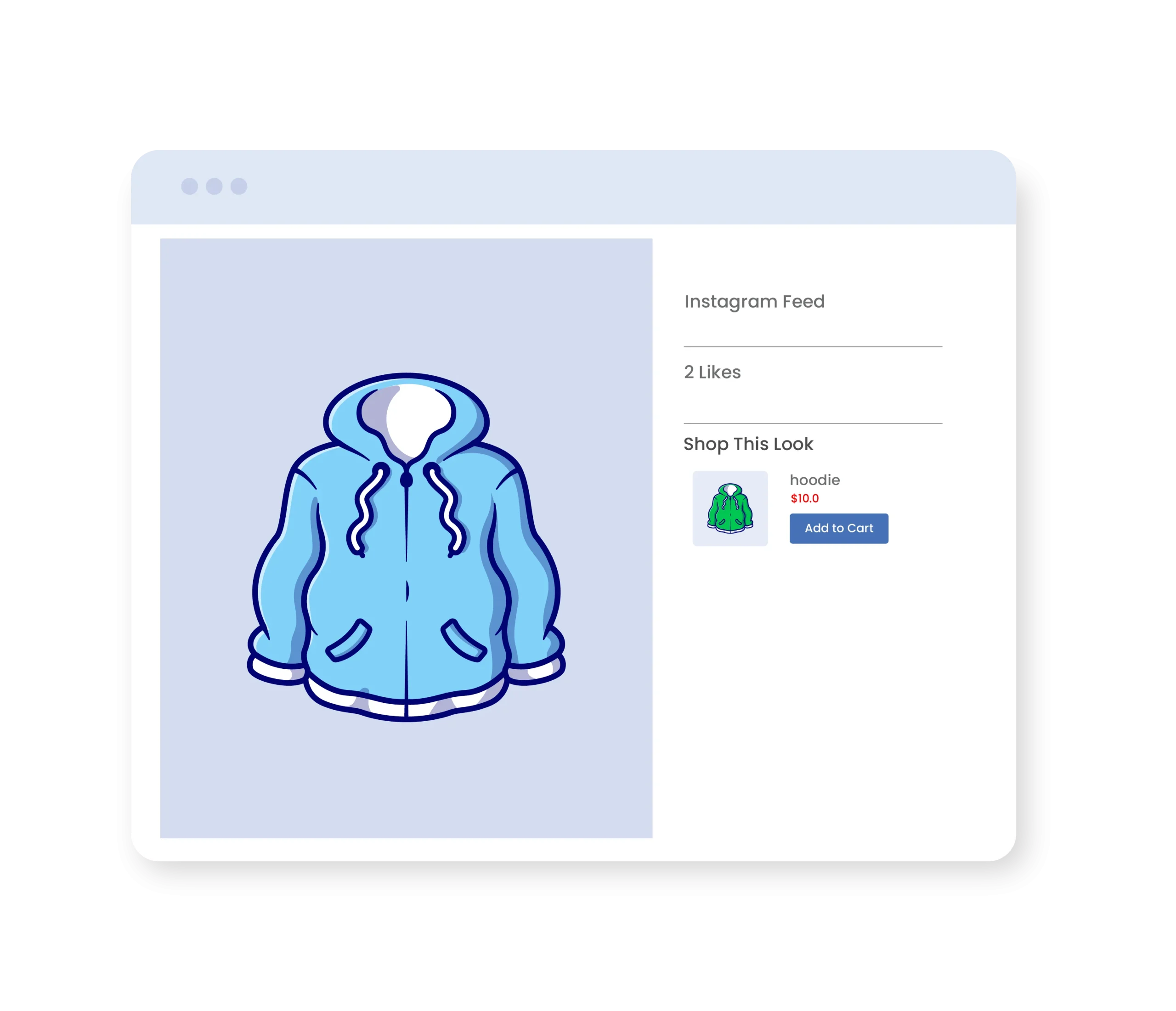
From the WooCommerce Instagram Feed section, users can purchase the product instantly. The plugin displays your entire feed and adds a “Buy Now” button on each post. When the customer selects any Instagram image, they can freely click on the “Add-to-Cart” option and complete the purchase directly. This improves the shopping experience, increases conversions, and persuades users to make quick purchases.
Choose from Multiple Layouts
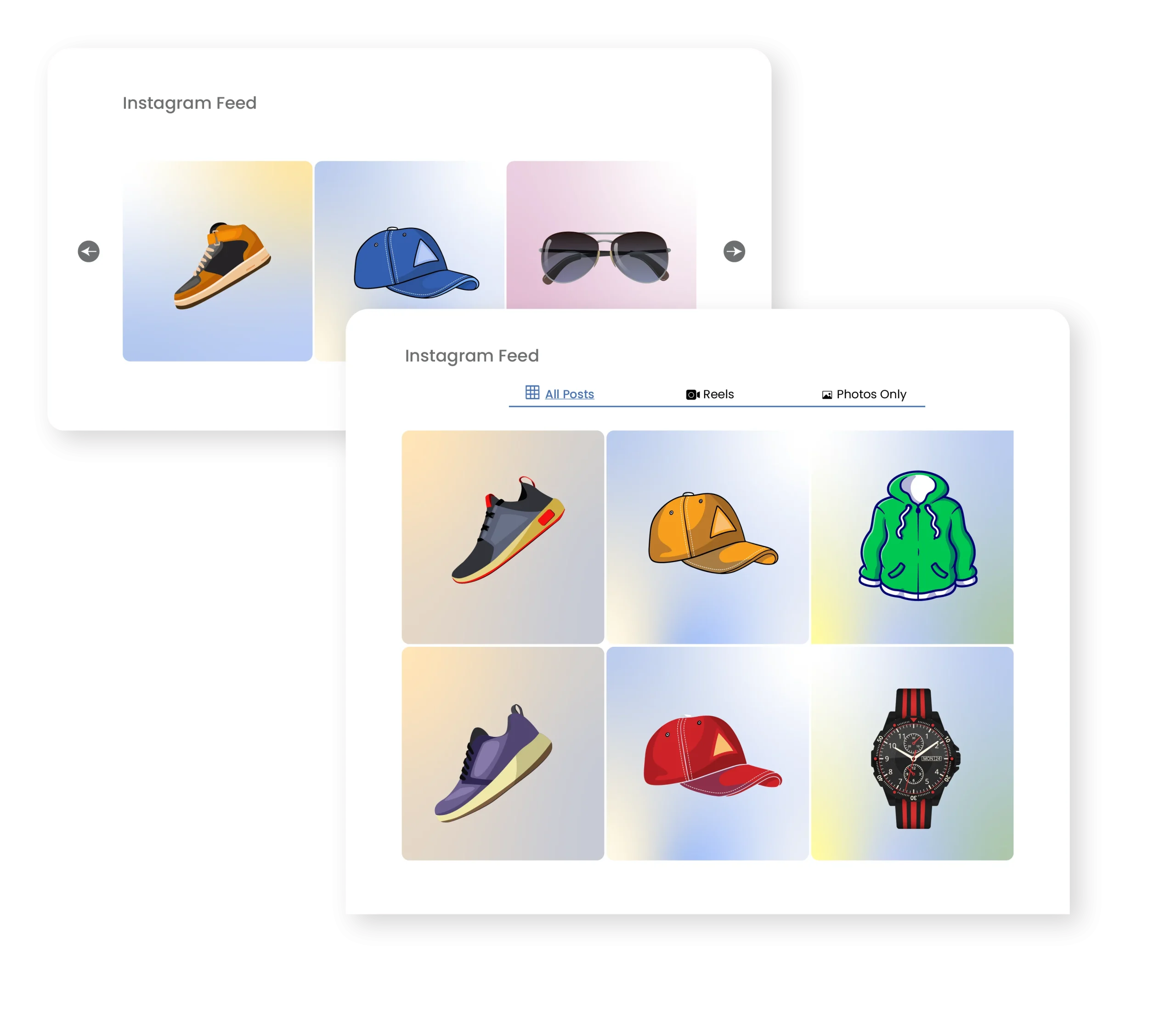
Admins can select various styles, such as Grid or Slider, to display instagram feed in the WooCommerce store. You can easily highlight multiple posts at once and create an engaging shopping experience that encourages customers to keep browsing and discover more products.
Configure Customization Options
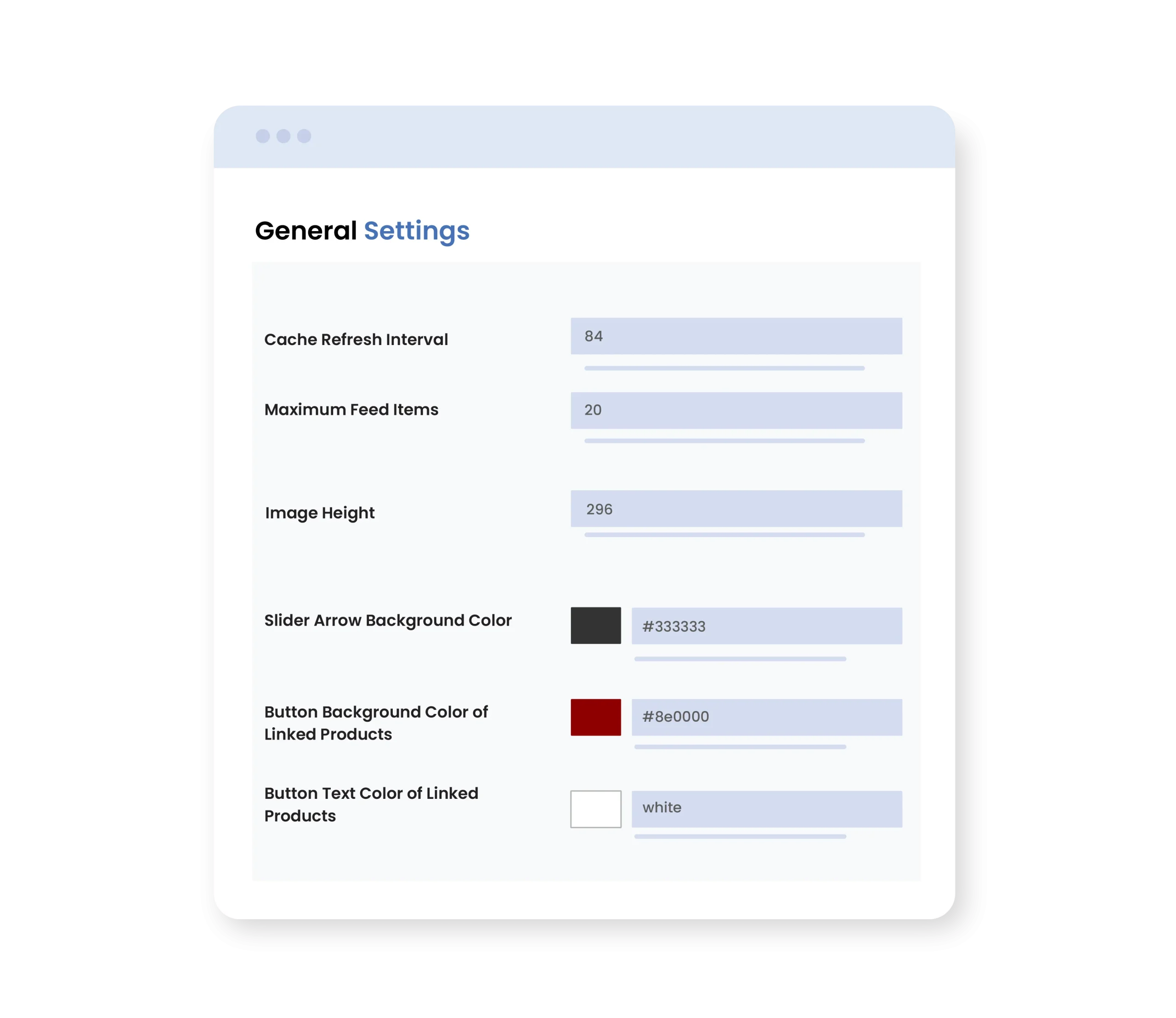
You can add a custom color for the button background of linked products, set the image height, and adjust the number of posts per page. This flexibility keeps your feed visually organized and makes your Instagram content more appealing to buyers.
Choose to Show or Hide Captions and Likes
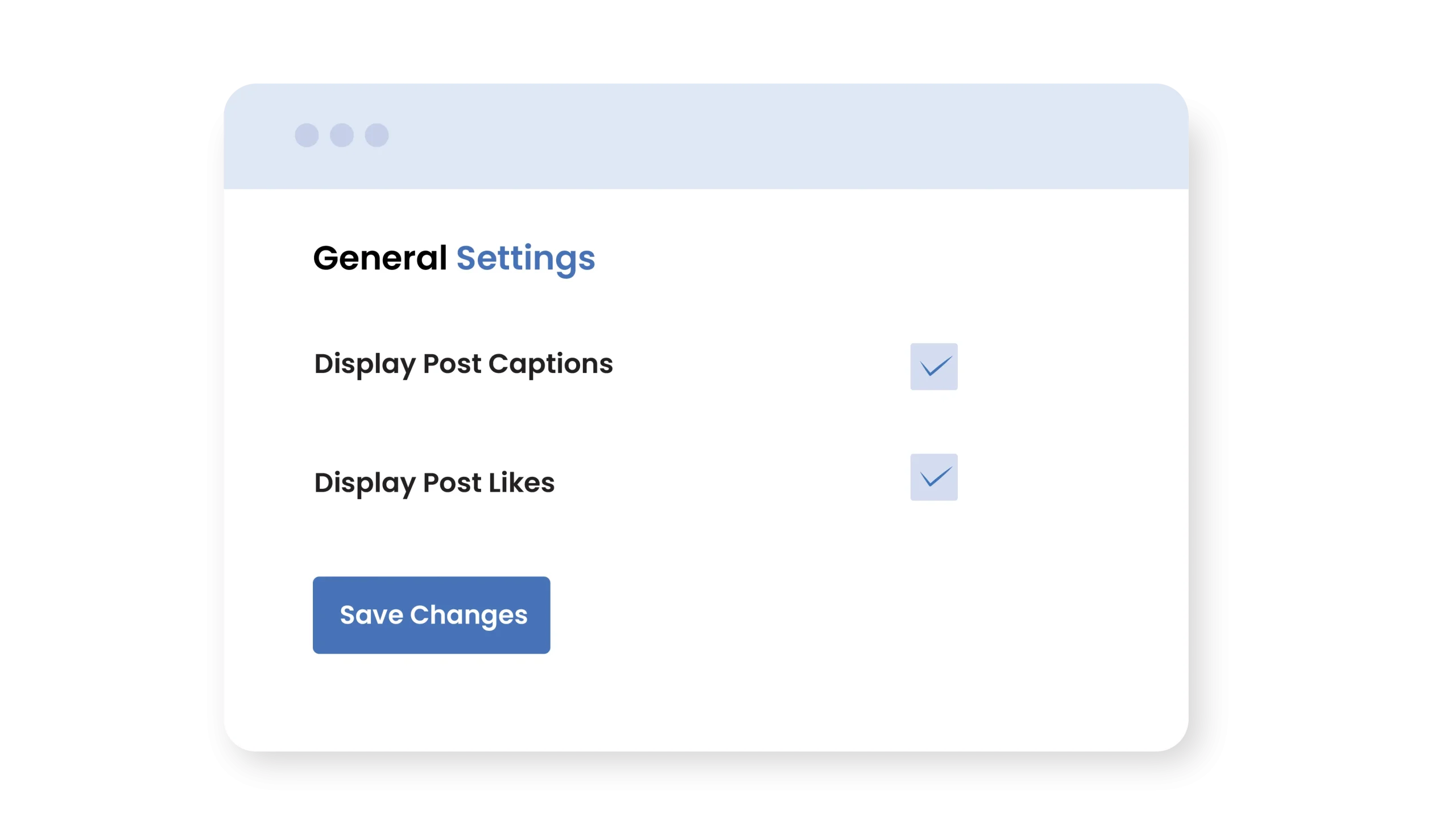
From general settings, you can choose to show or hide post captions and likes with each Instagram image. This improves the engagement and gives you control over how your feed appears.
Shortcode Support
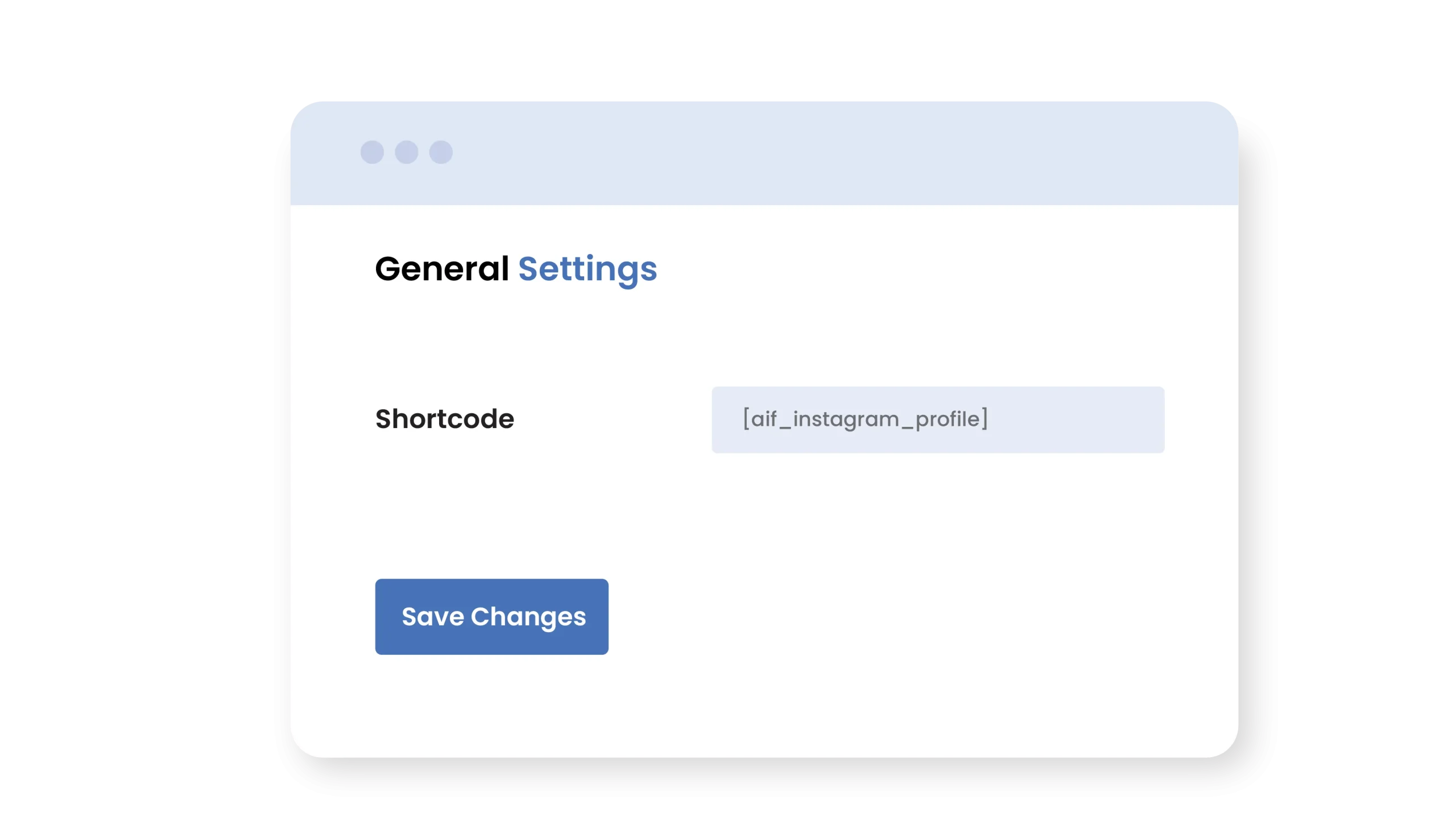
The extension allows you to display your Instagram feed anywhere on your store using a shortcode. You can add posts, reels, and videos to product pages, homepages, sidebars, or any custom page. This gives you full flexibility to display your social content exactly where it will attract and engage customers.
Enable Country Restriction
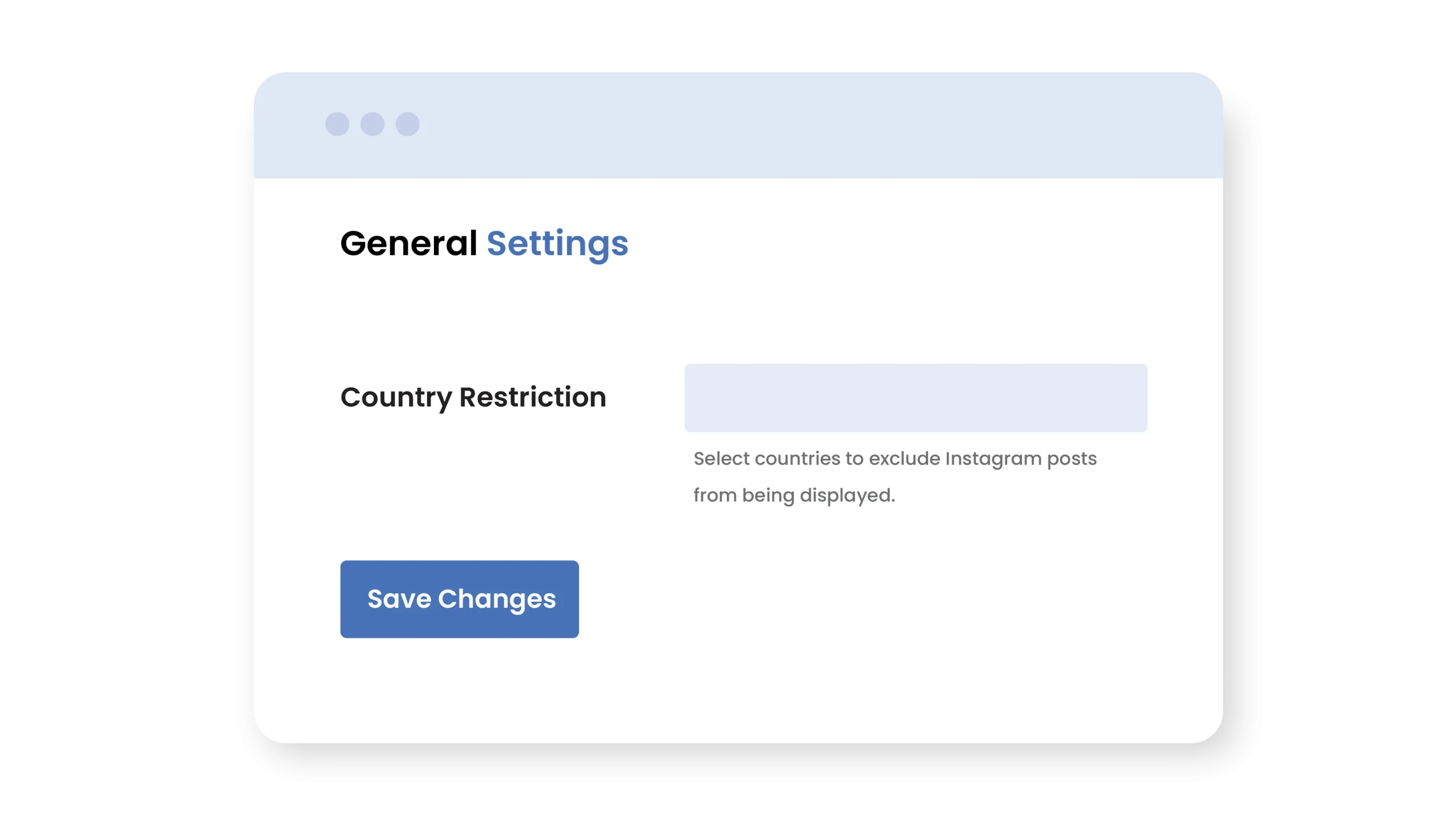
You can restrict WooCommerce Instagram feed to specific countries and provide users with a localized store experience. In this way, you can show relevant content to the right audience and make your feed more personalized.
Technical Compatibility
- Version 1.0.0View changelog
- WooCommerce Version Required3.5.0 or higher
- WordPress version required4.6 or higher
- Multi-Site SupportYes
- LanguagesEnglish, French, German, Italian and Spanish
- WPML CompatiblityWPML Supported
- CountriesWorldwide
Complete Features List
- Connect your Instagram account to your Woocommerce Store
- Add a new “Instagram Feed” section for customers
- Display the latest Instagram reels, videos, and posts on your store
- Automatically link Instagram posts to your products via hashtags
- Manually link Instagram posts to specific products using tags
- Set the maximum number of feeds to display
- Add custom colors for:
- Slider arrow background
- Button background of linked products
- Linked products button text
- Show or hide post captions and likes
- Use a shortcode to display Instagram posts anywhere on your store
- Set how long Instagram data should be cached before refreshing
- Specify image height in pixels
- Select countries to exclude Instagram posts from being displayed
- Choose layout format for Instagram posts as:
- Slider
- Grid
- Add slick slider attributes as:
- Arrows
- Dots or both
- Enter the left and right icons for the navigation arrow
- Add custom colors for:
- Slider arrow background
- Button background of linked products
- Linked products button text
- Show or hide post captions and likes
- Use shortcode to display Instagram posts anywhere on your store