


Redirect After Login, Registration, & Logout For WooCommerce
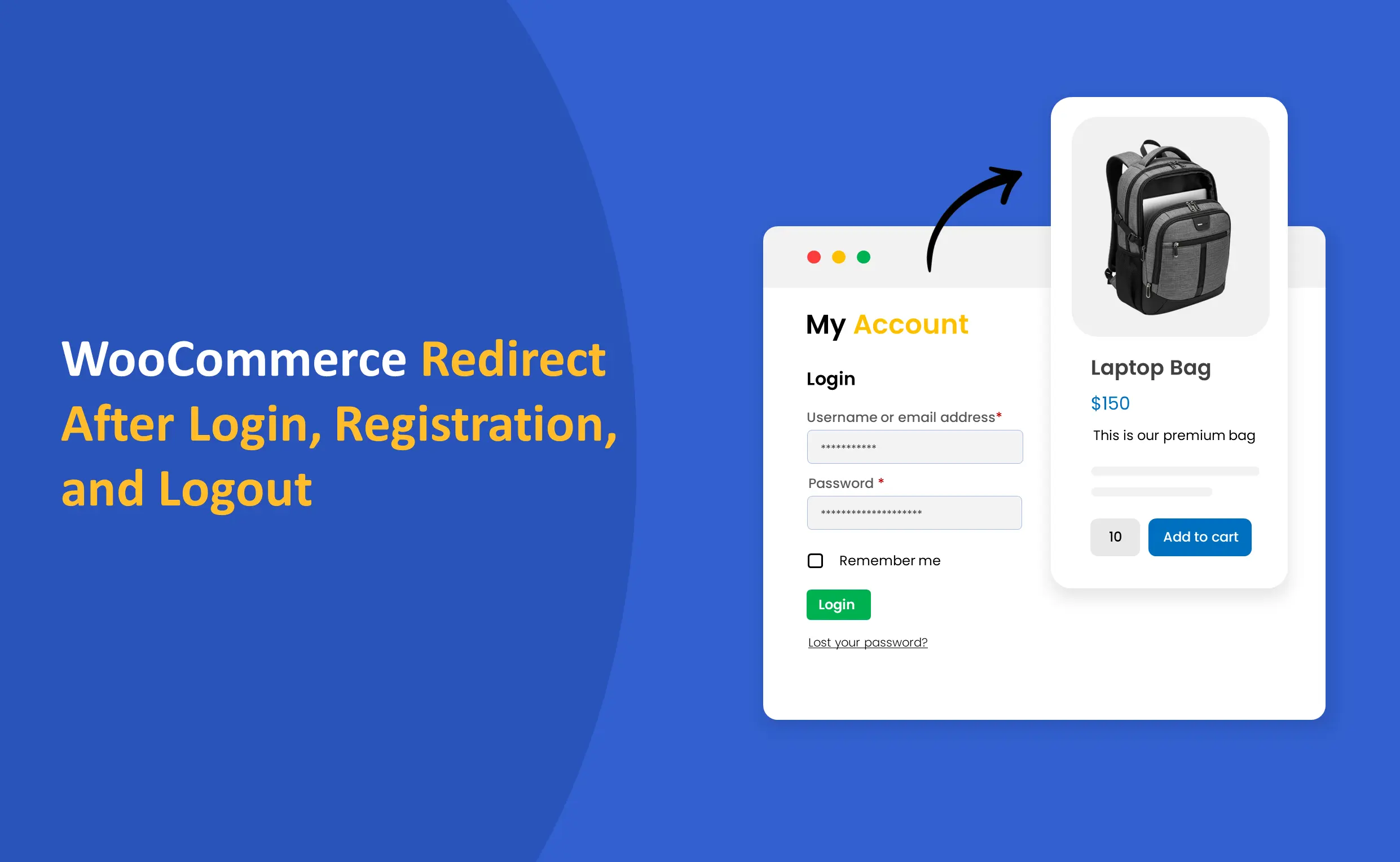
Redirect users to defined webpages Redirect After Login, Registration, and Logout for WooCommerce. Choose to redirect all users to the same web page or choose different pages for each role. You can also set up redirects based on customer action: registered, logged-in, or logged-out.
Key Features
- Redirect registered, logged-in, & logged-out users to selected webpages
- Choose the same or different redirection for each user role
- Select from given web pages or add custom redirect links

WooCommerce Marketplace Approved. View Listing
-
Marketplace Verified
-
Extension Partner
-
-
4k+ Downloads
$2.42/month
Billed annually at $29 / year
- 1 year free support
- 1 year extension updates
30 DAYS MONEY BACK GUARANTEE
Your money is secure with our buyer protection. Claim a full refund for any reason.
Redirect After Login, Registration, & Logout For WooCommerce
Redirect Users After Registration/Login/Logout
The WooCommerce Redirect After Login, Registration, & Logout Plugin allows you to redirect all or selected user roles to desired web pages. You can set redirect links for each role separately or redirect all users to the same page. For registered, logged-in, and logged-out users, you can set up the following redirections in place:
Choose User Roles
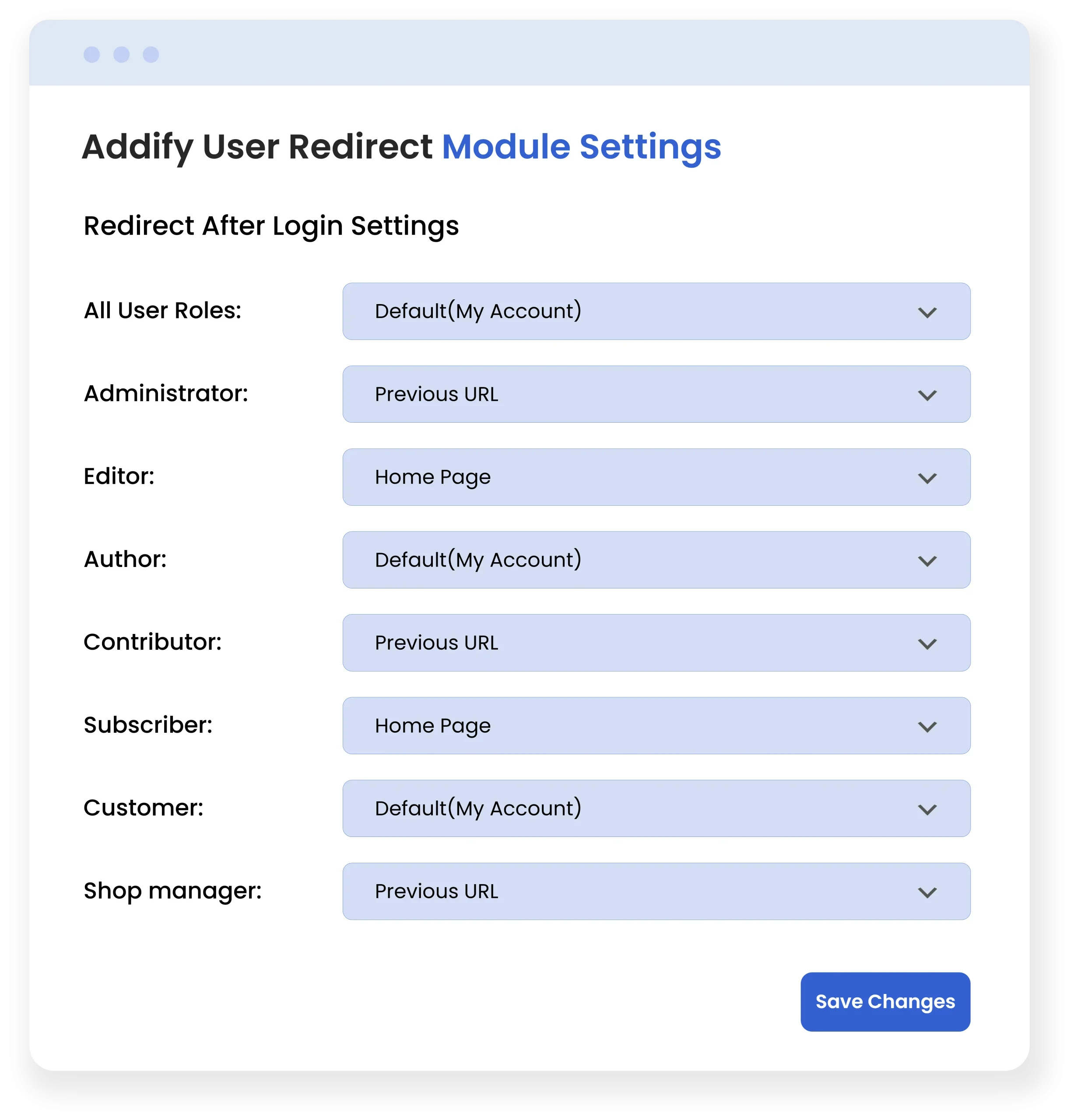
Choose the same redirect for All User Roles or select individually for given roles:
- Administrator
- Editor
- Author
- Contributor
- Subscriber
- Customer
- Shop manager
- Wholesale
- B2B
- Retailer
Select Redirection Method
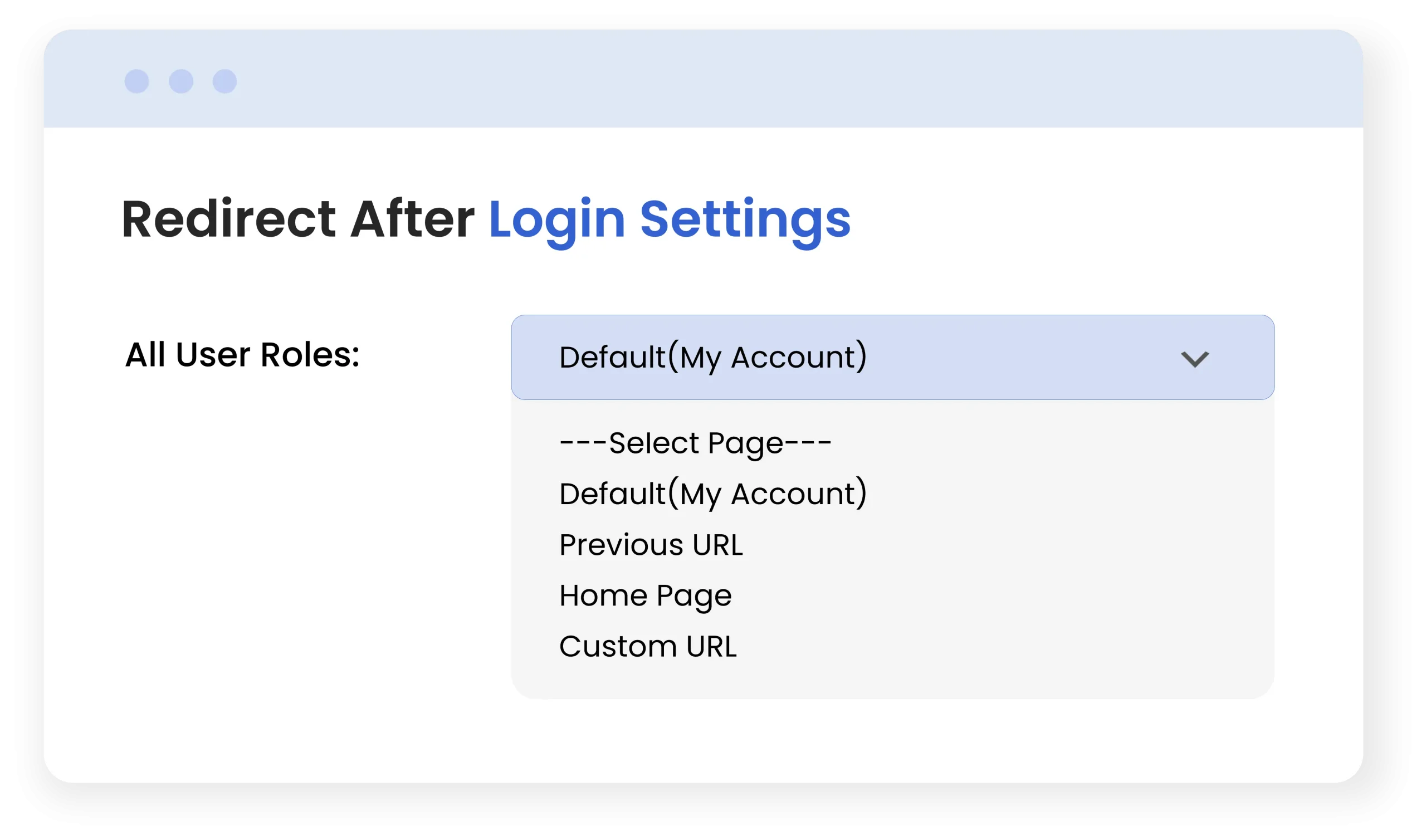
Choose from 4 redirection options for all/individual roles:
- Default (My Account) page
- Previous URL
- Home Page
- Insert custom redirect URL
By choosing the custom URL redirection, you can send users to any webpage you desire. This will help you send users to appropriate pages based on their authentication status.
Note that the “Previous URL” option for redirection is not allowed if the user logs out of your site. In that case, you can only redirect users to the Default (My Account) page, Home Page, or add a custom URL.
Technical Compatibility
- Version1.3.2View changelog
- WordPress Version Required4.0.0 or Higher
- WooCommerce Version Required3.5.0 or Higher
- Multi-Site SupportYes
- LanguagesEnglish
- WPML CompatibilityWPML Supported
- TranslatableYes, Translation Ready
- CountriesWorldwide
Customer reviews
- Role-Based Redirects are practicalI really like that redirects can be set per user role. We now direct wholesale users to a special pricing page, which feels much more organized.
- We have a customer portal that often confuses users after login because they stay on the same page. Redirecting them straight to their dashboard has reduced support tickets noticeably.
- The plugin solved an onboarding issue for us. New registrations now go directly to a welcome page/instruction page, which has significantly improved things.
- Fixes Checkout ConfusionThis was a small change that made a big difference: customers who log in during checkout now go directly back to the cart. No more drop-offs.
- Helpful support team.We’ve been using this on our membership site, and it’s working nicely. Only downside is that the UI can get a little more modern, but functionality-wise it’s great And the support team was really helpful
- Easy to useAs someone who isn’t technical, I appreciate how straightforward the settings are.
Tony Luis –
I tried many solutions to redirect my new customers to popular products listing pages but I failed. Finally, I found this plugin by Addify. This plugin works well. Now I can easily redirect my customers to wherever I want.
Jeff Ron –
10/10 for this plugin’s flexible functionality and great package value. I found everything I was looking for in one plugin to manage my users.
Brett Angel –
The best thing about this plugin is redirection by user role where I can redirect different customers to different pages based on the database.
Mark Jeff –
This plugin works exactly as I needed it to work. Now I can easily manage redirections.. Easy to install and use.
Roland Kyle –
Highly useful plugin, a must have for all ecommerce stores.
Keiko Tanari –
The plugin is stable and gets the job done, but the UI could be a little more modern-looking. Still very functional.
Kian Alvarez –
The plugin does exactly what it promises, but I needed to read the whole documentation to speed up initial configuration. Otherwise, no issues.
Zofia Kowalska –
Honestly wasn’t expecting much, but it’s become a must-have in our store. Redirects happen quickly and smoothly every time.
Marta Giannini –
I appreciate that the plugin doesn’t interfere with other WooCommerce functionality. Installed it and nothing broke, always a good sign.
Sofia Markovic –
I’ve tried redirect snippets before, but they often broke after updates. This plugin feels solid and stable, even after multiple WooCommerce updates.
Henrik Dahl –
No unnecessary features, just exactly what you need for login, logout, and registration redirects. That simplicity is refreshing.
Paige Lockhart –
Works for us, simple plugin but highly recommended
Sierra Maddox –
We wanted logged-out users to land on a custom goodbye page with newsletter signup options. This plugin handled it perfectly.
Leon Ritter –
I wasn’t expecting it, but the plugin was unexpectedly useful
Nolan McKinney –
As someone who isn’t technical, I appreciate how straightforward the settings are.
Leila Moradi –
We’ve been using this on our membership site, and it’s working nicely. Only downside is that the UI can get a little more modern, but functionality-wise it’s great
And the support team was really helpful
Ava Donnelly –
This was a small change that made a big difference: customers who log in during checkout now go directly back to the cart. No more drop-offs.
Declan Harlow –
The plugin solved an onboarding issue for us. New registrations now go directly to a welcome page/instruction page, which has significantly improved things.
Carter Winslow –
We have a customer portal that often confuses users after login because they stay on the same page. Redirecting them straight to their dashboard has reduced support tickets noticeably.
Brooklyn Ames –
I really like that redirects can be set per user role. We now direct wholesale users to a special pricing page, which feels much more organized.