Overview of PrestaShop Product Reselling Module
What does the module do?
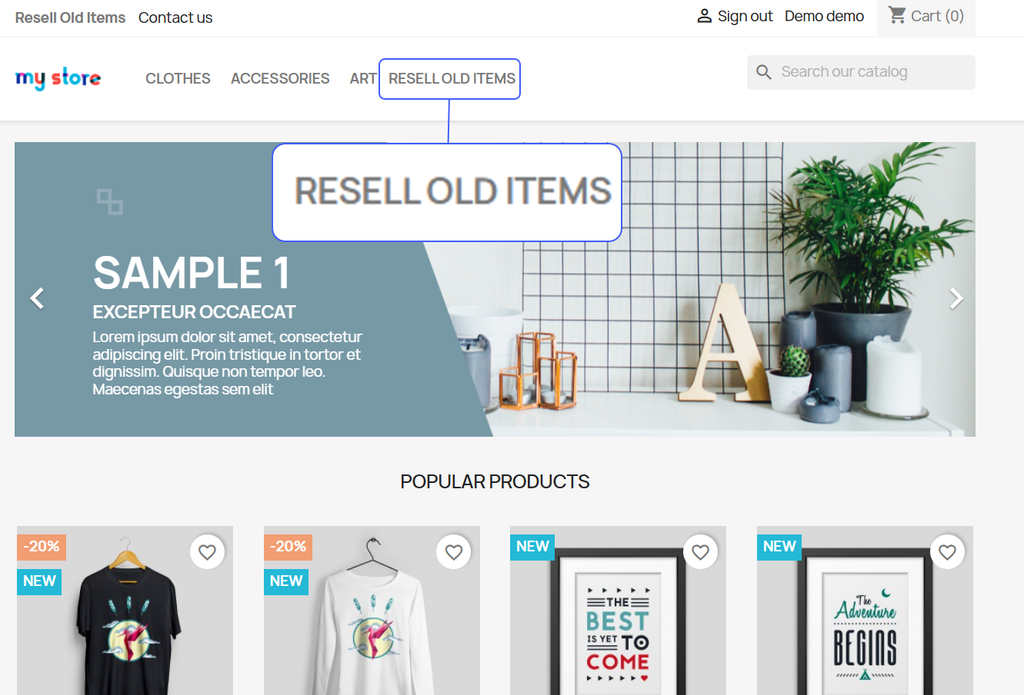
Let customers resell their used items using PrestaShop Resell Old Products Module. It allows you to create a resell request form and give customers the option to add product images, details, prices, and conditions. You can simply choose to approve/reject these requests automatically or choose to review them from a separate log. Moreover, admins can restrict reselling feature to specific user roles, countries, currencies, zones, and languages. With just one quick setting, you can notify customers via email, chat with customers, display a custom reselling button, and manage the entire process with ease.
Features
- Allow customers to resell their old or used items
- Add customizable “Resell Used Products” button on:
- Product page
- Menu
- Header
- Footer
- My Account
- Configure button position as
- Before/after add-to-cart
- Before/after price
- Choose to approve/reject resale requests automatically or manually
- Customize resell request form using custom fields
- Choose to include terms and conditions on the resell request form
- Restroct reselling option to specific:
- Customer groups
- Countries
- Currencies
- Languages
- Zones
- Automatically generate a discount coupon
- Manage user requests from a well-organized back-office dashboard
- Send email notifications to inform customers about the approval or rejection