Adding Labels to Specific Products, Categories, Tags, Stock and Prices
To add labels to specific products, categories, tags, stock, and prices using this plugin, first go to WooCommerce > Product Labels > Create New Label.
For Label specific Products:
- Scroll down to products section:
- Select specific products option.This will unveil three additional options:
- Select Products: Choose the specific products to which you want to apply the label.
- Select Categories: Apply the label to entire product categories.
- Select Tags: Add labels based on product tags.

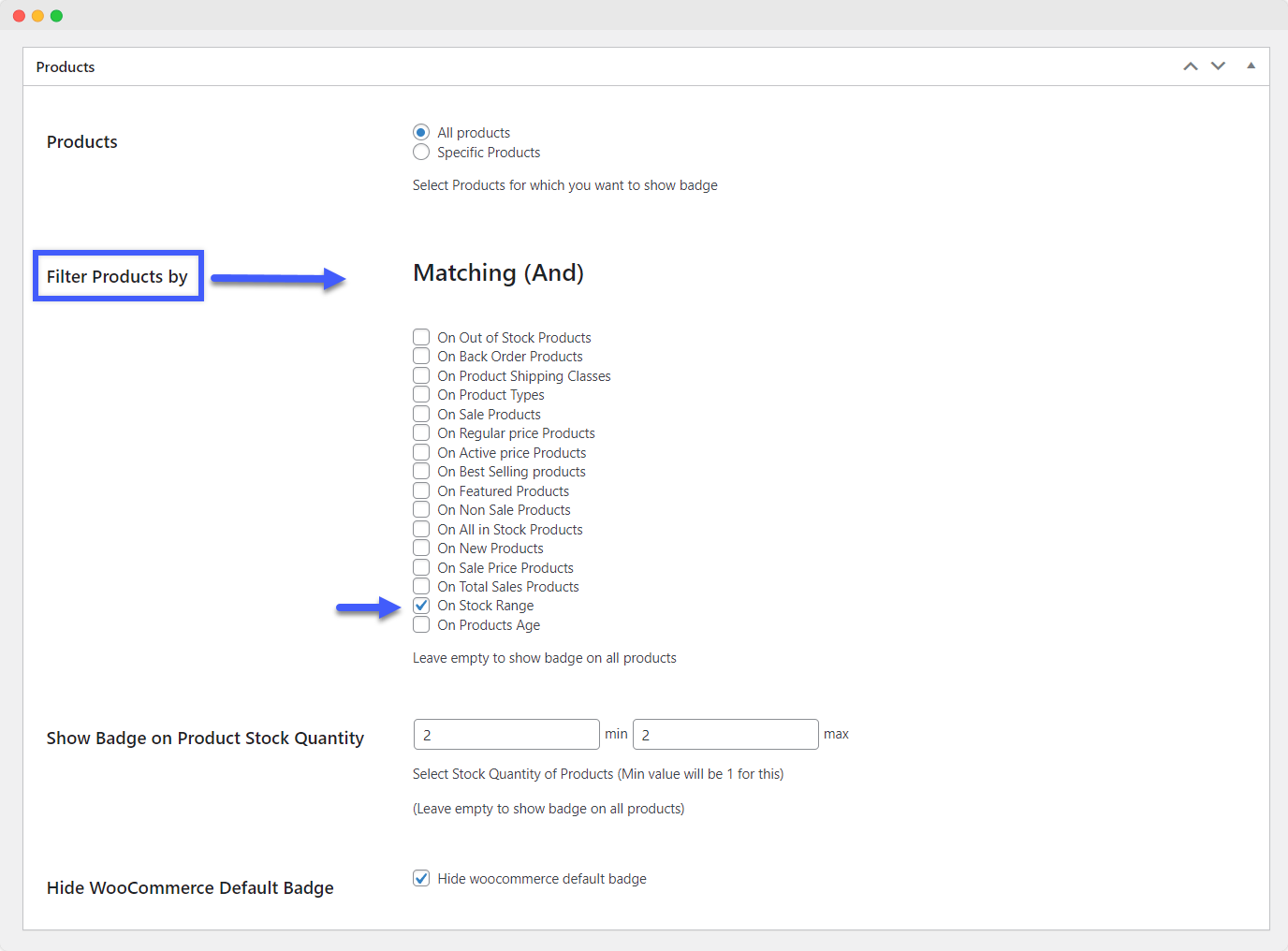
For Label specific stock:
- Navigate to the Filter products by field.
- Choose the On Stock Range option.
- Specify the stock range for which you want to apply the label.
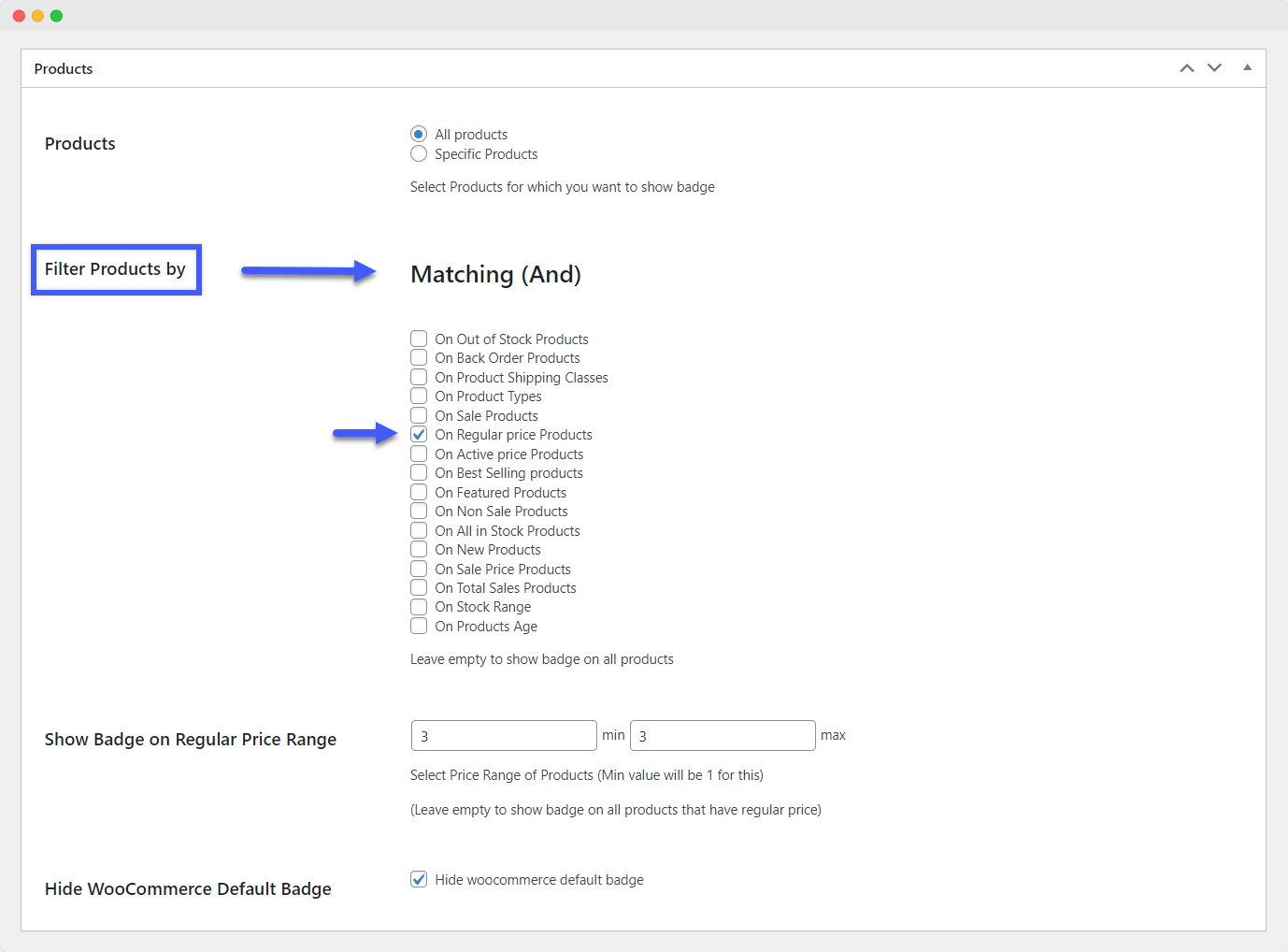
For Label specific prices:
- To add labels based on prices, go to the Filter products by field.
- Select the On Regular Price Products option.
- Specify the price range for which you want to apply the label.