To add a subscription form, you can use PrestaShop Advanced Stock Alert Module. It can be set-up within minutes. Once installed, go to Module Manager > Modules and click on Addify Advanced Stock Alert. From general settings, you can enable stock alerts, which automatically create a subscription form for customers. To customize the form, go to Stock Alert Configuration and add custom text, color, and icon. For a detailed overview, follow these steps:
- Install the module and then go to Modules > Modules Manager > Addify Advanced Stock Alert and click on Configure.
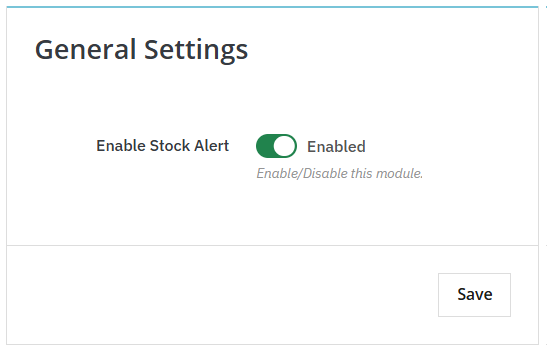
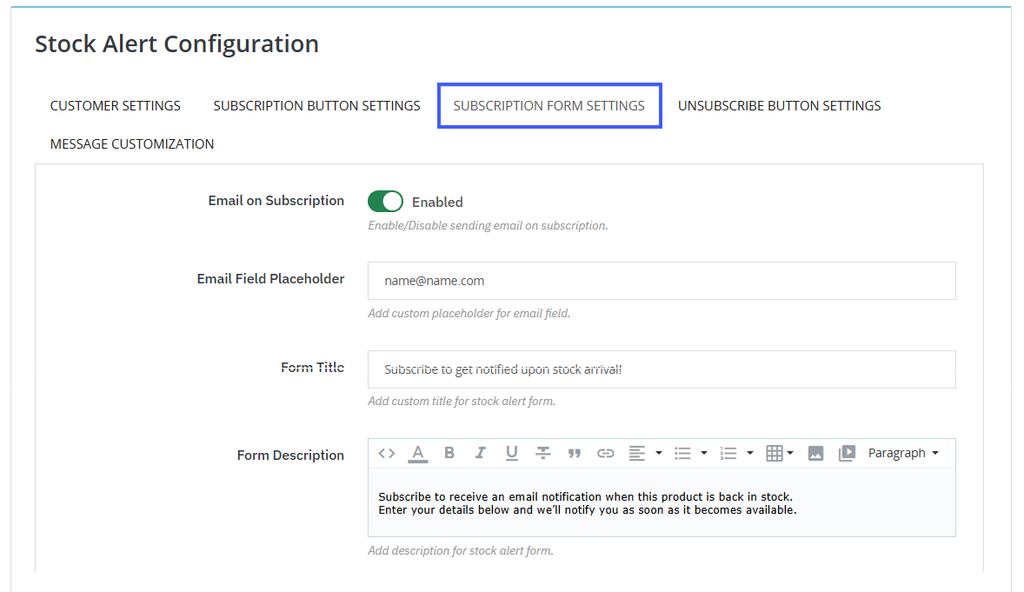
- From general settings, enable the stock alerts and then click on Stock Alert Configuration. Now, click on Subscription Form Settings and enable emails every time a customer subscribes to any product.
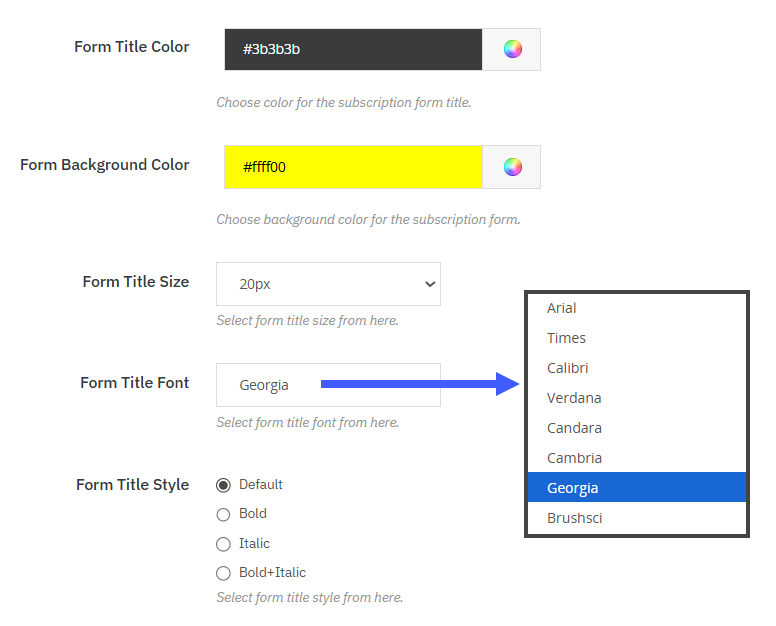
- Now add form title, description, title color, background color, text size, and title font. You can also select title style as bold, italic, or bold + italic.
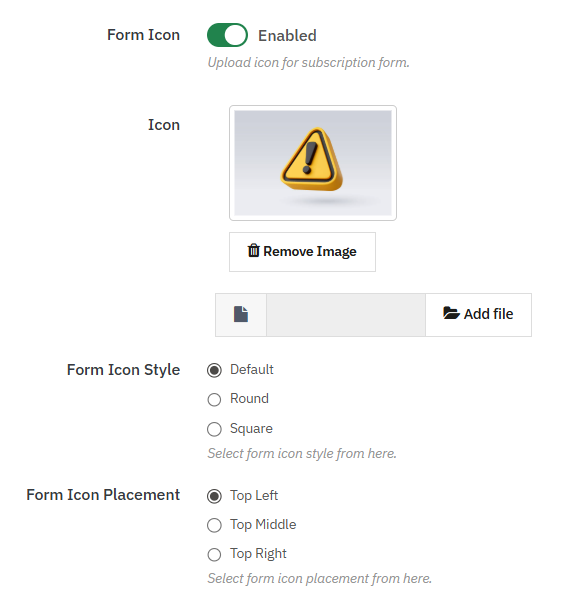
- Enable the icon option and upload a custom image to display it as the subscription form icon. You can select the icon style from the following options:
- Default
- Round
- Square
- Choose to place the subscription form icon on:
- Top left
- Top middle
- Top right
- Now, click on save, and you have successfully added and customized the subscription form.