To display free gifts promotional message on your store, you can use PrestaShop Free Gifts Module. Install the module, go to its general settings, and activate it. Now, create pre-defined or custom rules. Once created, go to promotions and display the promotional bar across the whole store. For detailed overview, follow these steps:
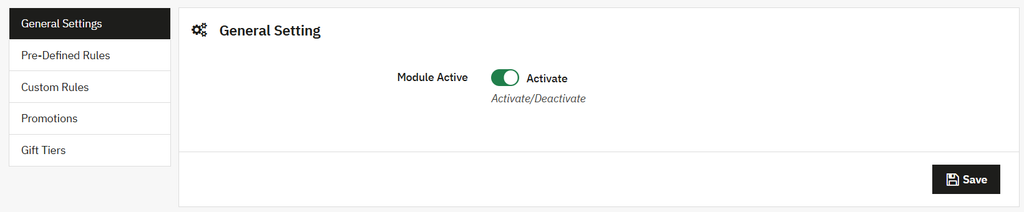
- Install the module, go to Module Manager > Module > Addify Free Gifts and select configure. Now, from the general settings, activate the module.
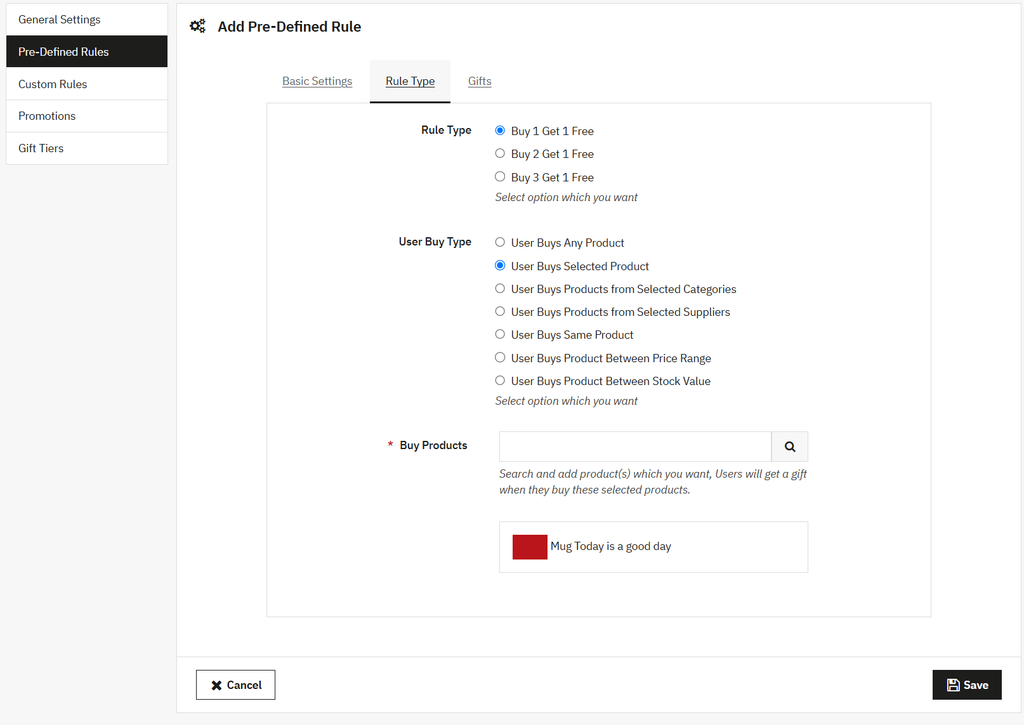
- Once activated, add predefined rules to offer free gifts such as Buy 1 Get 1 Free, Buy 2 Get 1 Free, or Buy 3 Get 1 Free, or create custom rules based on tiered offers, total cart value, or Buy X Get Y conditions.
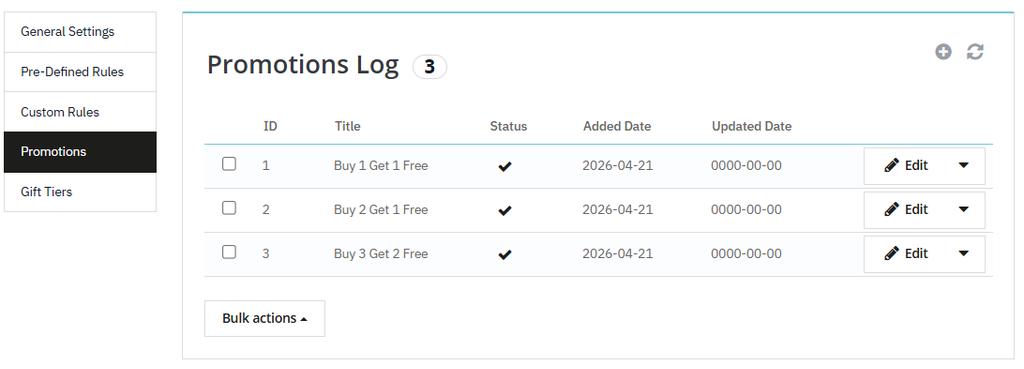
- Now, from the main menu, select “Promotions”. Here you can view a detailed log of each promotional bar displayed across your store.
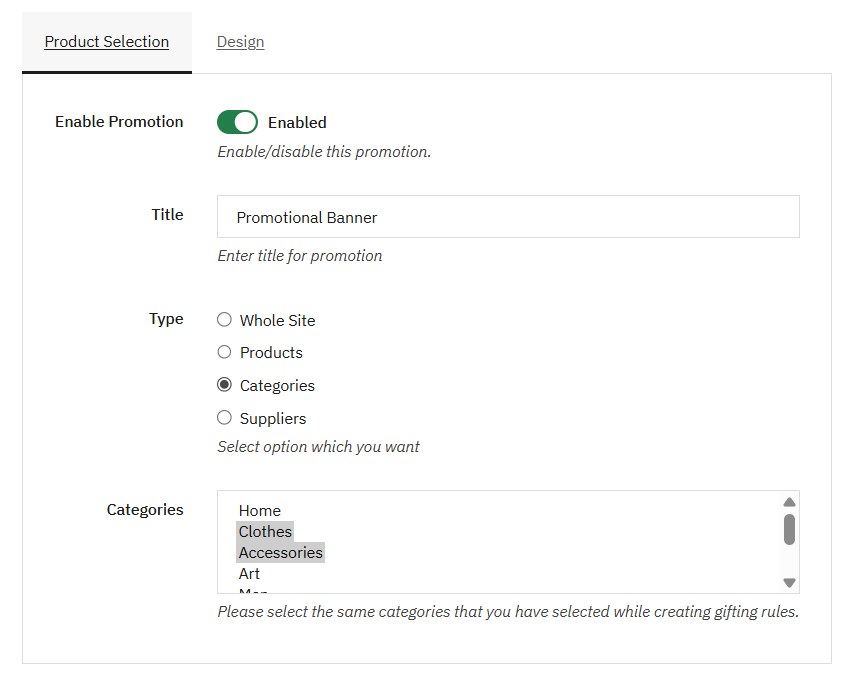
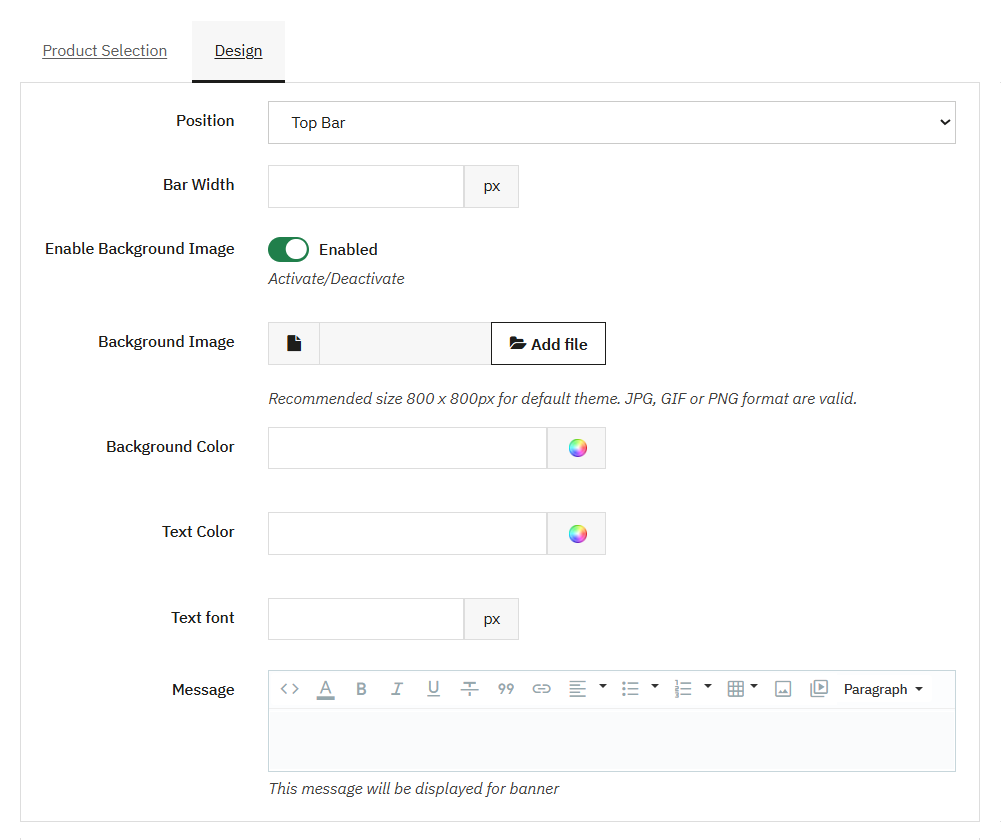
- To create a new promotional bar, click “+”, add a custom title, and choose whether to display it across the whole store or on selected products, categories, or suppliers.
- Now, select Design and choose to display the promotional bar at the top or bottom. You can also set the bar width, add a background image, choose the text color, and include an additional message for the banner.