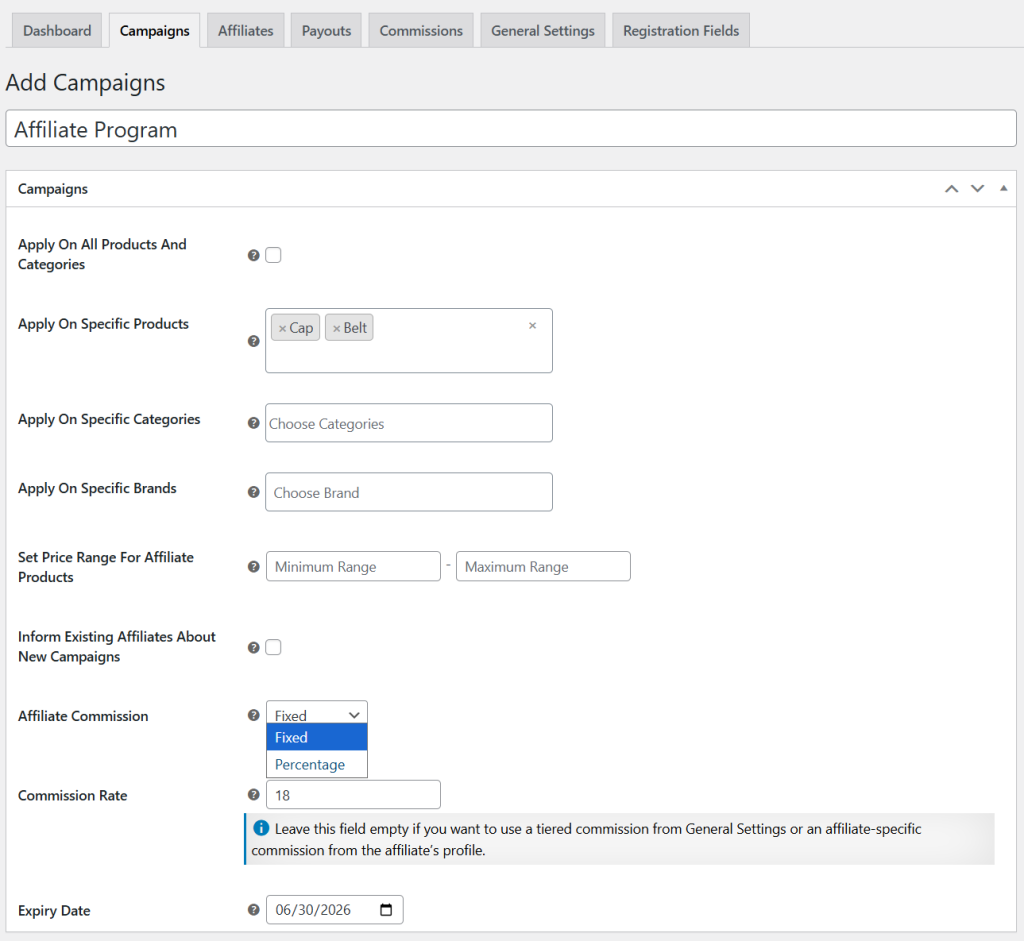
To create a new affiliate campaign, you can use Addify Affiliate Marketing extension. You can setup the extension within minutes. Once installed, go to WP Admin Panel > WooCommerce > Affiliate Marketing and navigate to Campaigns. For a detailed overview, follow these steps:
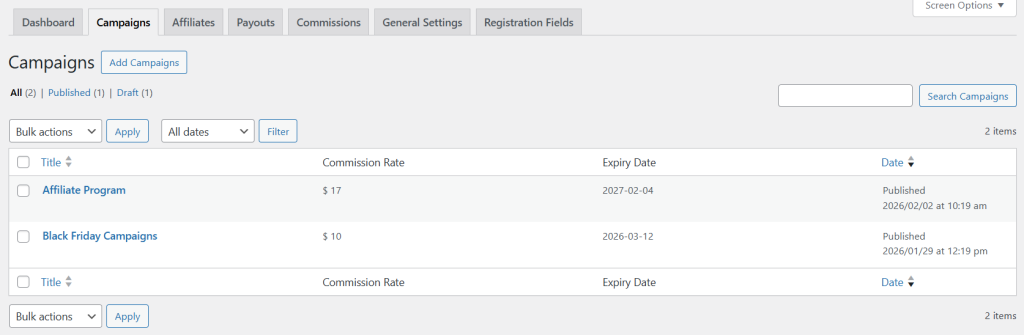
- Install the extension, then go to WP Admin Panel > WooCommerce > Affiliate Marketing > Campaigns. Now, to create a new campaign, select “Add Campaigns” and fill in the following details:
- Add a custom title for the new campaign. Choose to apply it to all products or select specific products, categories, and brands.
- Now set a specifc price range to enable the affiliate program only for the products that fall within a selected price range.
- Once enabled, affiliates will automatically receive an email about any changes made to the campaign.
- From the dropdown, select whether to set the affiliate commission as a Fixed Amount or Percentage Value
- Set the desired commission for the campaign and add expiry date.