Configuring B2B Custom Registration Forms Builder
General Settings
Under the General Settings tab, you can configure the following options:
Basic Settings
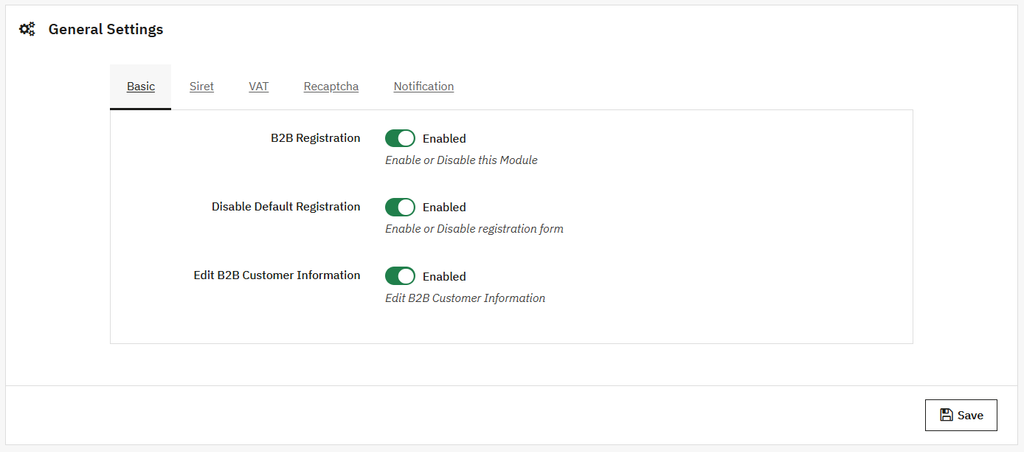
Click on the General settings option in the side menu. By default, the basic setting view will be open, where you can:
- B2B registration: Enable or disable the registration based on your preference.
- Disable default registration: Enable/disable the default registration form.
- Edit B2B Customer information: Enable this option if you want to edit the B2B customer information.
- Save: Click on the save button to apply them.
SIRET Settings
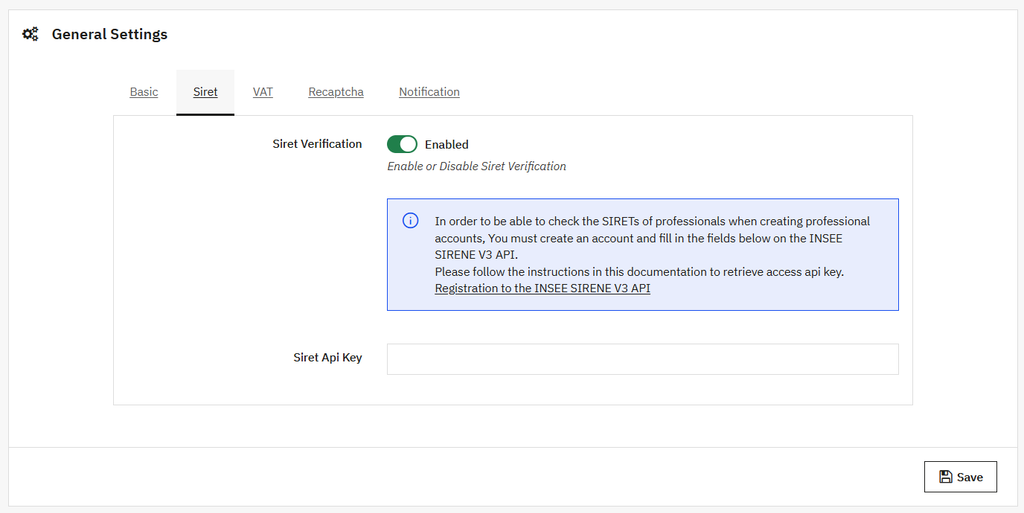
Open the SIRET view by clicking on this tab, and apply the following settings:
- SIRET verification: Enable or disable the SIRET verification.
- Siret access token: Add the custom token for access to the Siret.
- Save: Click on the save button to apply them.
VAT Settings
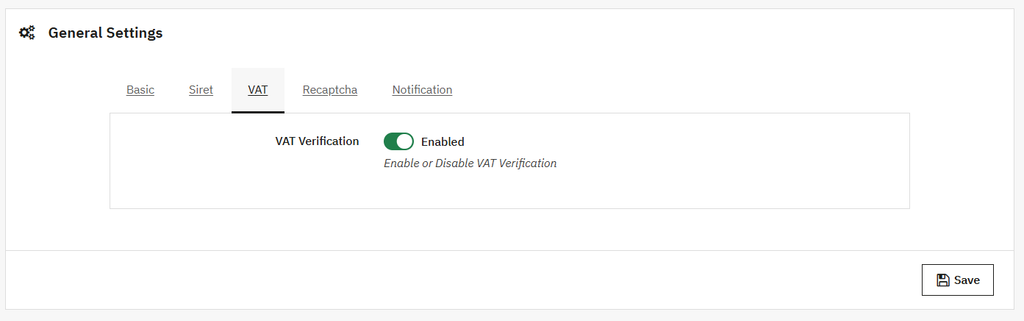
Open the VAT view, where you can:
- VAT verification: Enable or disable the VAT verification. If this option is enabled, the VAT number will be verified automatically.
- Save: Click on the save button to apply them.
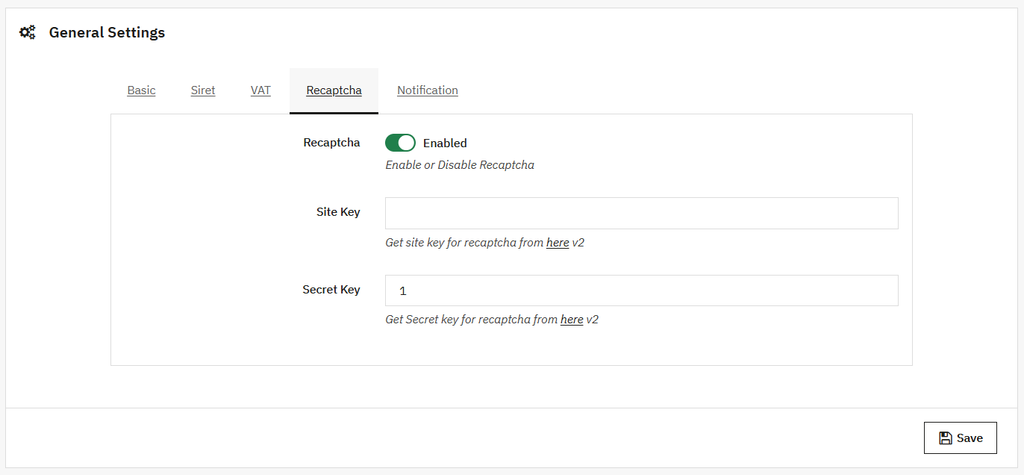
RECAPTCHA Settings
Open the RECAPTCHA view, where you can:
- RECPTCHA: Enable/Disable the RECPTCHA functionality to make the registration form secure. If it is enabled:
- Site Key: Add the secret site key for reCAPTCHA.
- Secret key: Add the secret site key for reCAPTCHA.
- Save: Click on the save button to apply them.
Notification Settings
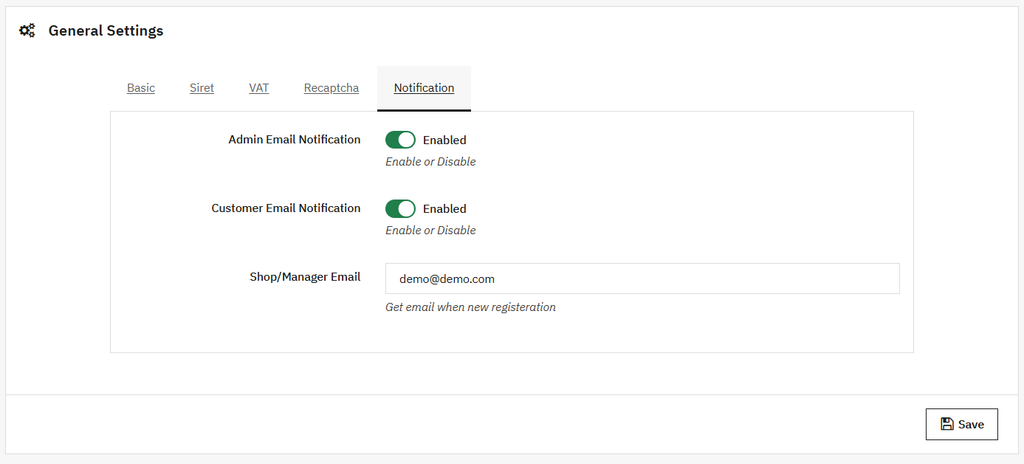
Click on the Notification tab and open the notification setting view. Where you can:
- Admin Email Notification: Enable the admin email notification based on your preference.
- Customer email notification: Enable/Disable the customer email notification.
- Shop/Manager Email: Add the email address of the shop or manager of the new register user.
- Save: Click on the save button to apply them.