Customize B2B Registration Form Layout
Go to the side menu > Select Layout option, where you can customize the following settings:
Design
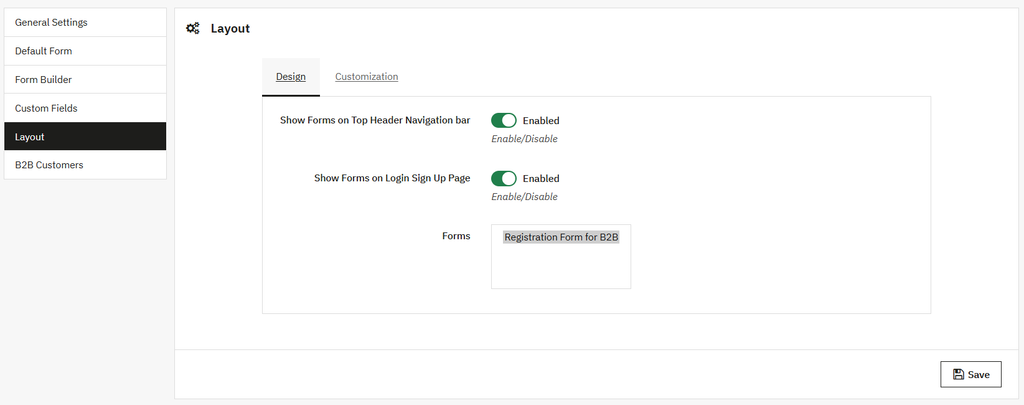
Open the Design view and perform the following settings:
- Show form on top header navigation bar: You can enable or disable the form header navigation bar.
- Show form on login or sign-up page: Enable/disable the form visibility on the login or sign-up page.
- Form: Choose the type of form that you want to display.
Customization
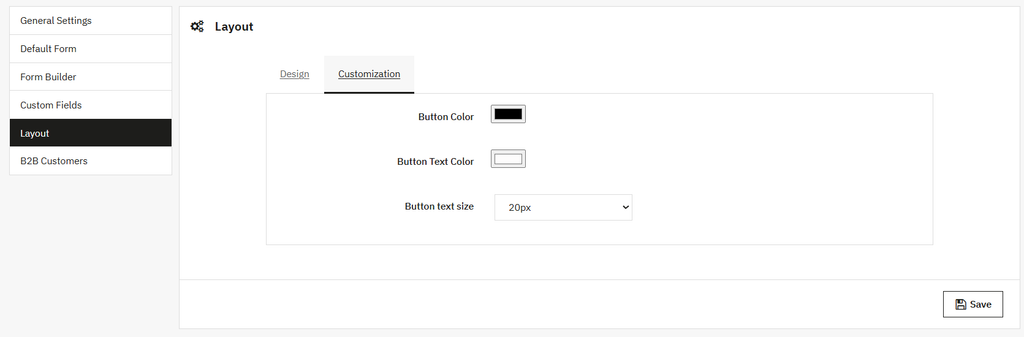
Click on the customization option and perform the following customization:
- Button color: Set the custom background color of the button.
- Button text color: Add the custom color of button text.
- Button text size: Set the size of button text from the dropdown.