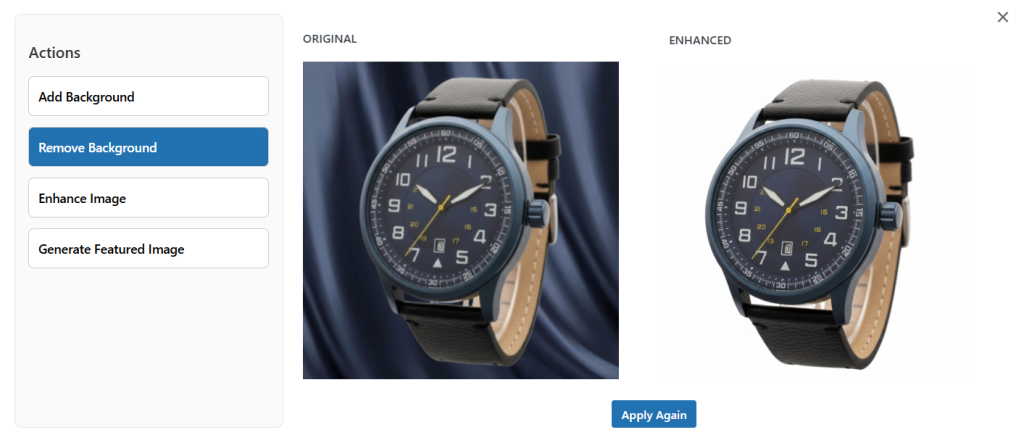
To remove the background of any image, you can use WooCommerce AI Image Enhancer. You can setup the plugin within minutes. Once installed, go to WooCommerce > Products > All Products and select the specific item whose background image you want to remove. Select Edit and navigate to product image settings. Select enhance, and here you can choose to remove the background of the featured image. For a detailed overview, follow the steps below:
- Install and activate the extension. Go to WooCommerce > AI Image Enhancer > Settings. Here, you need to select Open AI model in order to remove the background.
NOTE: Gemini does not support background image removal
- Now navigate to Products > All Products. From the list, select the product whose background you want to change.
- Click Edit to open the product settings. Navigate to the Product Image Section, and select Enahnce
- Now, from the pop-up, select Remove Background and Apply Changes.