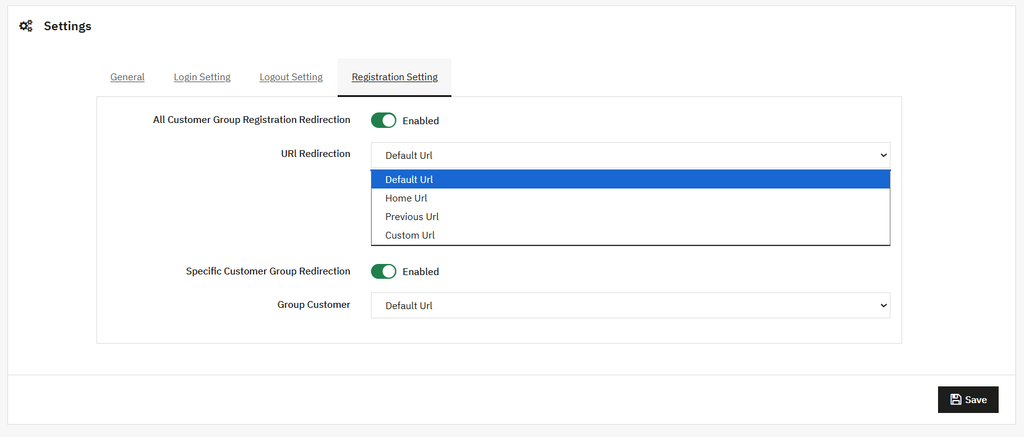
Click on the “Redirect Setting” option and configure the following settings:
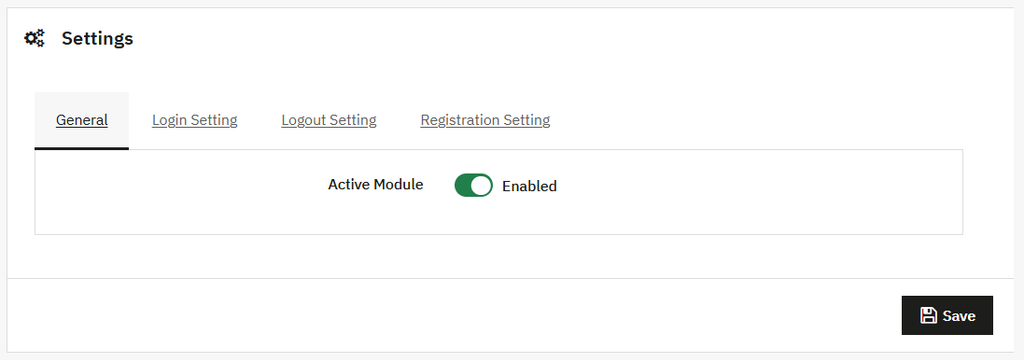
Geenral Settings
You can:
- Active Module: Enable/Disable the module easily.
Redirect After Login Setting
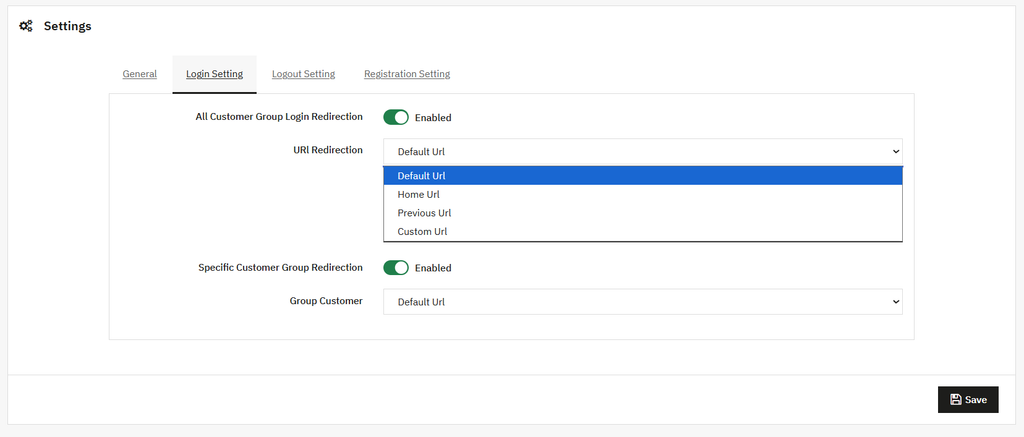
Open the Login Settings module to set the following redirections:
- All Customer Group Login Redirection: Enable this option to:
- URL Redirection: Add the redirection link, such as redirect to the Home page, the previous URL, or the Custom URL from the dropdown.
- Specific Customer Group Redirection: Enable this to set the redirection for a specific customer. Once enabled:
- Customer Group: Add the URL from the dropdown.
Redirect After Logout Settings
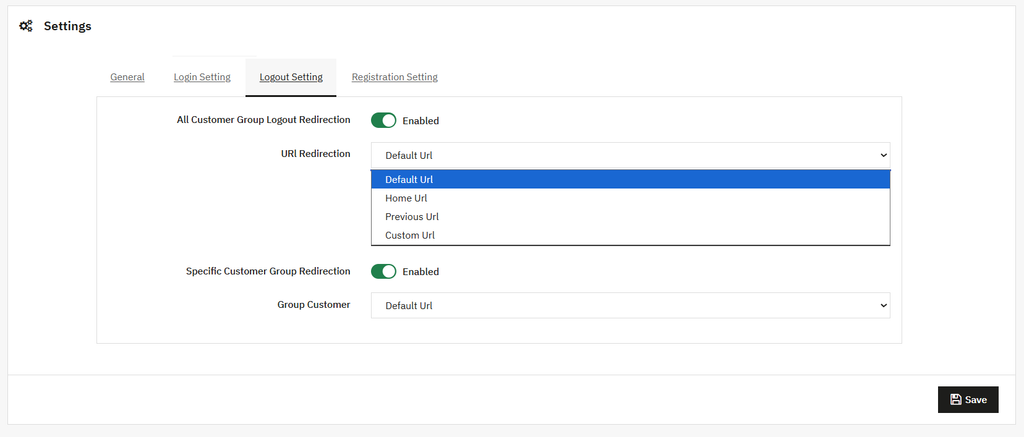
Open the Logout Settings module to set the following redirections:
- All Customer Group Logout Redirection: Enable this option to set the redirection setting for customers after logout. Once it is enabled, you can:
- URL Redirection: Add the redirection link, such as redirect to the Home page, the previous URL, or the Custom URL from the dropdown.
- Specific Customer Group Redirection: Enable this to set the logout redirection for a specific customer. Once enabled:
- Customer Group: Add the URL from the dropdown.
Registration Redirection Setting
Open this option to set the redirection of the customer after performing the registration. You can set the:
- All Customer Group Registration Redirection: Enable/Disable this option as needed. Once it is enabled, you can:
- URL Redirection: Add the redirection link, such as redirect to the Home page, the previous URL, or the Custom URL from the dropdown.
- Specific Customer Group Redirection: Enable this to set the registration redirection for a specific customer. Once enabled:
- Customer Group: Add the URL from the dropdown.